|
VOOZH | about |
|
VOOZH | about |
In this article we are going to learn about Create() associated with wx.StaticText class of wxPython. A static text control displays one or more lines of read-only text. Create() function is used for two step creation of static text. It takes attributes of statictext as arguments.
Syntax: wx.StaticText.Create(parent, id=ID_ANY, label="", pos=DefaultPosition, size=DefaultSize, style=0, name=StaticTextNameStr) Parameters:
Parameter Input Type Description parent wx.Window Parent window. Should not be None. id wx.Window Parent window. Should not be None. parent wx.WindowID Control identifier. A value of -1 denotes a default value. label string Text label. pos wx.Point Window position. size wx.Size Window size. style long Window style. name string Window name. Return Type: bool
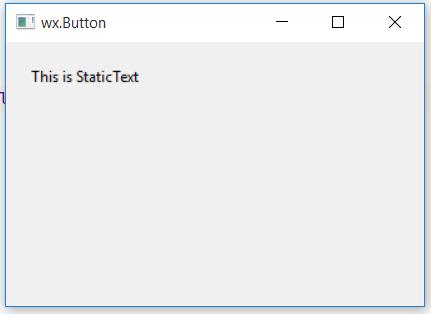
Code Example:
Output Window: 👁 Image