|
VOOZH | about |
|
VOOZH | about |
Python provides wxpython package which allows us to create high functional graphical user interface. It is cross platform GUI toolkit for python, Phoenix version Phoenix is the improved next-generation wxPython and it mainly focused on speed, maintainability and extensibility.
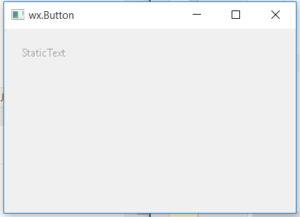
In this article, we will learn about how we can disable a statictext. We can disable a statictext using Disable() method associated with wx.StaticText class of wxPython. Disable() method simply disables a statictext and we cannot select the text.
Disable() function takes no arguments.
Syntax: wx.StaticText.Disable()
Parameters: Disable() function takes no arguments.
Example:
Output: