|
VOOZH | about |
|
VOOZH | about |
The Provider component in Redux, provided by the react-redux library, is responsible for making the Redux store available to all components in a React application. It does so by leveraging React's Context API to propagate the Redux store down the component tree.
Step 1: Create a React application using the following command:
npx create-react-app foldername
Step 2: After creating your project folder i.e. foldername, move to it using the following command:
cd foldername
Step 3: Installing Redux toolkit:
npm i @reduxjs/toolkit
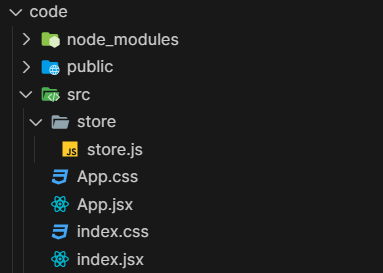
Step 4: After setting up react environment on your system, we can start by creating an App.jsx file and create a file by the name of components in which we will write our desired function.
👁 Screenshot-2024-02-08-015918
The updated dependencies in package.json file will look like:
"dependencies": {
 "@reduxjs/toolkit": "^2.1.0",
 "react": "^18.2.0",
 "react-dom": "^18.2.0",
 "react-redux": "^9.1.0",
 "redux": "^5.0.1"
}
Follow the below steps to make the Redux store available to all components how using Provider component:
Example: Below is the basic implementation of the above steps:
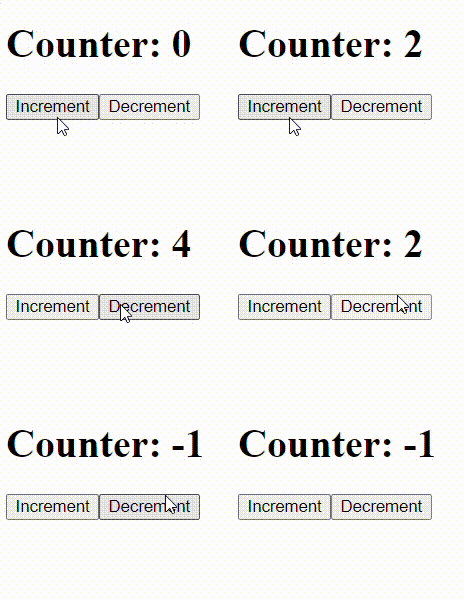
Output: