|
VOOZH | about |
|
VOOZH | about |
Fetching data from APIs in Next.js can be done using built-in methods like getServerSideProps, getStaticProps, or client-side fetching with useEffect. This flexibility supports both server-side and static data fetching.
To fetch data From API in next.js we will simply use the JavaSript fetch method along with async and await. This method is used to get the data from the API as an asynchronous process and display it on the webpage when data is available.
For different purposes like server-side data fetching we can use it with built-in methods provided by Next.js for data fetching and use useEffect hook while working on client side.
npx create-next-app@latest app_name√ Would you like to use TypeScript? ... No
√ Would you like to use ESLint? ... Yes
√ Would you like to use Tailwind CSS? ... No
√ Would you like to use `src/` directory? ... Yes
√ Would you like to use App Router? ... Yes
√ Would you like to customize the default import alias (@/*)? ... Nocd app_nameThe updated dependencies in package.json file will look like:
"dependencies": {
 "react": "^18",
 "react-dom": "^18",
 "next": "14.2.3"
 },
 "devDependencies": {
 "postcss": "^8",
 "tailwindcss": "^3.4.1"
}Step to Run Application: Run the application using the following command from the root directory of the project
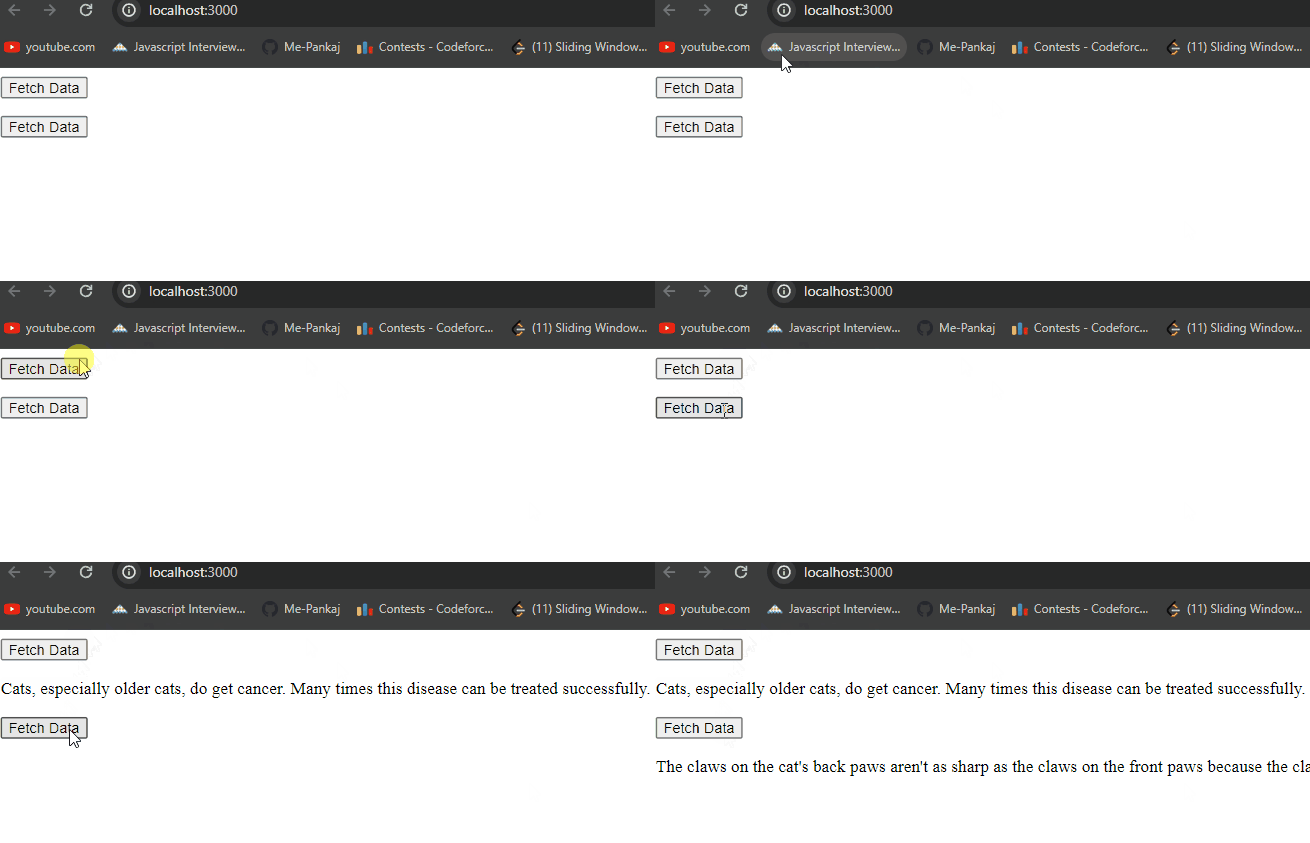
npm run devOutput: Your project will be shown in the URL http://localhost:3000/