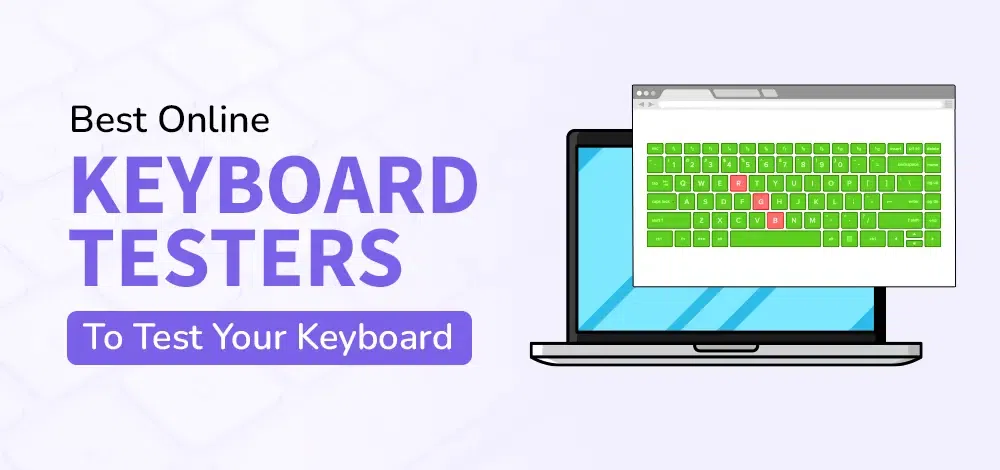
Best Online Keyboard Testers to Test Your Keyboard
Last Updated : 14 Oct, 2024
Testing your keyboard is essential to ensure all keys are functioning correctly. Online keyboard testers provide a convenient and effective way to check the responsiveness and functionality of your keyboard without needing any additional software. This article will guide you through some of the best online keyboard testers available along with step-by-step instructions on how to use them effectively.
What is a Keyboard Tester?
A keyboard tester is an online tool that allows users to check whether all the keys on their keyboard are functioning properly. It can detect key presses, display them on-screen, and sometimes provide additional features such as typing speed tests or layout options.
Best Online Keyboard Testers
Here are some of the best online keyboard testers we can use to evaluate your keyboard:
1. Keyboard Tester
Website: KeyboardTester.com
Features:
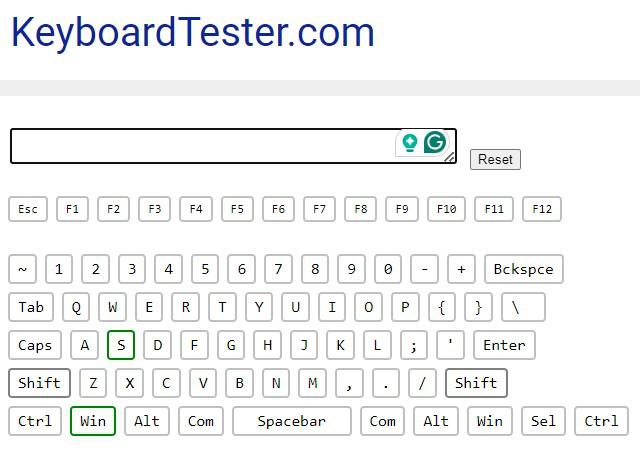
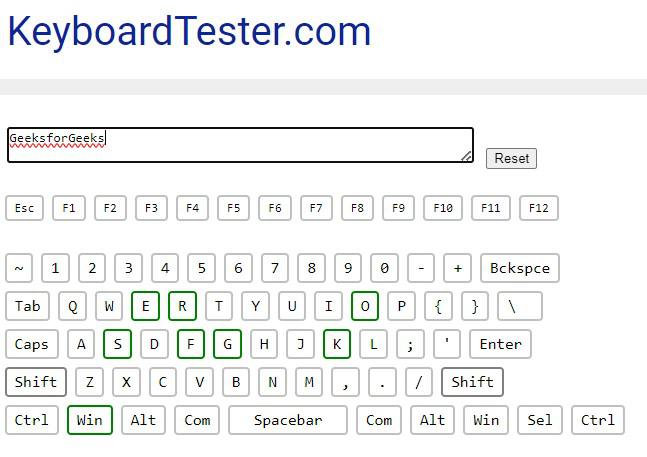
Simple interface with the visual representation of a keyboard.
Real-time feedback as press each key.
Highlights pressed keys for easy identification.
How to Use:
Open the website.
Begin pressing the keys on the keyboard.
Observe the visual feedback to identify working keys.
Press Keys: Begin pressing keys on the keyboard. We should see the corresponding keys light up or be highlighted on the screen, indicating that they are functioning correctly.
Check for Issues: Pay attention to any keys that do not respond or show incorrect feedback. If certain keys do not register they may require further troubleshooting.
Using online keyboard testers is a straightforward and effective method to ensure that your keyboard is functioning properly. By following the steps outlined in this article we can easily identify any potential issues with the keyboard and take appropriate actions. These tools not only assist in testing keys but also offer additional features to enhance your overall keyboard experience.