|
VOOZH | about |
|
VOOZH | about |
Managing software on Windows can be more difficult and time taking if we are constantly installing and updating various programs. There is one faster and more efficient way to manage all our software is by using package managers. A package manager allows us to install, update, and remove programs with simple commands. This can save us a lot of time, especially when we are dealing with multiple installations or updates at one go(one time). In this article, we are going to learn about some of the best package managers for Windows that make managing software much easier.
A package manager is a tool that helps us download, install, update, and remove software on our computer using commands. We don't have to search manually for the software online and then download it, and go through installation steps, a package manager does it all for us with just a few commands in our terminal or command prompt. These tools are especially helpful for developers and advanced users who frequently install or update software, and even regular users can benefit from them at their convenience. It can save time due to speed installations.
While Windows has traditionally relied on graphical interfaces such as downloading from websites and clicking through installer. We can use a package manager which offers several advantages:
Chocolatey is one of the most popular package managers for Windows. It is very simple to use and supports thousands of packages, including popular programs like Google Chrome, VLC, and Python.
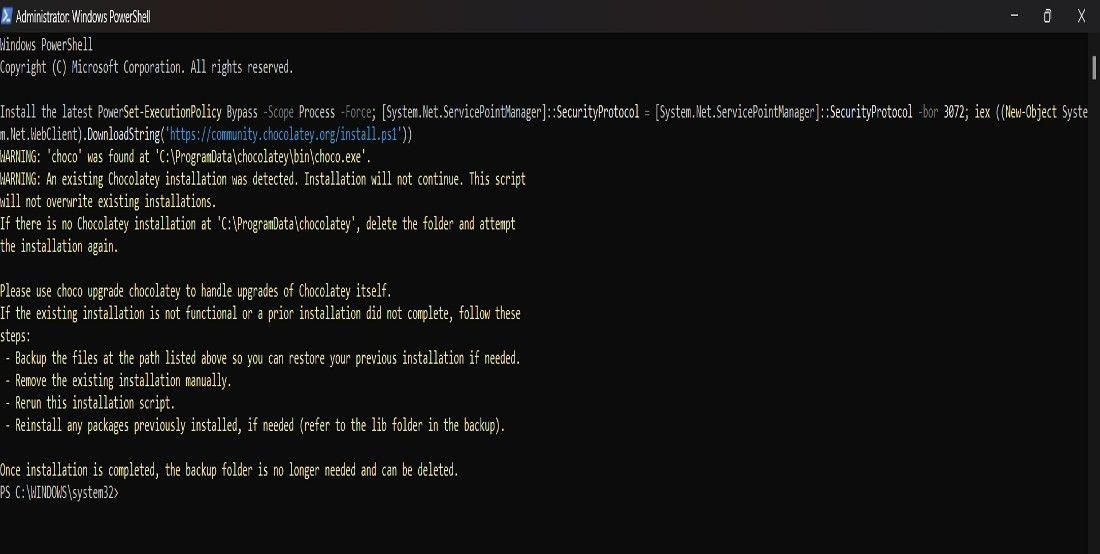
First, open PowerShell as Administrator.
Run the following command:
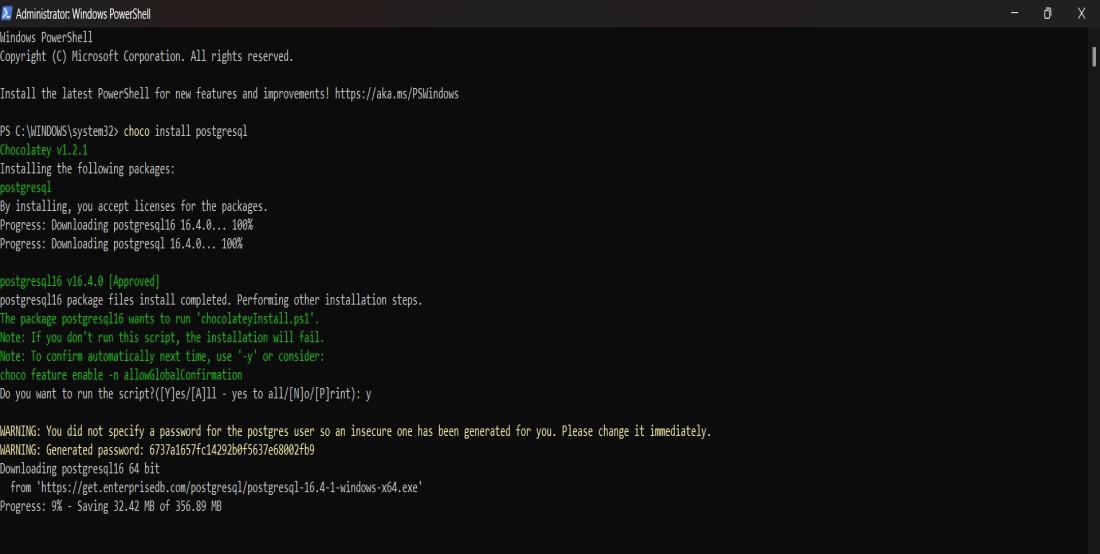
Set-ExecutionPolicy Bypass -Scope Process -Force; [System.Net.ServicePointManager]::SecurityProtocol = [System.Net.ServicePointManager]::SecurityProtocol -bor 3072; iex ((New-Object System.Net.WebClient).DownloadString('https://community.chocolatey.org/install.ps1'))After installation, we can install any software by typing:
choco install <package-name>Winget is the very own package manager of Microsoft which is built directly into Windows 10 and 11. It is still growing but is a fantastic tool for managing software on Windows.
First, open Command Prompt or PowerShell.
Use the following command to search for software:
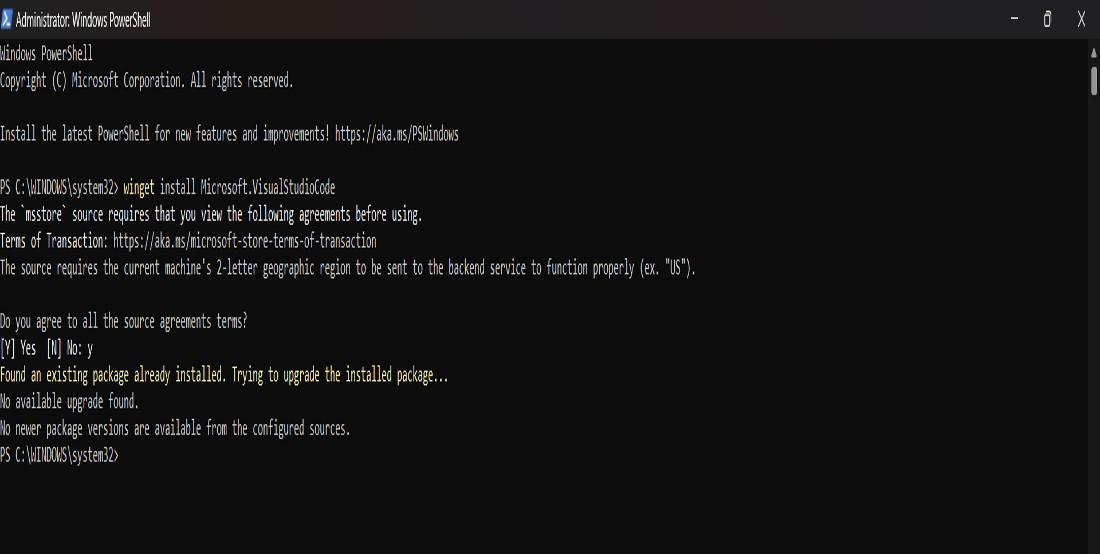
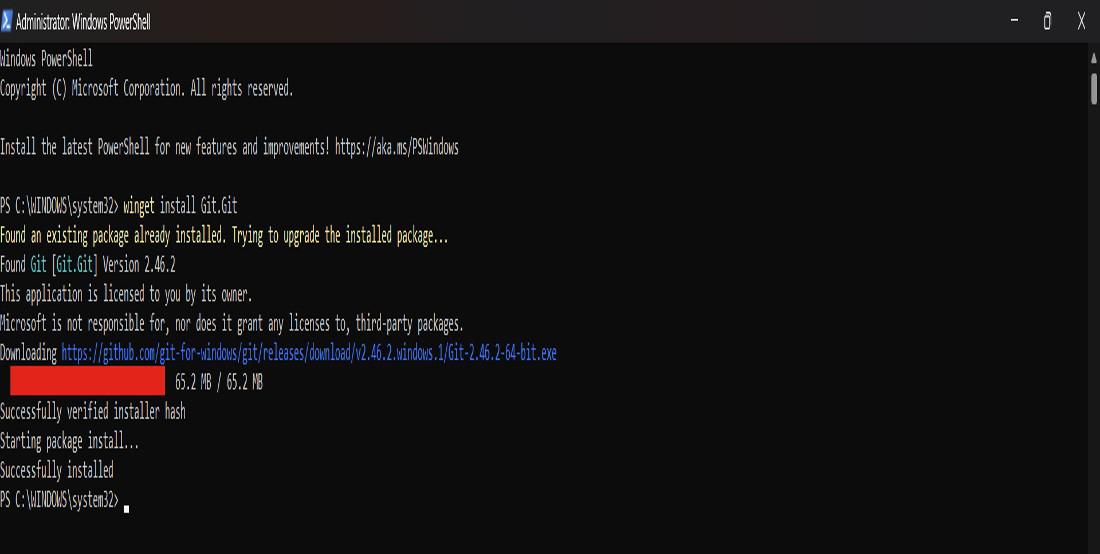
winget search <package-name>To install a program, simply type:
winget install <package-name>Scoop is another excellent package manager that focuses on simplicity. It installs programs in a clean, isolated environment, which avoids system-level changes, and makes it safer to use.
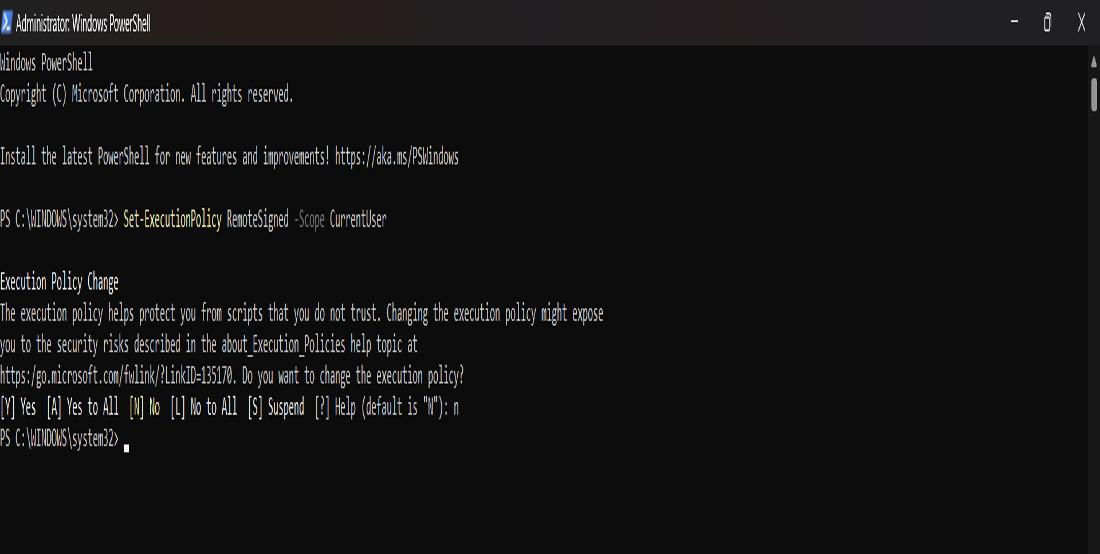
Open PowerShell as Administrator.
Run the following command:
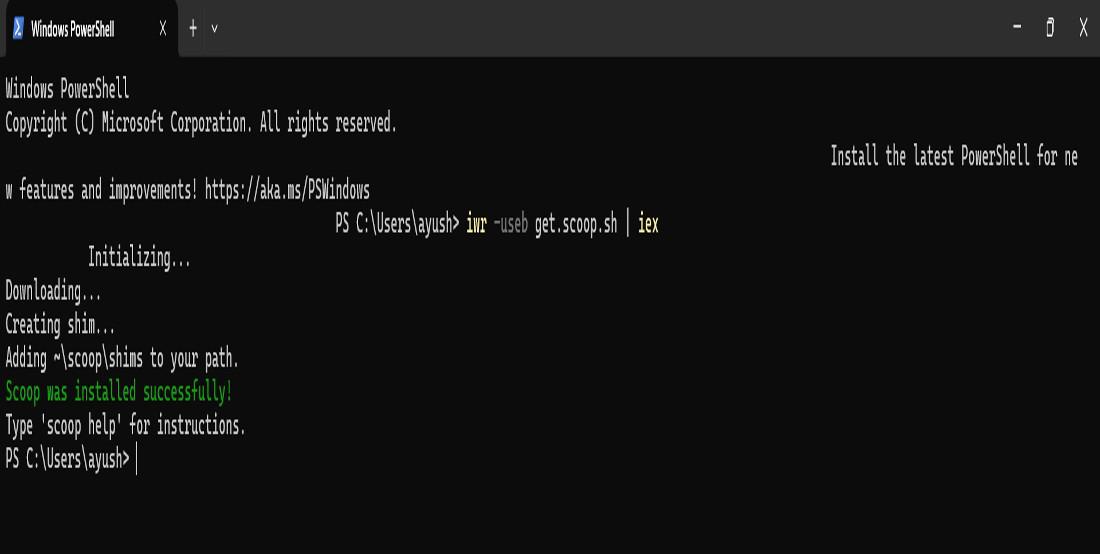
Set-ExecutionPolicy RemoteSigned -Scope CurrentUserThen, install Scoop using this command:
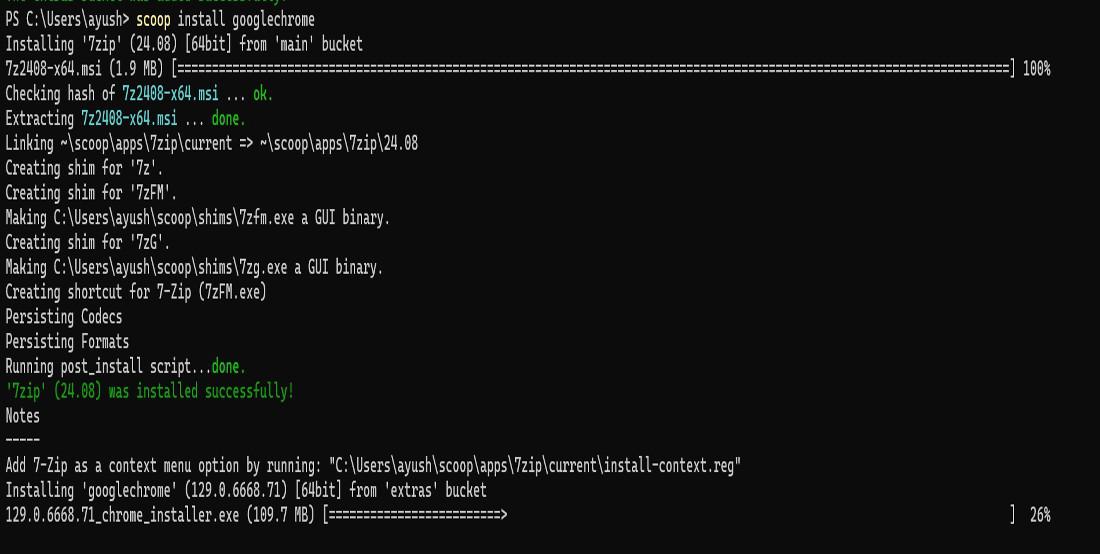
iwr -useb get.scoop.sh | iexWe can install programs by typing:
scoop install <package-name>Ninite is a simpler tool compared to the others on this list. While it doesn't have command-line integration, it automates the process of installing and updating popular software through a graphical interface.
You can visit this website to download: Ninite
We can use a package manager on Windows which can save a lot of time and effort when it comes to managing software. Whether we are installing, updating, or uninstalling programs, these tools make the process much smoother. We can choose any package manager among different options such as Chocolatey, Scoop, Winget, and Ninite.