|
VOOZH | about |
|
VOOZH | about |
The Changes Tool in Edge acts as a history page for various changes made to the webpage source files. While using multiple DevTools, you may knowingly or unknowingly change many things related to the web page's CSS and JS code. To check all these changes, which you may use to change your actual source code, this tool is used.
The tool previews the changes made to CSS and JS code in the webpage during the use of various DevTools. Its various benefits are:
The tools are present in the DevTools section in Edge, which you can open using the shortcut keys "Ctrl+Shift+I" or F12. Alternatively, you can right-click anywhere on the webpage and select Inspect from the context menu.
There are multiple ways to open this tool in DevTools:
Opening Changes Tool
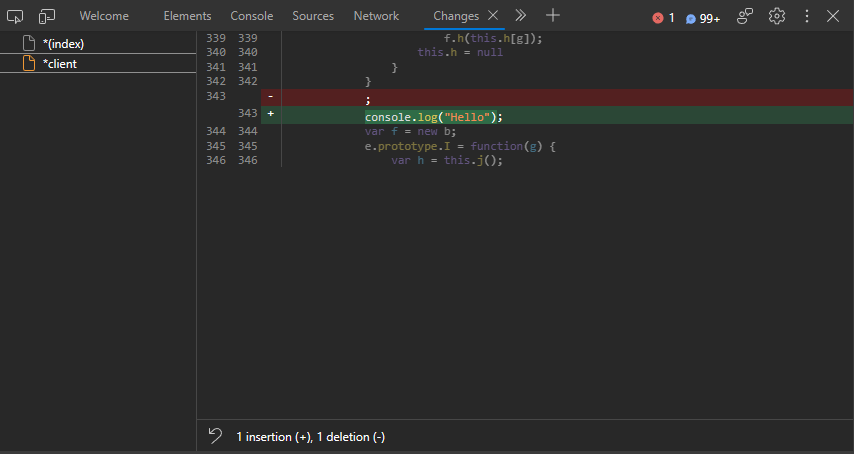
The tool is The UI is divided into two parts: the left sidebar provides the list of file changes, and the right file content viewer displays the portion of source code in color that is being changed in the selected file with the respective line numbers before and after the changes made to the file. At the bottom, you have two buttons: one is "Revert all changes to the current file" and the other is "Copy all changes from the current file.
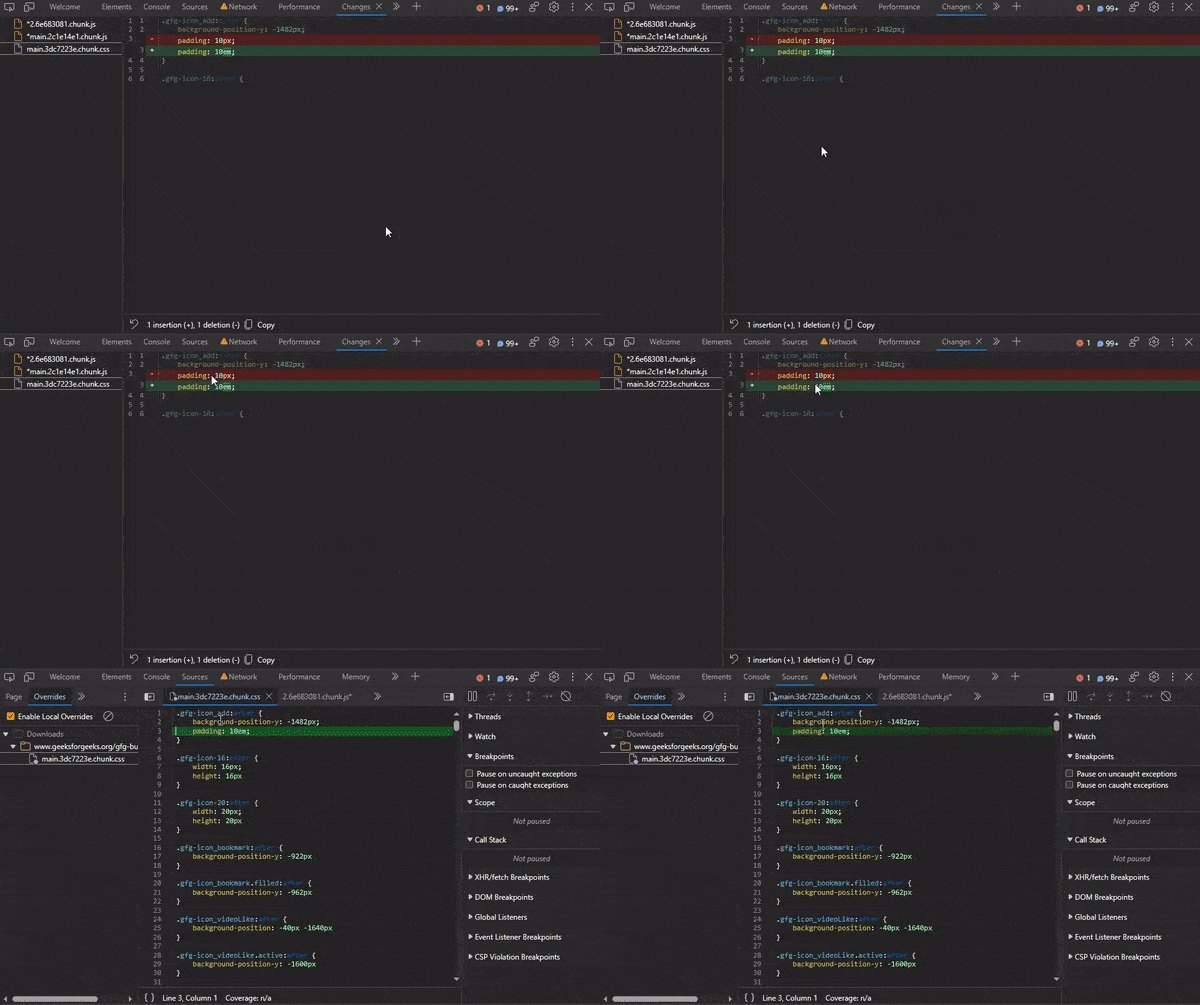
You can move from the changes tab to the source tab by clicking on the change code in either the green or red lines. On clicking it, it will open the respective file in the Sources tab.
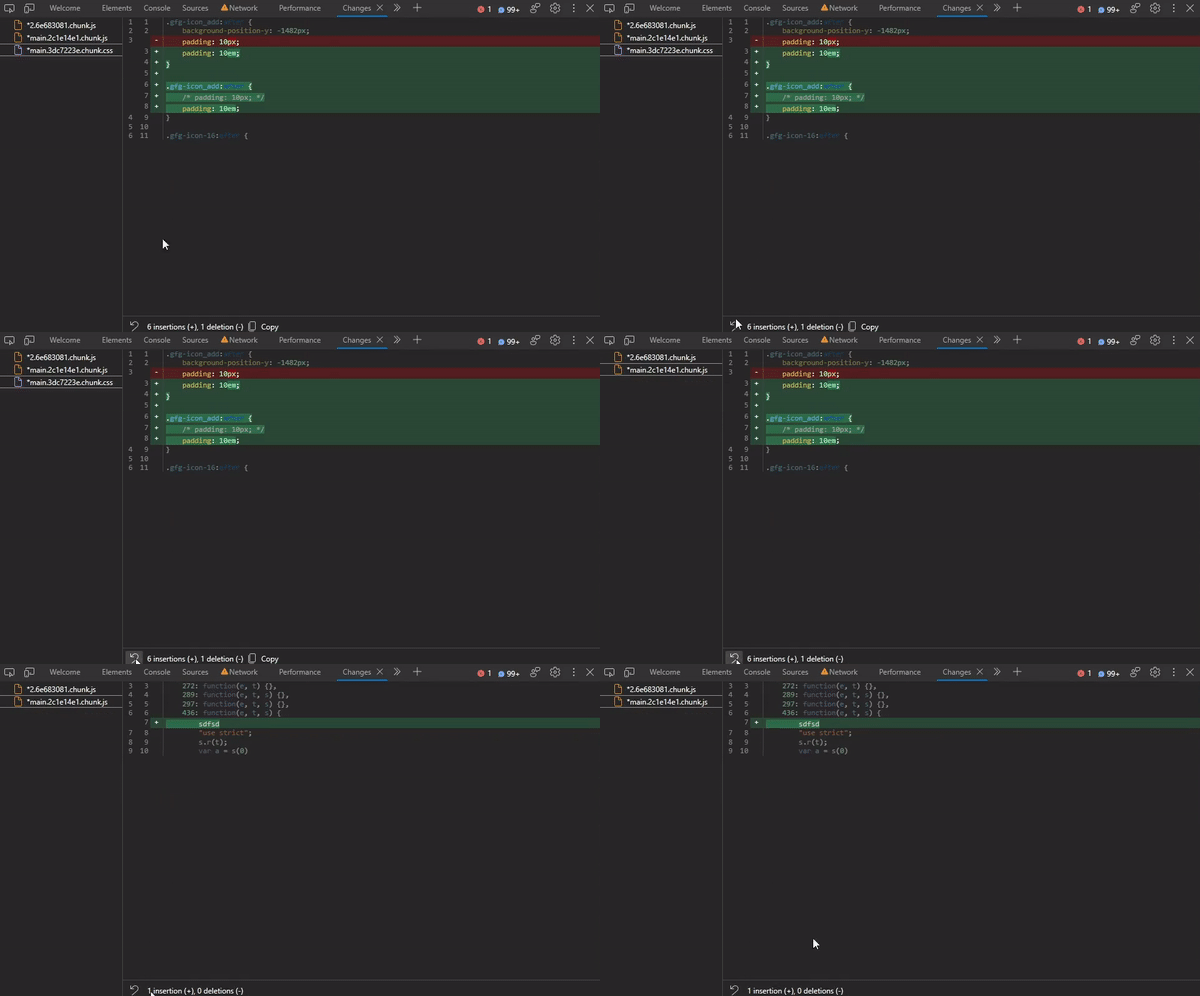
On clicking the revert button, the current selected file gets back to its original state. This can be used by developers to undo all the changes made and get back the original code.
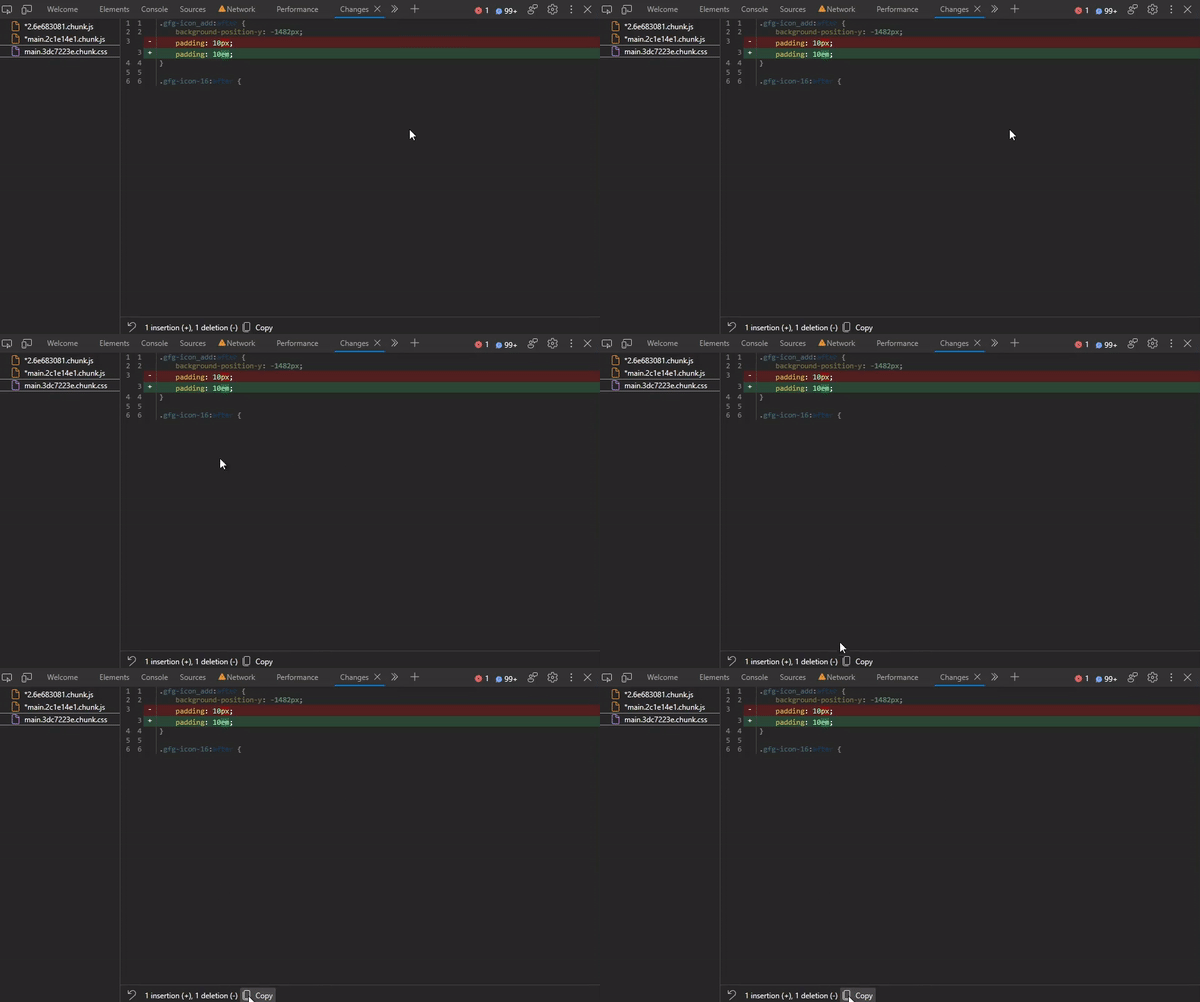
You can copy the specific portion of the source code where the changes are made. On pressing this button, the selected file changes get copied to the clipboard.
The developers may work on multiple tools in DevTools at the same time and can change the CSS and JS files, but making these changes can be troublesome. Edge provides a simple yet very important tool that helps developers refer to these changes and improve their original source code at once without the need to continuously check and update their source code.