|
VOOZH | about |
|
VOOZH | about |
A Windows Recovery Drive is a bootable USB flash drive that contains essential repair tools and optional system files for reinstalling Windows. It helps you fix startup issues, system errors, and crashes when your PC won’t boot. Creating one takes just a few simple steps and ensures you’re prepared for unexpected system problems.
It allows you to:
A recovery drive must be created on a USB flash drive, not an internal partition. The USB must be formatted as FAT32, since NTFS or exFAT won’t work with the Windows Recovery Drive tool.
Creating a recovery drive partition in Windows 11 can be a lifesaver in times of system failure or errors. Here are the simple steps to set up a recovery drive partition on your Windows 11 PC, helping you to safeguard your data.
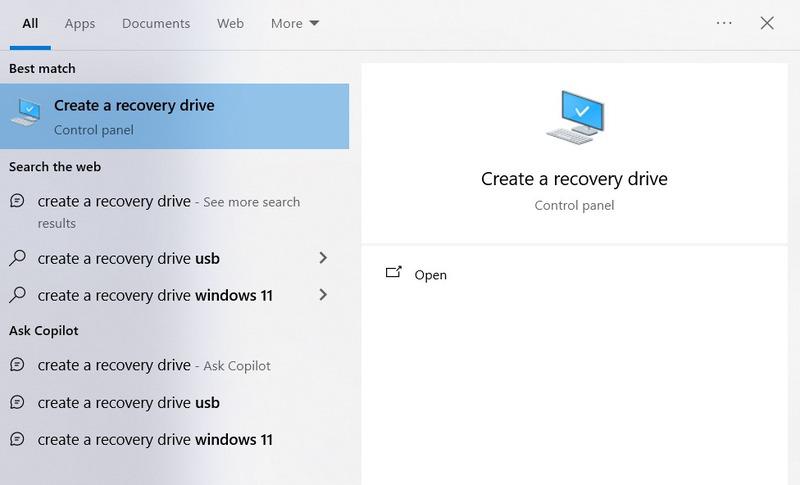
Step 1: Open the Recovery Drive Tool
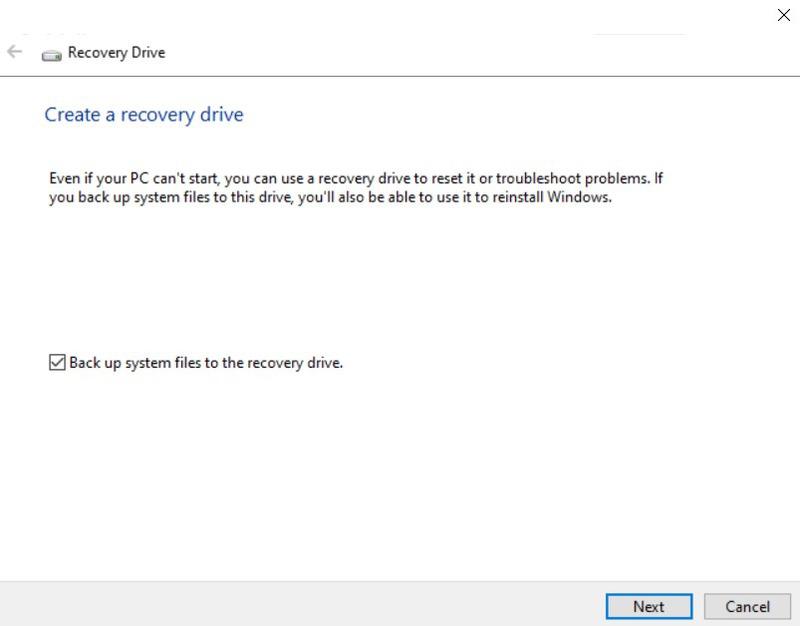
Step 2: Enable System File Backup
Step 3: Connect and Select Your USB Drive
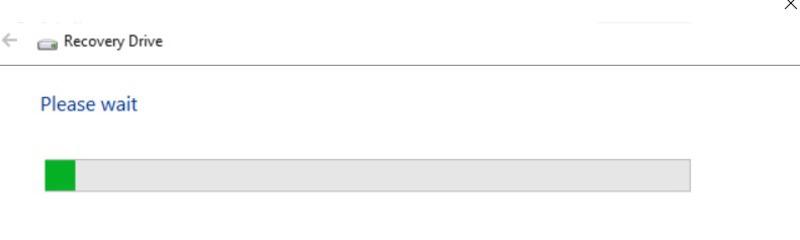
Step 4: Create the Recovery Drive
Note: If you ever need to use the recovery drive, refer to Windows’ Advanced Recovery Options to reset, repair, or reinstall Windows from the USB.