How to Fix "Windows Cannot Access the Specified Device" Error in Windows
Last Updated : 2 Mar, 2026
The “Windows cannot access the specified device, path, or file” error appears when Windows is blocked from opening a file or application. This usually happens due to permission issues, incorrect file paths, antivirus restrictions, or corrupted files. The good news is that the issue can be fixed quickly using a few practical troubleshooting steps.
Why This Error Occurs:
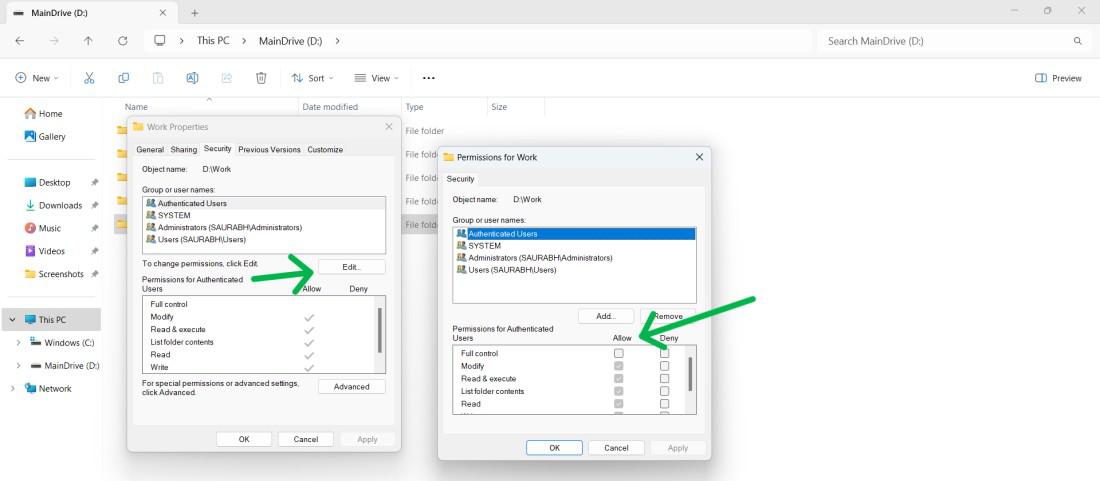
Insufficient user or administrator permissions
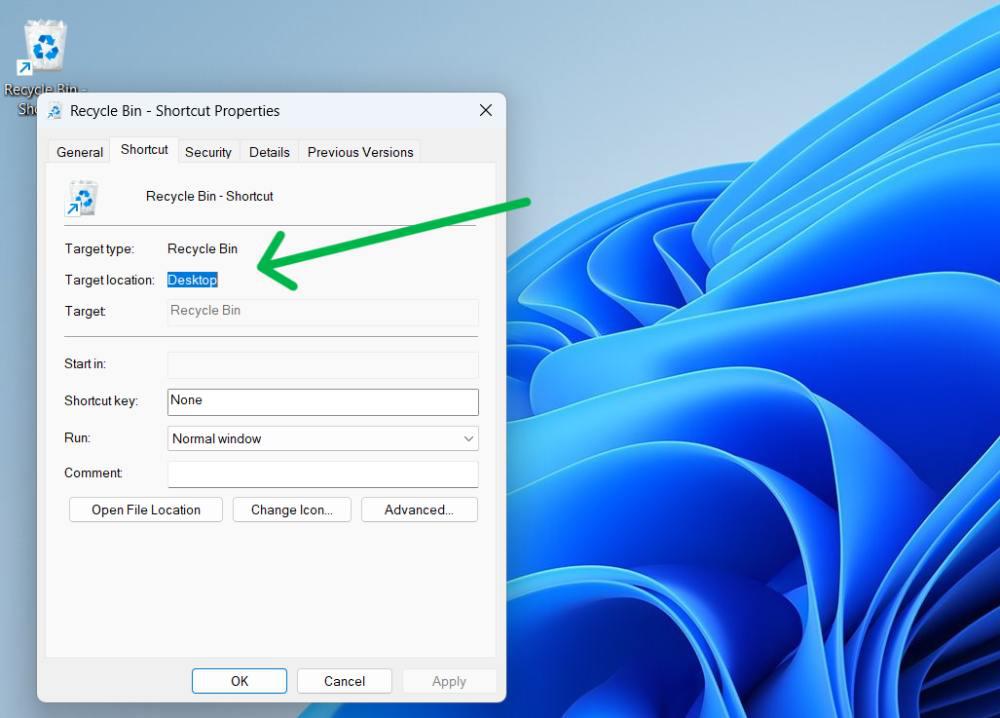
File or shortcut pointing to an invalid or missing location
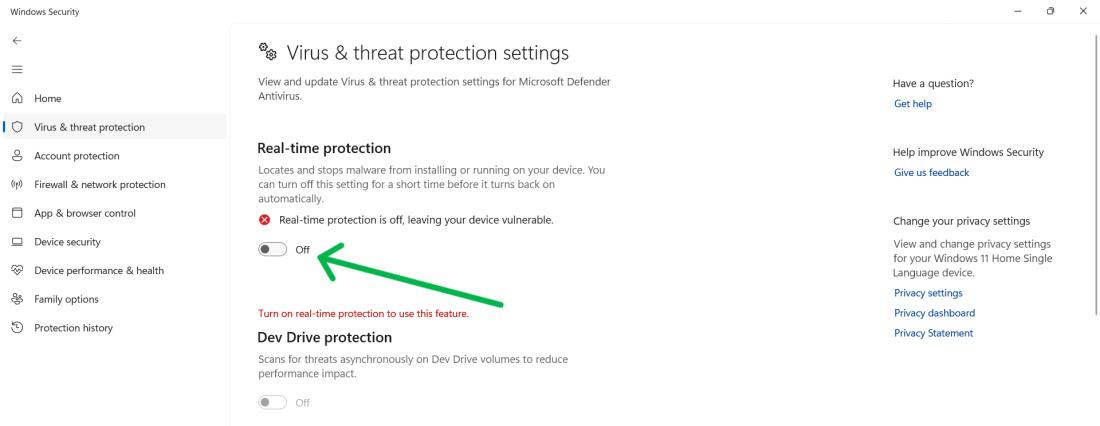
Antivirus or Windows Security blocking the file
Corrupted files or bad sectors on the drive
Missing system files or external storage not connected
How to Fix “Windows Cannot Access the Specified Device” Error
Now, we'll see some easy methods to fix "Windows cannot access the specified device". In this article, we will discuss eight methods to resolve Windows cannot access the specified device error.
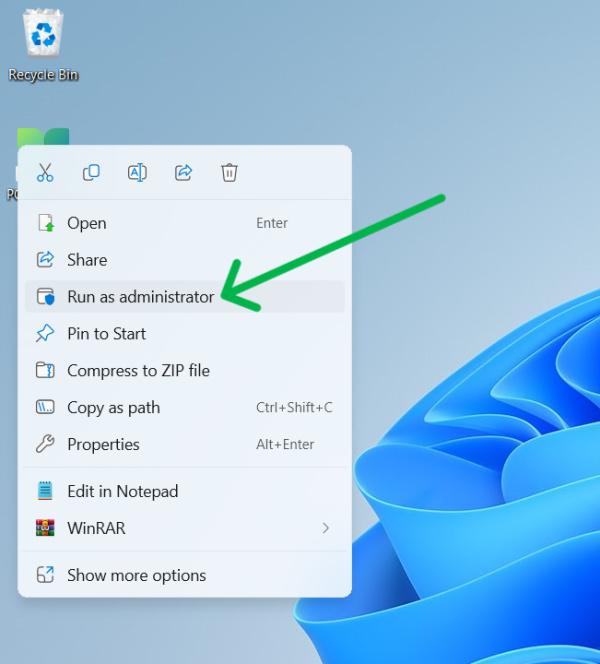
Method 1: Run the App as Administrator
Running the program with elevated privileges often resolves access restrictions.