|
VOOZH | about |
|
VOOZH | about |
Google Chrome extensions are small software programs that enhance the browsing experience. Thousands of extensions are available in the Chrome Web Store, where users can find easy solutions to streamline tasks, improve efficiency, and personalize their online experience. Besides this, extensions of Google Chrome have a vast library of collections. However, sometimes Chrome may block certain extensions due to security concerns.
Caution!
- Keep in mind that Google may update Chrome's security features, so the effectiveness of this methods may vary over time.
- Also, first read the warning instructions carefully and install Chome blocked Extension at your own risk only.
- We strongly recommend adding extensions only from the Chrome Web Store because of security concerns.
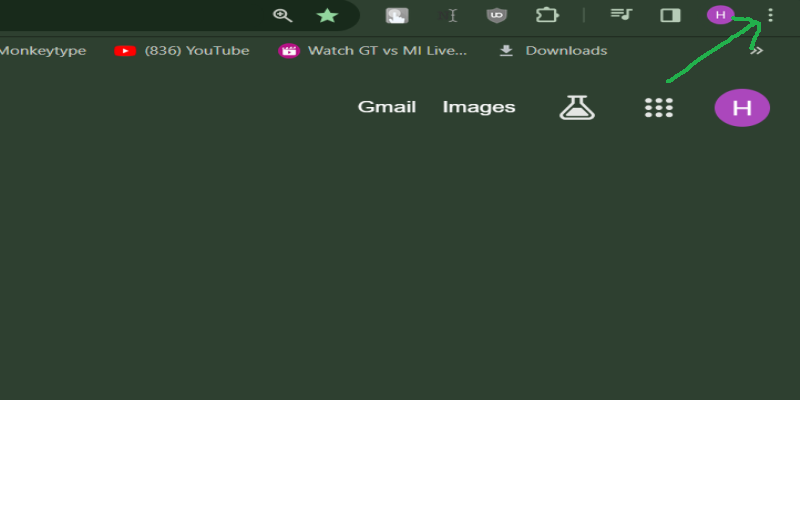
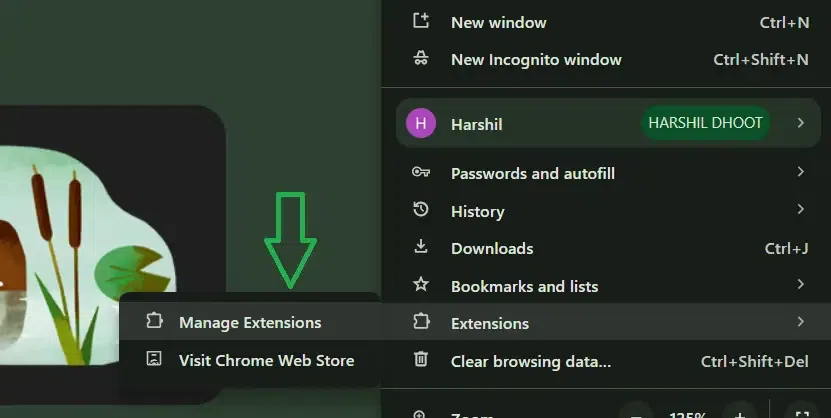
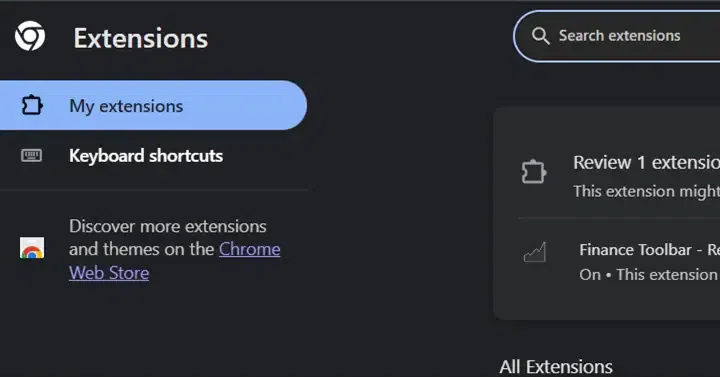
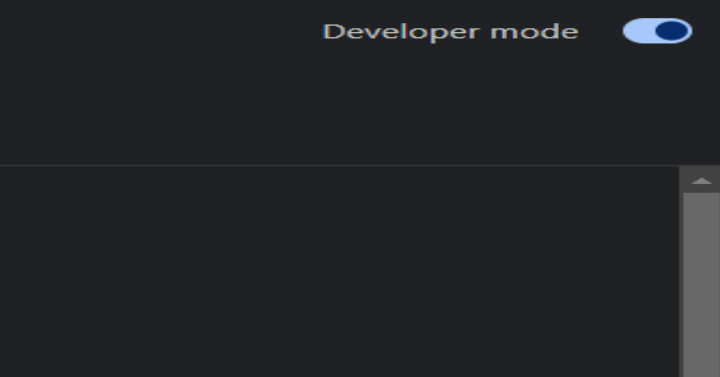
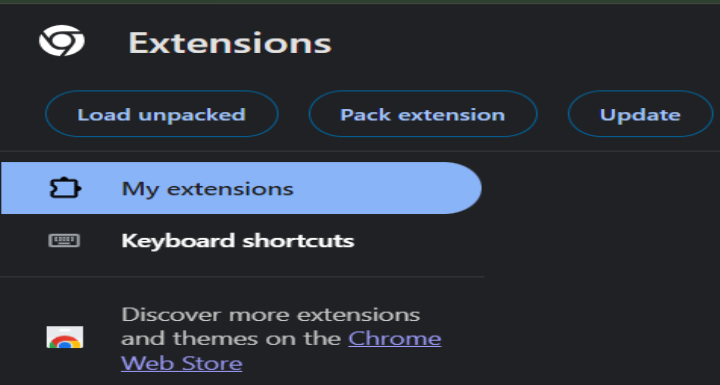
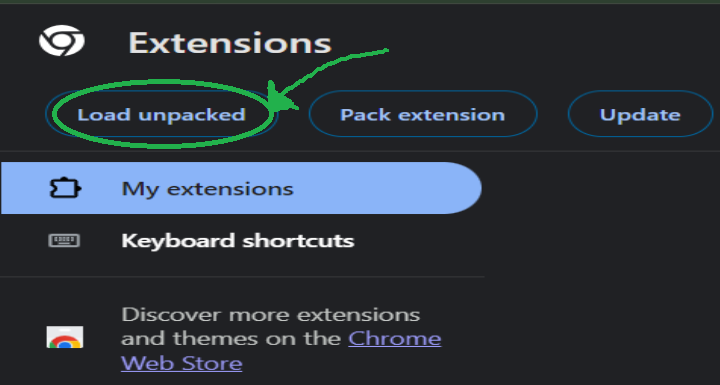
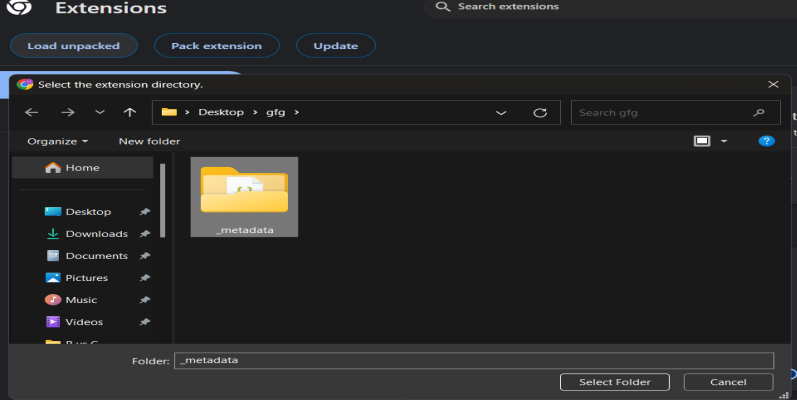
To addon blocker, chrome allows users to install extensions only from the Chrome Web Store by default. However, if you want to install blocked or unavailable extensions on the Chrome Web Store. The following is the easiest possible method to add a blocked extension on Chrome.
Following these simple steps, you can easily add blocked extensions for Chrome. Always prioritize security. Explore alternatives from the Chrome Web Store before adding blocked extensions. Download extensions only from trusted sources. This minimizes the risk of malware and security vulnerabilities.