Visual Studio Code is a lightweight but powerful source code editor that runs on your desktop and is available for Windows, macOS, and Linux. It comes with built-in support for JavaScript, TypeScript, and Node.js and has a rich ecosystem of extensions for other languages and runtimes (such as C++, C#, Java, Python, PHP, Go, and NET).
Types of popular VS Code Extensions
Below listed are a few of the most common downloads in VS Code Extensions
Python: Python language support with extension access points for IntelliSense (Pylance), Debugging (Python Debugger), linting, formatting, refactoring, unit tests, and more.
Pylance: A performant, feature-rich language server for Python in VS Code.
Jupyter: Jupyter notebook support, interactive programming, and computing that supports Intellisense, debugging, and more.
C/C++: C/C++ IntelliSense, debugging, and code browsing.
Jupyter Keymap: Jupyter keymaps for notebooks.
1. VS Code Extensions Capabilities
Storing workspace or global data.
Displaying notifications messages.
Using Quick Pick to Collect user input.
Open the system file picker or folders.
Registering commands, Configurations, key bindings, Or Context menu items.
2. Extension Features for Programming Language
Syntax Highlighting
snippet completion
Bracket matching
Bracket auto-closing
Bracket auto-surrounding
Comment toggling
Auto indentation
Folding(using Markers)
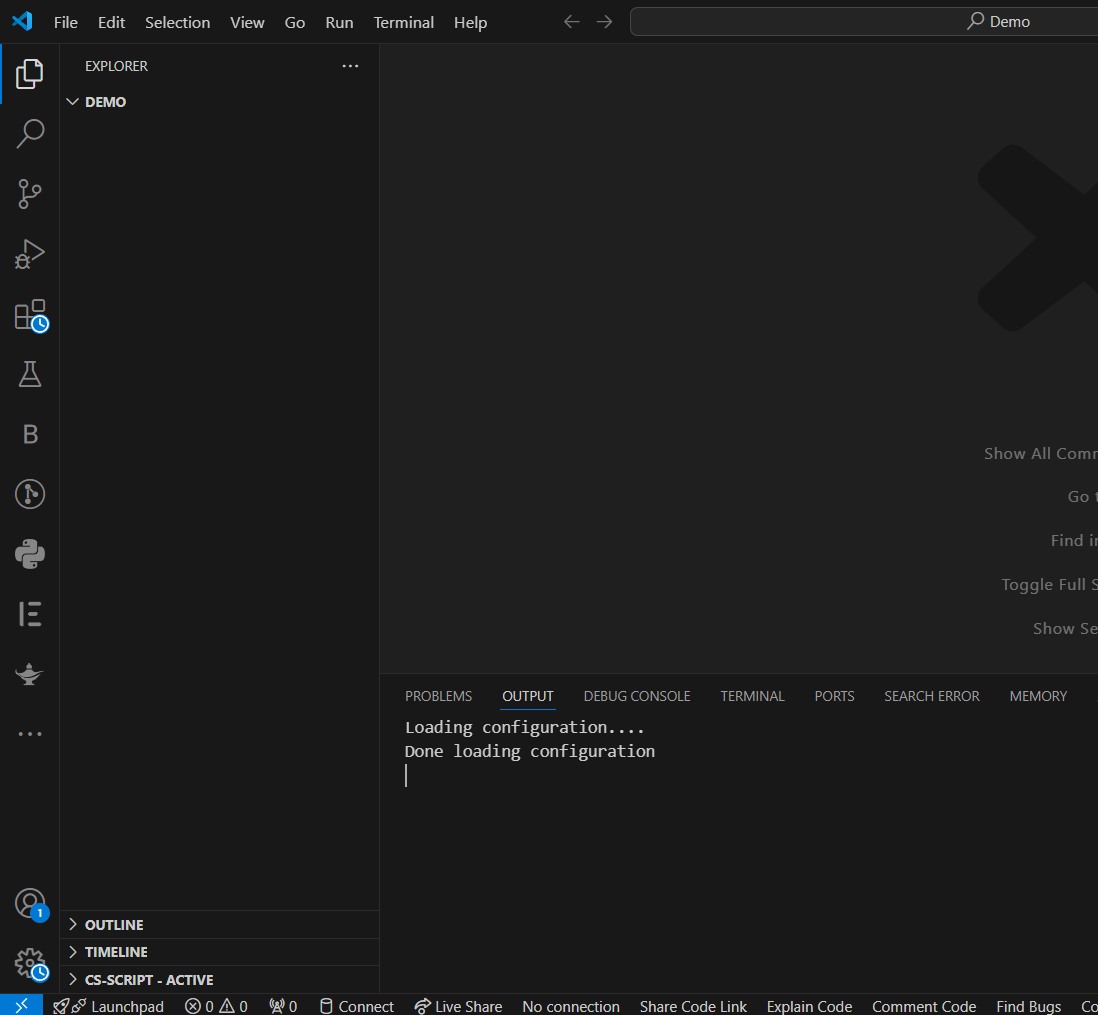
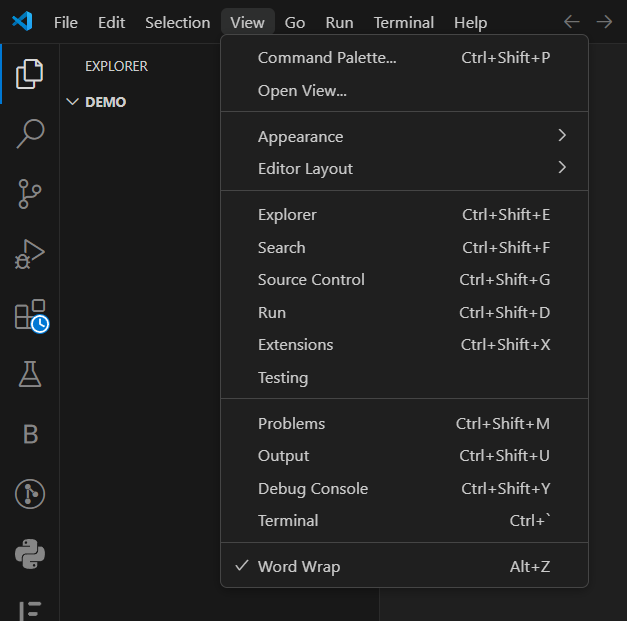
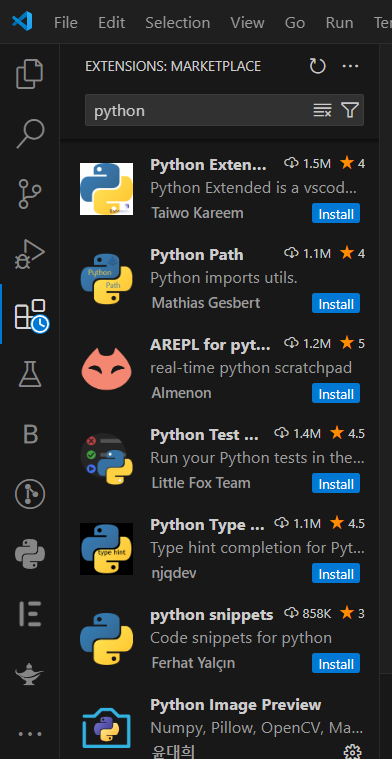
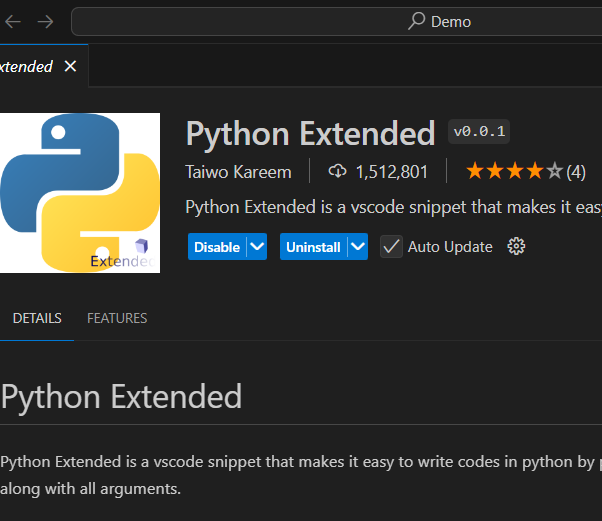
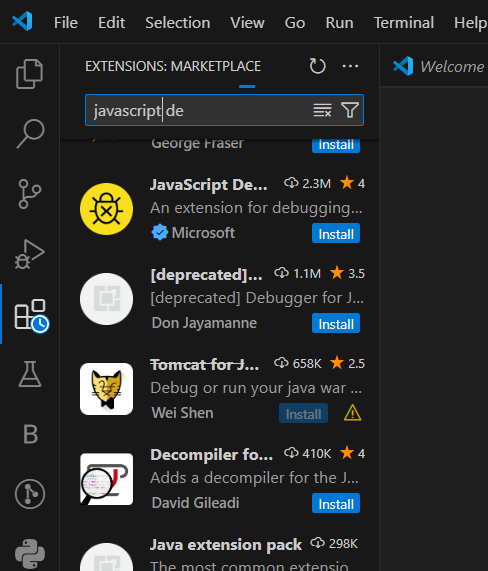
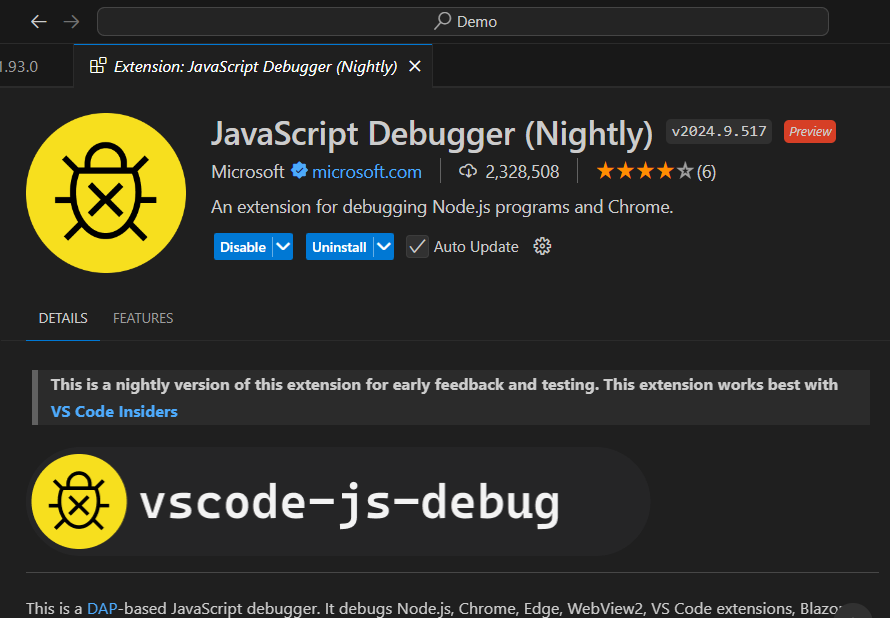
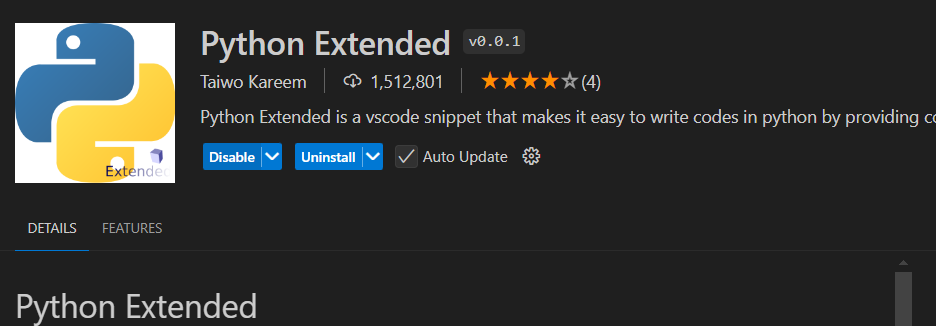
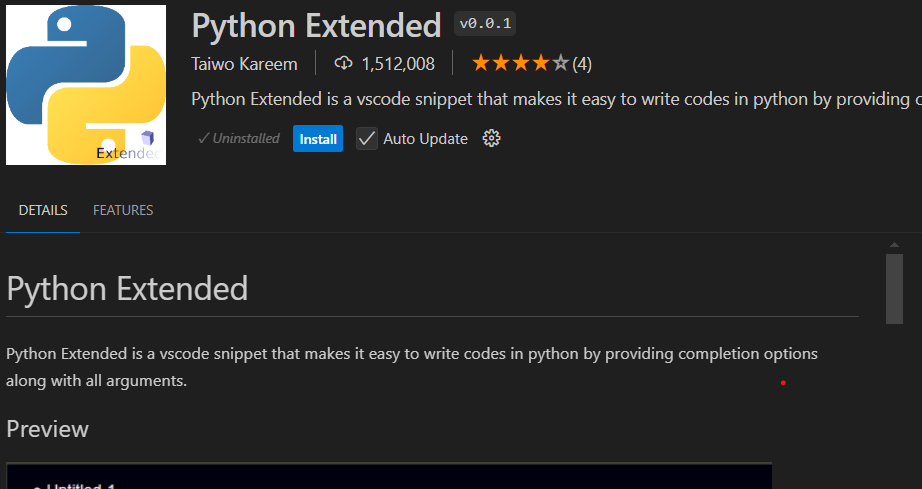
Step-By-Step Process To Install an Extension in VS Code:
You can follow the above steps to Install, Uninstall, and Enable/Disable Extensions in Visual Studio Code.
Conclusion
Visual Studio Code is a very powerful and versatile code editor because of its rich feature set and extensive ecosystem of extensions. Whichever programming language you choose, the extensions for Visual Studio Code have the potential to significantly enhance your development process. Visual Studio Extensions has several applications including debugging and syntax highlighting.