|
VOOZH | about |
|
VOOZH | about |
The 0x8007007e (or 8007007e) error is a Windows Update related issue. The “0x” prefix simply indicates that the number is in hexadecimal format both codes refer to the same error.
This error typically occurs when:
👁 How-To-Fix-8007007e-Error-in-Windows-10-and-11
There can be several causes for this error and a few of them are mentioned below :
Below, I've outlined several methods to resolve this error, each with a step-by-step guide. Please follow these methods sequentially to address the issue.
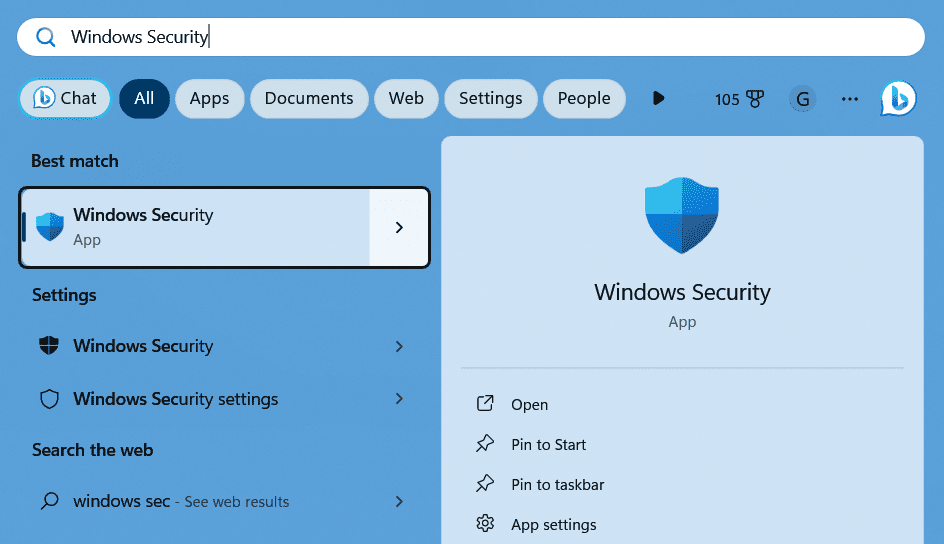
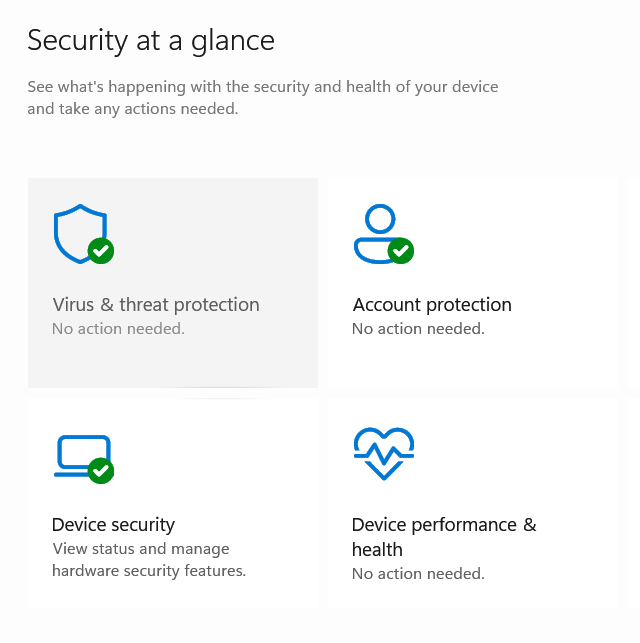
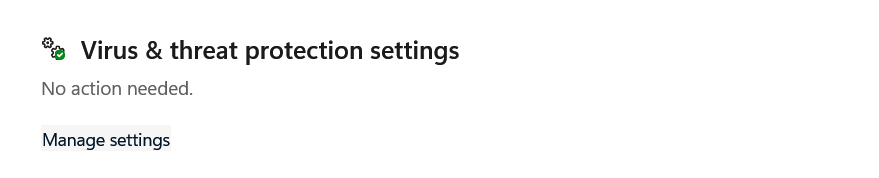
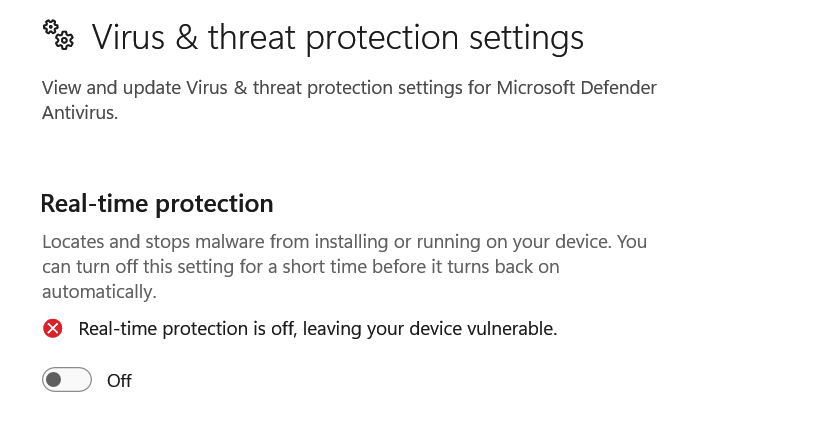
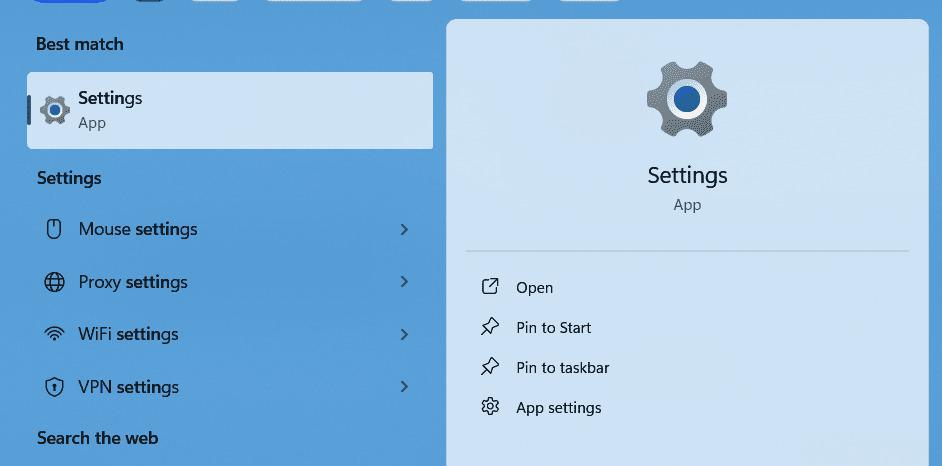
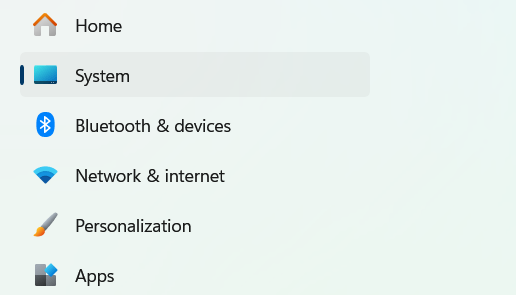
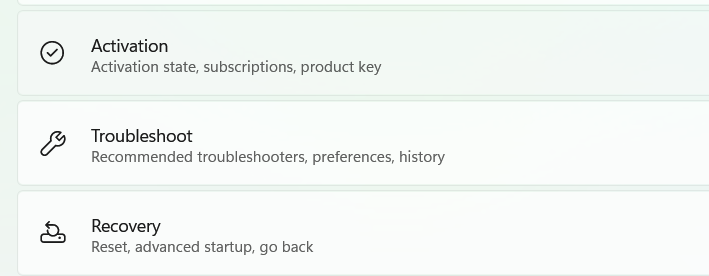
Follow these steps to disable the Windows Defender:
👁 Method1_Disable_Windows_Defender_Pic1
👁 Method1_Disable_Windows_Defender_Pic2
👁 Method1_Disable_Windows_Defender_Pic3
👁 Method1_Disable_Windows_Defender_Pic4
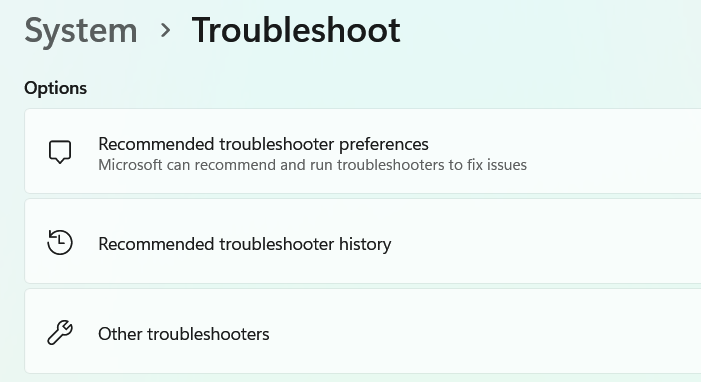
👁 Method2_Run_TroubleShooter_Pic1
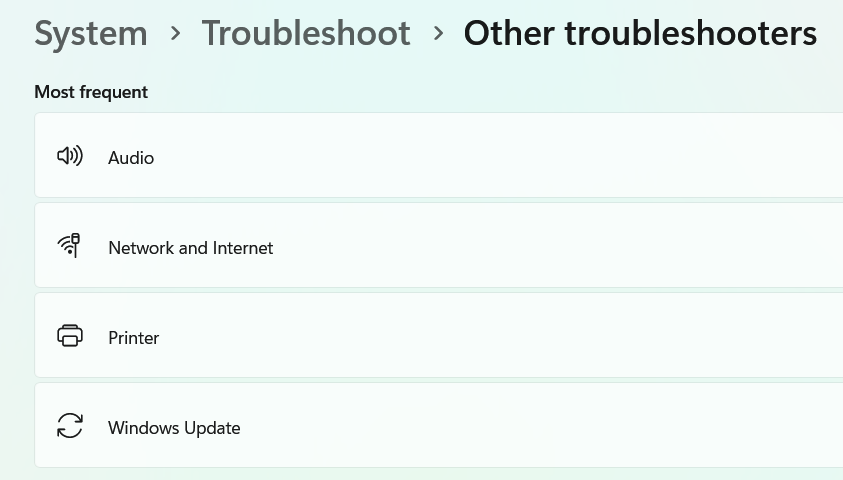
👁 Method2_Run_TroubleShooter_Pic2
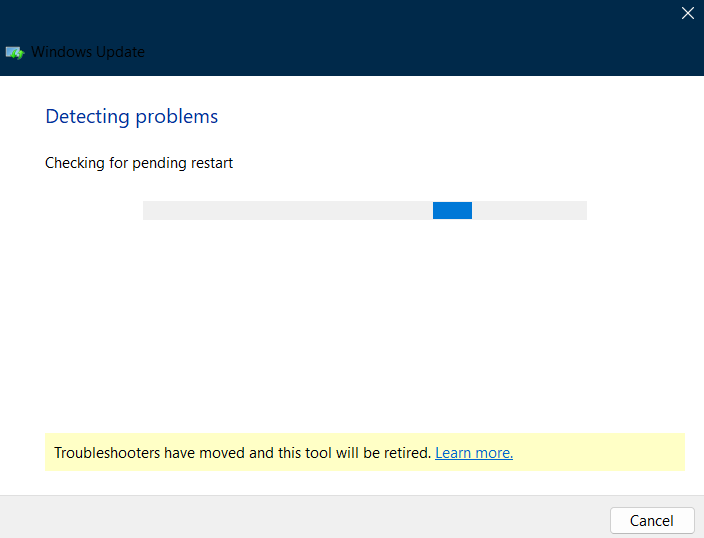
👁 Method2_Run_TroubleShooter_Pic3
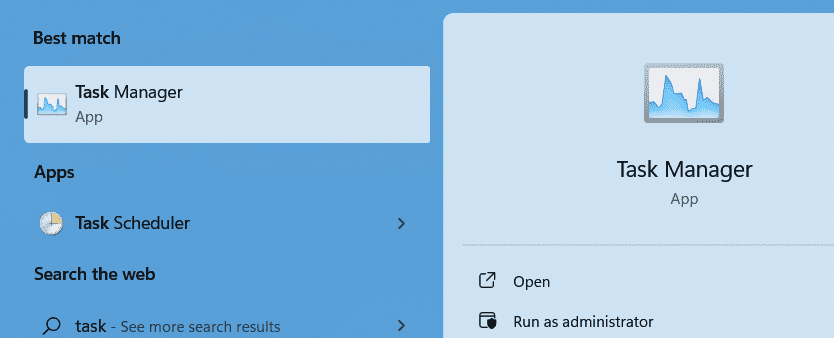
👁 Method2_Run_TroubleShooter_Pic4
👁 Method2_Run_TroubleShooter_Pic5
👁 Method2_Run_TroubleShooter_Pic_6
If any Windows Updates problems are found by the troubleshooter then, the troubleshooter will fix them automatically. When the process is done, retry to update Windows to see if error code 0x8007007e disappears.
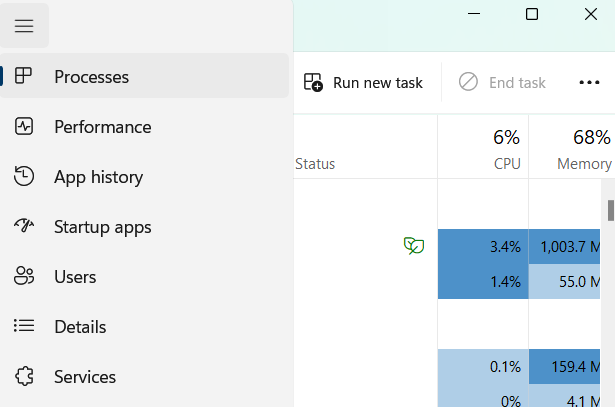
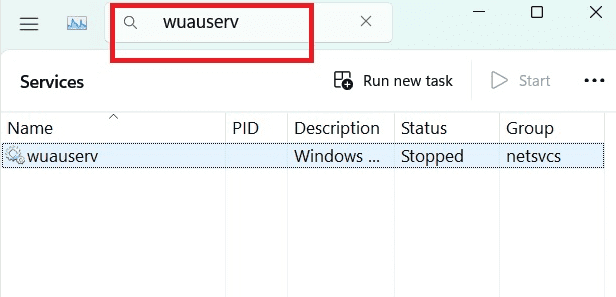
👁 Method3_Enable_Windows_Service_Pic1
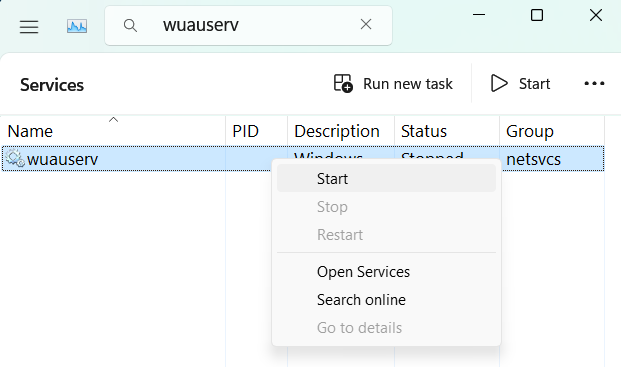
👁 Method3_Enable_Windows_Service_Pic2
Sometimes the cache related to the old Windows update may create trouble for the users. So to fix this error we can delete all the old cache related to the previous Windows update and try updating our Windows freshly.
Follow the below steps to do the same.
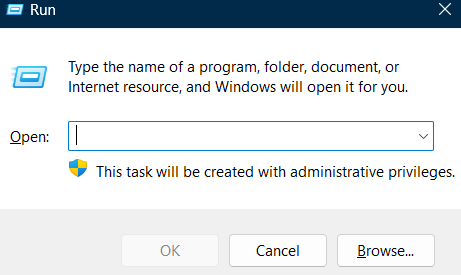
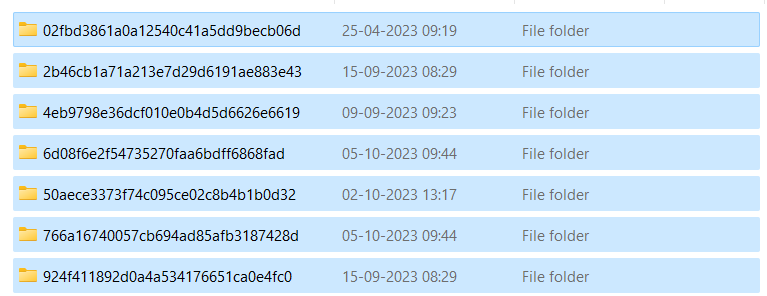
👁 Method4_Delete_Update_Cache_Pic1
C:\Windows\SoftwareDistribution\Download
👁 Method4_Delete_Update_Cache_Pic_2
Windows stores all the update-related files in the software distribution folder. If any of the previous updates are corrupted or interrupted in between then we can delete the corrupted files from here to fix the error.
If the above 5 methods didn't work for you then you can try to perform a clean boot on your windows to check if the error is caused by any 3rd party application or not.
What is a clean boot
A clean boot starts Windows with only essential Microsoft services, disabling third-party apps to identify software conflicts.
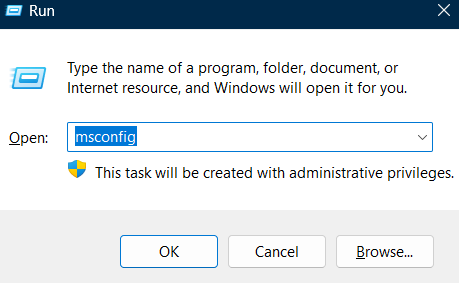
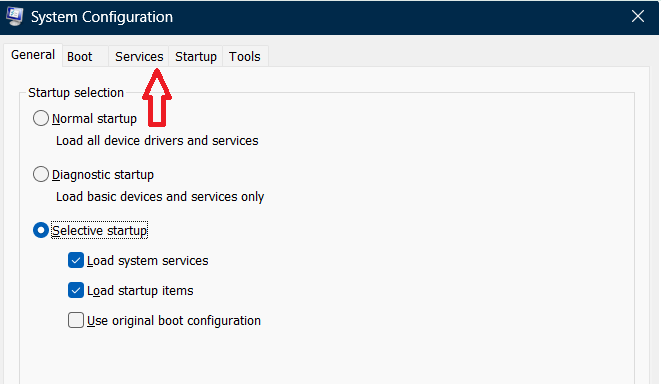
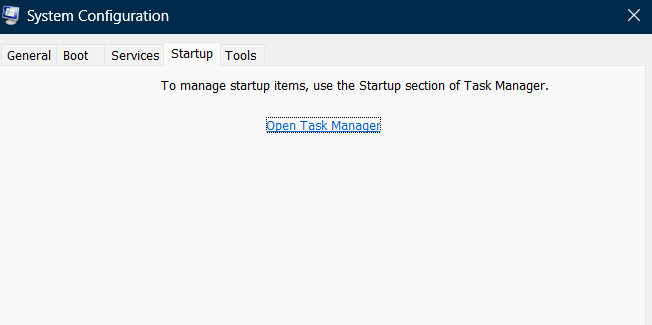
Follow the below steps to perform the clean boot:
👁 Method5_Perform_Clean_Boot_Pic1
👁 Method5_Perform_Clean_Boot_Pic2
👁 Method5_Perform_Clean_Boot_Pic3
👁 Method5_Perform_Clean_Boot_Pic4
👁 Method5_Perform_Clean_Boot_Pic5
Also Read