Encountering issues with the Terminal in Ubuntu can disrupt your workflow and productivity. Whether the Terminal is not opening, displaying errors, or behaving unexpectedly, these problems can be frustrating. This guide will walk you through the most common solutions to fix Terminal issues in Ubuntu, helping you restore functionality and get back to managing your system efficiently.
Missing Terminal Icon In Ubuntu?
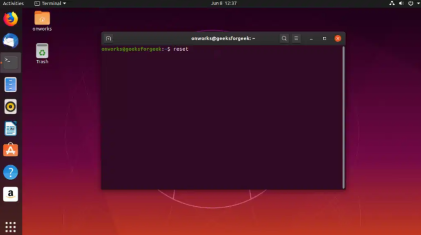
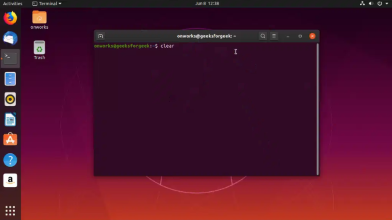
Situation 1: If the Terminal Window Not Opening while clicking on its icon:
Press Ctrl+Alt+T on your keyboard to open a terminal window.
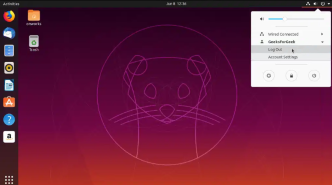
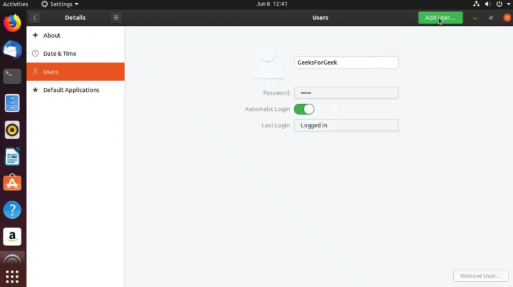
If that does not work, try to log out of your user account and back in.
In case that is also not working, restart your system.
Fixing Terminal issues in Ubuntu can be straightforward with the right approach. By following the solutions provided in this guide, you can troubleshoot and resolve common Terminal problems, ensuring your system runs smoothly. Regular maintenance and updates can also prevent future issues, allowing you to use Ubuntu’s Terminal effectively for all your administrative and development tasks.