More often than not people encounter performance issues with their personal computer after a significant time. These can occur due to various issues. Some key factors and their resolution is given in this article.
1. Deleting Temporary Files and Folders
Follow the below steps to delete all temporary files:
Click on the start button and type "RUN".
Inside run type "%temp%". This will open the temp folder.
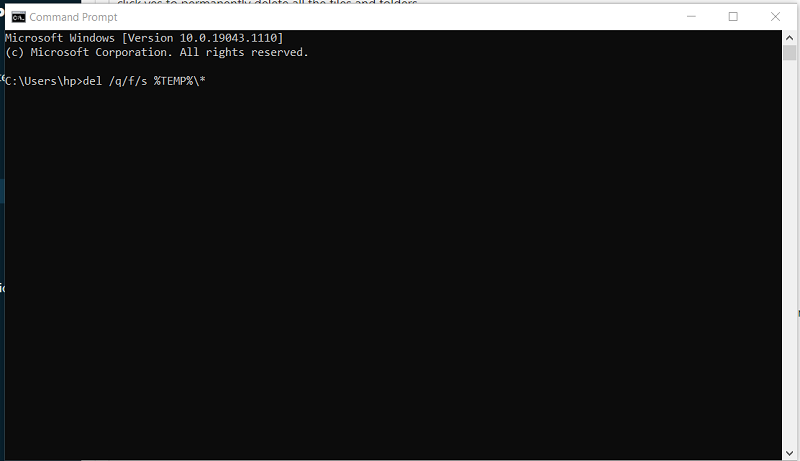
Select all files and folders and press Shift + delete and click yes to permanently delete all the files and folders.
Disk cleanup will calculate the free space on your computer, which may take a few minutes. After the calculation is complete, you should see a dialog box that looks similar to the following:
Confirm that only the following checkboxes are checked.
Temporary files.
Recycle Bin.
Temporary internet files.
Download Program files.
Click OK, you will see a dialog box that prompts to permanently delete these files?
Click delete files.
Disk Clean up will delete the files and folders and close automatically.
5. Disable Startup Programs
To disable startup programs follow the below steps:
Click on the start button and type "startup Apps".
Switch to off or disable the apps which are putting high impact or medium impact which won't impact the normal PC working. Do not disable the apps if you are not sure about their process or functioning.
Free up as much space as you can, this will make computer work faster. Also only open the apps which you need to work on at one time, close apps which do you need at one time, this will reduce CPU speed and your system will work faster. you can check your system's CPU speed by typing task manager in search box.