|
VOOZH | about |
|
VOOZH | about |
The Command Prompt is one of the most useful tools on Windows whether you're running system scans, fixing errors, or managing files. But if your mouse stops working or your touchpad becomes unresponsive, knowing how to open CMD using only keyboard shortcuts becomes extremely handy.
Keyboard shortcuts can help you:
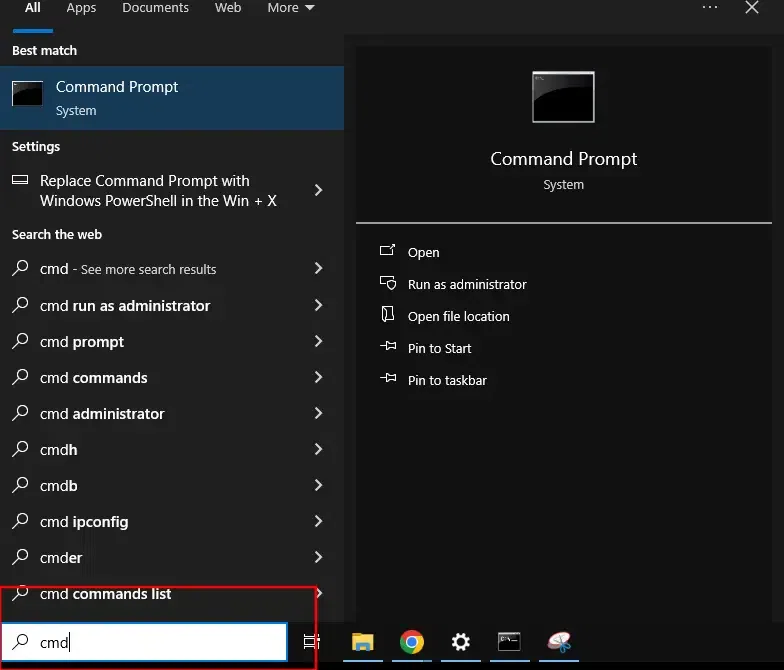
The fastest way to launch CMD is through the Windows Search bar.
CMD will open immediately.
This method works on every Windows version from Windows 7 to 11.
Steps:
Instant CMD launch no mouse required.
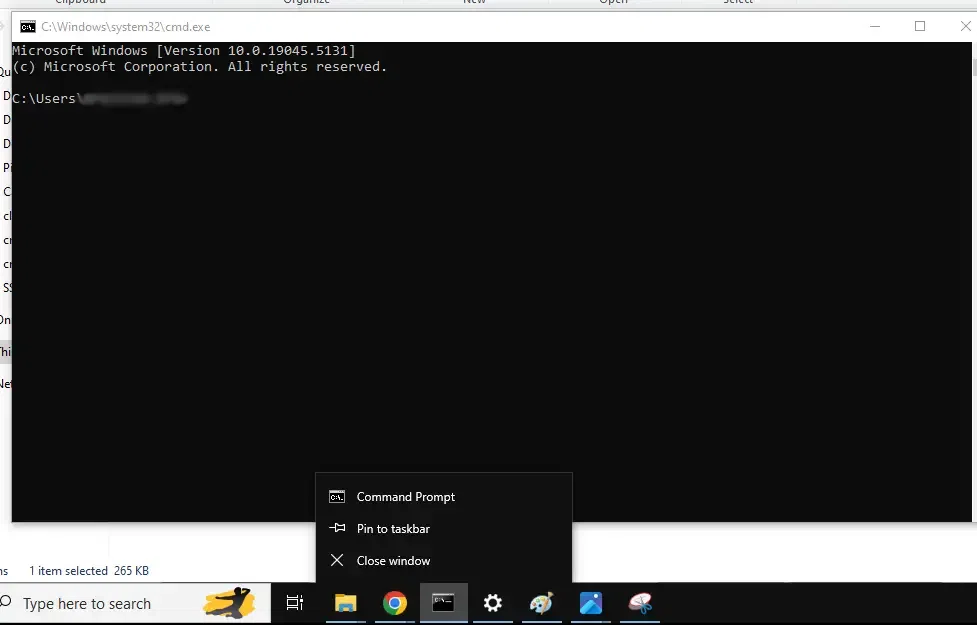
Once pinned, you can launch CMD using a number key combination.
Steps:
Note: From now on Press Windows Key + [Taskbar Number]
(Example: If CMD is the 3rd icon → press Windows + 3)
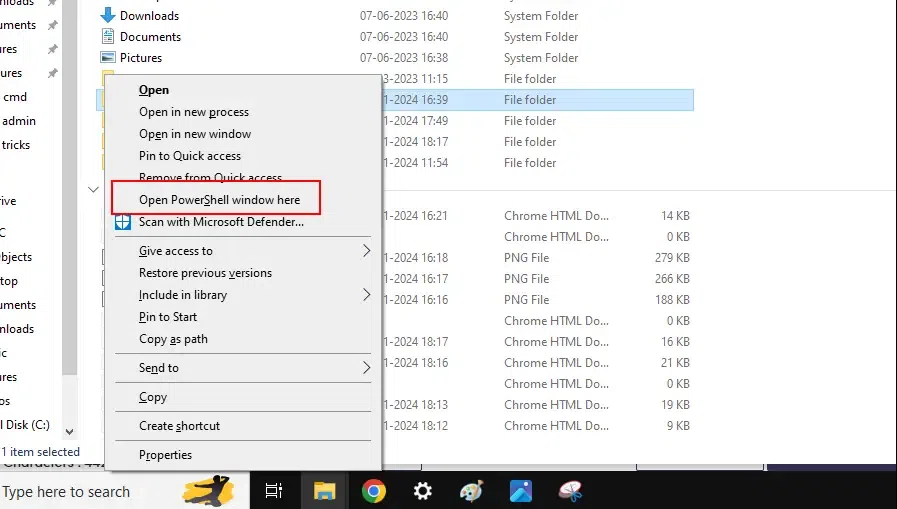
You can open CMD inside any folder using the keyboard.
Steps:
Note: Some versions show Open PowerShell window here instead.
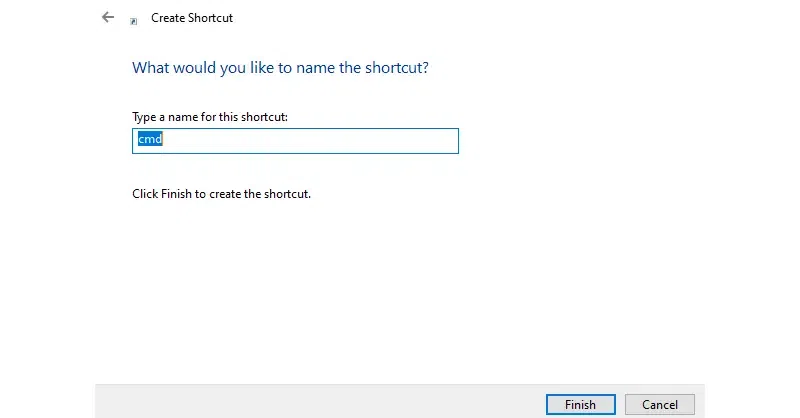
You can assign your own hotkey to open Command Prompt anytime.
Steps:
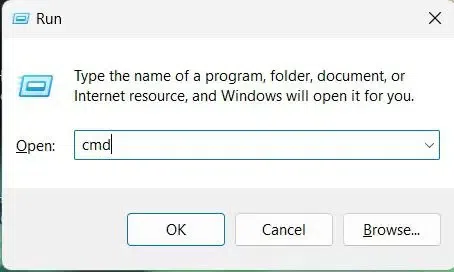
cmd.exe
Now your custom shortcut opens CMD instantly.
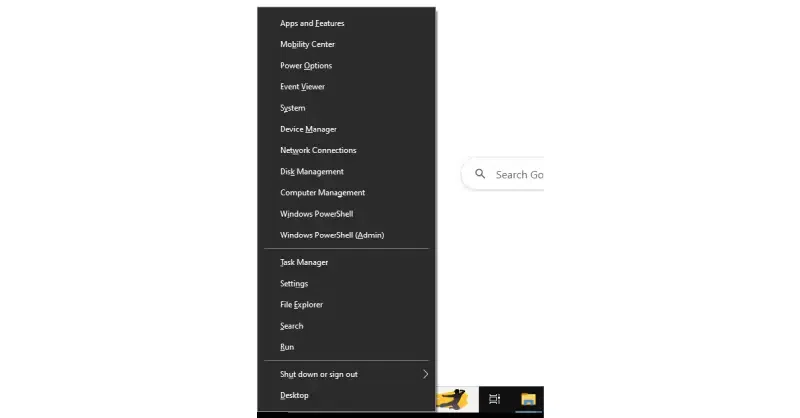
This method gives quick access to CMD or CMD (Admin).
Steps:
In Windows 8, 10, or 11, you will see options to open either Command Prompt or Command Prompt (Admin).
Note: If you see PowerShell instead, you can switch it back in Settings > Personalization > Taskbar.
Older versions like Windows 7 allow custom shortcuts using AutoHotkey.
Steps:
#C::Run, cmd.exeAlso Read: