|
VOOZH | about |
|
VOOZH | about |
There are many users who use Android as their portable device but they prefer working on a Linux machine. Now, there are ways or apps available that can easily sync these two platforms. But what if anyone wants to run an Android app on a Linux desktop? There are multiple uses wanting to use mobile-exclusive apps, test Android software, or play games on a bigger screen.
In this guide, we’ll explore multiple methods to run Android apps on Linux, from lightweight container-based solutions to full Android emulators. Whether you're a developer, gamer, or just curious, you'll find the best approach for your needs. Let’s bridge the gap between Android and Linux!
Here in this section we have mentioned 3 top methods to run Android app in Linux system. So, explore the section to find the best method to run your Android apps.
Anbox is an open-source, well-known platform for running Android applications within Linux by containerizing the Android OS. It is optimized to run perfectly with your Linux system and for this precise reason; it is the way to go to run Android applications natively.
Commands:-
sudo apt install anbox-modules-dk
sudo modprobe ashmem_linux
sudo modprobe binder_linux
Command: sudo snap install --devmode --beta anboxCommand: adb install <path-to-apk-file>Android emulators are the helping part of the virtual environment that mimics an Android device on your Linux system. Some of the hugely benefitting and also working Android emulators on Linux are Genymotion and AVDs provided within Android Studio.
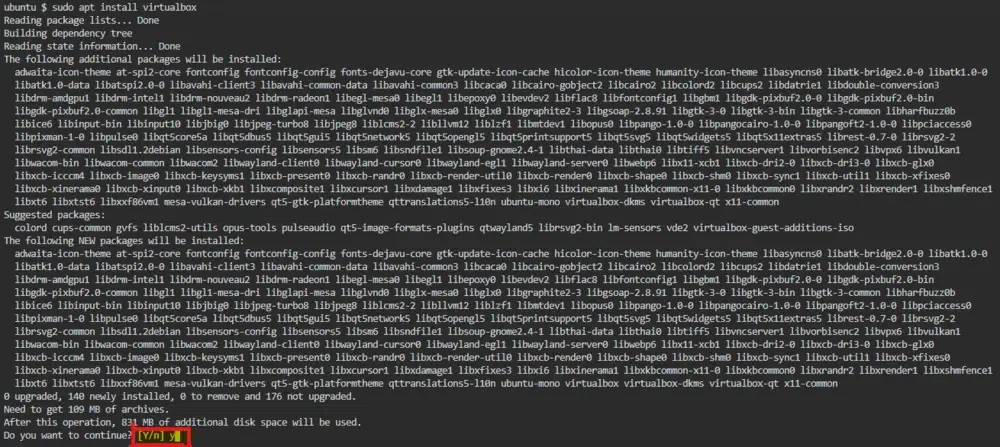
These methods are better suited for running a full-fledged Android OS on top of Linux, particularly if you're a heavy developer or user and desire full Android emulation using a virtual machine setup, such as in VirtualBox.
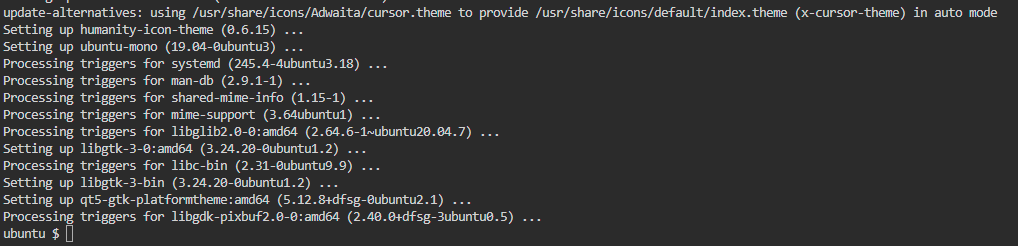
Command: sudo apt install virtualboxNow running Android apps on Linux has been made super easy with some outstanding tools like Anbox, together with Android emulators and VirtualBox. After all, each way has its benefits: from having proper integration with your Linux desktop to being a real Android environment, since you can just as easily get an emulator if you need it for only testing. Follow the outlined steps properly to run Android apps on Linux in the right manner and taste the real Android versatility in your desktop.