|
VOOZH | about |
|
VOOZH | about |
If you wish to type a reminder or a link or any note for a short period, using a Twitter account and direct messaging which is as short as DM is a good way. Although there is no direct way to send a message on Twitter to your account, there is a workaround you can use to make this happen. Here in this article, we will elucidate the process of how it is done in a comprehensive and easy-to-understand process description.
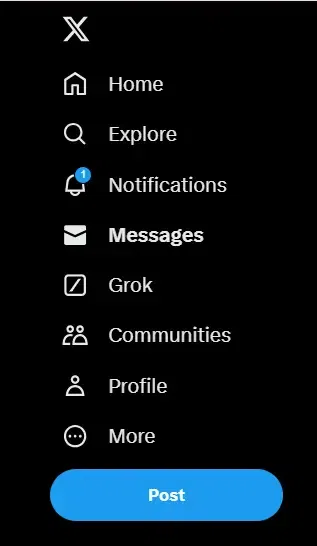
Locate your Twitter: either launch the application on your smartphone or type the address ‘Twitter. Com’ in your internet browser and enter your account. Make sure you’re able to locate the Direct Messages icon which is located on the lower navigation bar if you’re on the application or in the column to the left side if you’re using the website version.
In the search bar format in your own Twitter handle for example @YourTwitterHandle. It will display your profile on the social networking site of Twitter when you search for it. To do that, please go click on the icon that represents your profile.
When you are on the site, click your profile icon – a silhouette in the upper right corner – and find the message icon in the form of an envelope or a chat bubble next to it. Choose another option written as the letter “M” on the interface and labeled “Message”. It will open a direct message window where you can type anything and send it through the application.
Now you may use this message thread to send yourself Reminders, Links, or Notes you want to have quick access to. Every time you have to add something new, you can come back to this conversation thread using the direct messages feature.
To read the messages or to continue expanding them, just go to the messages in the bottom (left sidebar on the web version) section and click on the conversation with yourself.
The direct messaging feature of Twitter also enables one to build a personal space of reminder/ saved content by sending Twitter messages to himself. As described above getting to this feature is as simple as following the outlined procedure.