PowerShell is a task automation and configuration management framework developed by Microsoft. It combines a command-line shell with a powerful scripting language, primarily used by system administrators and IT professionals to manage Windows environments and automate administrative tasks.
Benefits in PowerShell:
Automation: PowerShell efficiently automates repetitive and large-scale administrative and system management tasks.
Cross-platform: PowerShell 7 runs on Windows, macOS, and Linux, unlike older Windows-only versions.
Extensibility: PowerShell can be expanded using modules, scripts, and custom functions.
Methods to Install and Upgrade PowerShell
Here are the most common ways to upgrade to PowerShell:
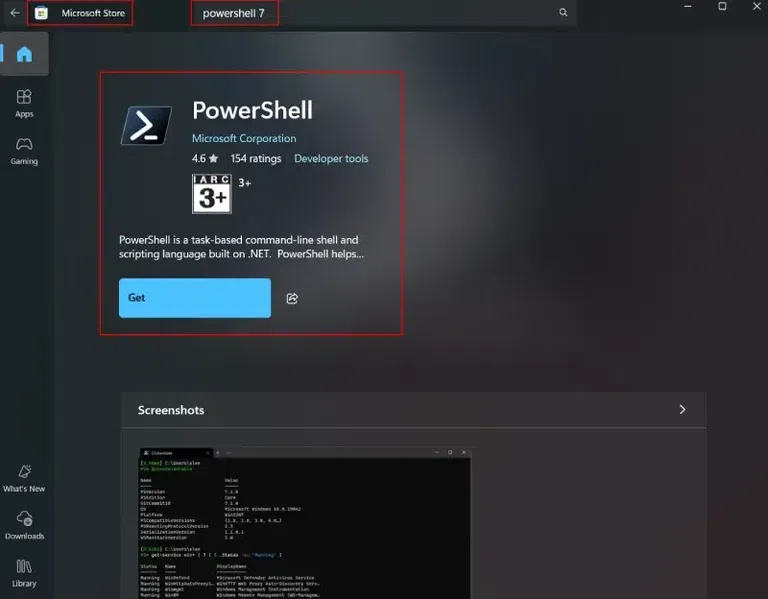
Method 1. Install and Upgrade from Microsoft Store
Note: The Microsoft Store will automatically handle updates, ensuring that you're always running the latest version.
Method 2: Install Using WinGet
WinGet is a package manager for Windows that allows you to install and upgrade software easily. To install PowerShell 7 using WinGet, follow these steps:
Open Command Prompt or PowerShell as Administrator.