Twitter is an excellent tool for real-time updates. With the help of this article, every person who has encountered this platform for searching can keep up-to-date with the most important information regarding tweets, users, and more. I simply would like to point out that for anyone using Twitter in his or her marketing research or just an ordinary user who uses the tool, learning and practicing the tricks of search in the instrument will be beneficial. Here in this guide, we will give you comprehensive Twitter search tips and how to execute them very simply.
Best Twitter Search Tricks
Basic Twitter Search
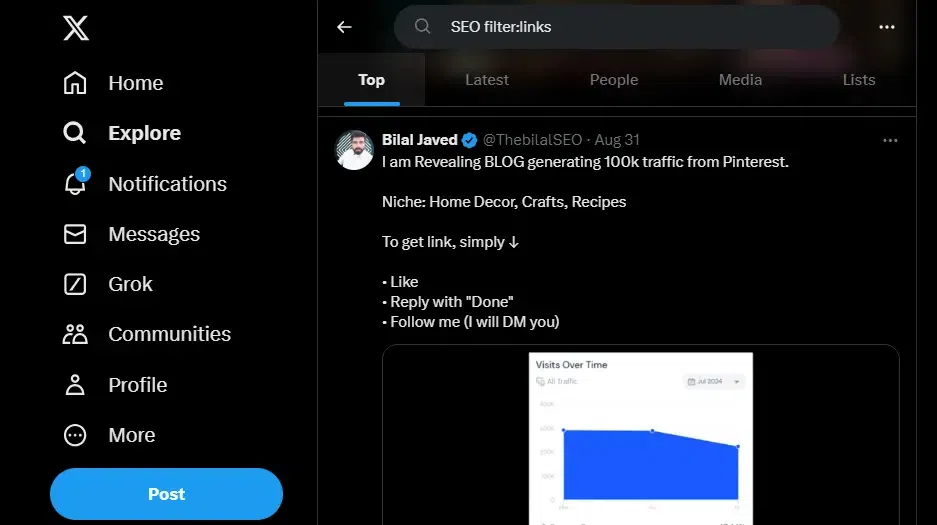
If you’re looking for tweets, you can simply as a keyword or phrase and hit enter since Twitter has a built-in search mode.
Steps:
Open Twitter.
Click on the top right corner of the search bar and then type the keyword you want to search for.
To display the result, use the Enter or Search button.
Example: A search for the keyword “artificial intelligence” will display tweets, people, and trends associated with the keyword.
If you want to find tweets from a specific user on a particular topic, you can use from: username in your query to get the list of the things you want to know and sometimes if you are privileged you make a quick call and decide what to do depending on the response you receive.
Steps:
Type the query followed by from: Log in using a username.
Example: For example, if you want to search for tweets from Elon Musk regarding Mars, you’ll use the hashtag #Mars from elonmusk.
To eliminate specific words from your search results use the hyphen (-) symbol.
Steps:
Prepend -keyword to your search to eliminate the particular word from the search results.
Example: If for instance, you seek the search for ‘data science’ but do not want ‘machine learning’ as part of your results you may type data science -machine learning.
Search for Tweets with Specific Engagement (Likes, Retweets)
It is possible to specify the search query to find the tweets that have a certain number of likes or retweets with the help of min_faves, and min_retweets.
Steps:
Type keyword min_faves: The patterns of constraints are the number or min_retweets: number and this could be of two forms of constraints; the number and min_retweets.
Example: The term crypto min_faves: 100 will present the tweets on the topics of crypto, which have a ‘like’ counter of no more than 100.
👁 707 Search for Tweets with Specific Engagement (Likes, Retweets)
Advanced Twitter Search
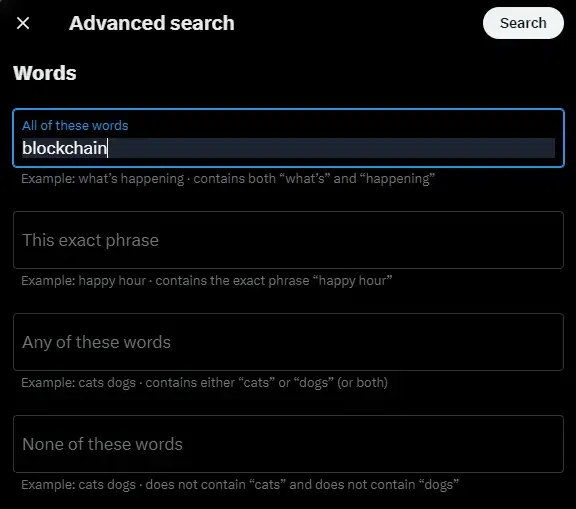
A search on Twitter can be made more specific by using various filters, which include words, accounts, and dates among others by using the advanced search feature of the company.
Steps:
Go to Twitter Advanced Search.
Type in your desired search criteria some of which include the keywords, users, dates, etc.
A few pointers for using the search function on Twitter help make the search experience more efficient and relevant. These tricks will assist you make your Twitter search more effective whether you need particular phrases, tweets from the user, or posts within a certain date. It is time to start testing these techniques to discover the full potential of using search on Twitter!