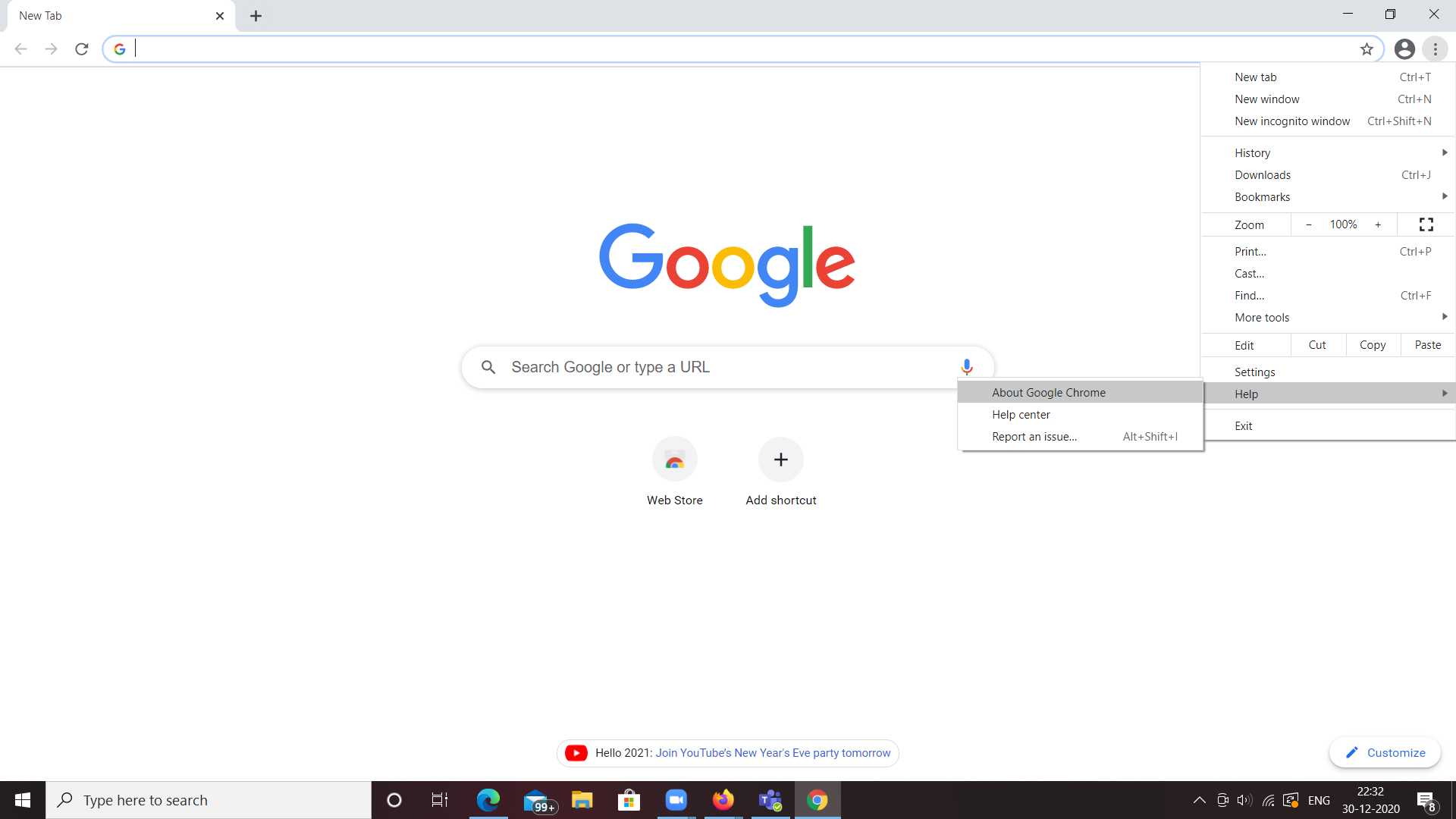
Experiencing issues with Google Chrome on Windows 10 can be frustrating, especially when it affects your browsing experience. Whether Chrome is crashing frequently or you notice slow performance, this guide will help you troubleshoot Google Chrome on Windows 10 effectively. From simple fixes like clearing your cache to advanced solutions such as resetting Chrome, we’ll explore the best methods to resolve Chrome issues and get your browser running smoothly again.
Try browsing in Google Chrome and check if it fixes your problem. If yes, it means some extensions are causing a crash on your web browser.
So try manually enabling all the extensions one by one and observe whether that particular extension is the one that is causing the issue.
Method 4: Using the no-sandbox flag for Google Chrome
Go to your desktop.
Right-click on the Google Chrome shortcut.
Click on the Properties option.
Before proceeding any further make sure you have a shortcut icon on the Desktop. If not, simply drag the Google Chrome icon from your Start menu to the Desktop.
It checks and repairs the found corrupt files on your system by looking at the Windows or rather the deployment image servicing and management tool image and trying and copying those corrupted files and replacing them with a fresh copy so once done hopefully that would fix your problem.
Method 11: Reinstall the Google Chrome
Close your Google Chrome.
Go to the Start menu.
Click on the Settings.
Go to the apps option.
You will be shown the list of all the apps that are currently installed on your system go ahead and look for Google Chrome then make sure to uninstall it.
After it is uninstalled go ahead and download a fresh copy of Google Chrome.
By following these troubleshooting steps, you can quickly fix Google Chrome issues on Windows 10and enjoy a seamless browsing experience. Whether Chrome is freezing or refusing to open, these tips will help you diagnose and repair the problem. Keep this Chrome troubleshooting guide handy to ensure that you can tackle any future issues with ease.