|
VOOZH | about |
|
VOOZH | about |
In this article, we will learn about the WebAuth tool in the Edge browser. The Microsoft Edge browser offers a variety of features and services. One of them is WebAuth, which is a short form of Web authentication. It is defined as a standard for the web that the Wide Web Consortium and the FIDO introduced. If we want to avoid password-based logins, then it allows users to log into online accounts by using biometrics, mobile devices, etc. In this article, we will see how it works and how we can use it for online security.
Table of Content
We have to follow some steps to set up the WebAuthn in the Edge.
Step 1: Visit a website that supports WebAuthn. For this article, we will be using a demo website, demo WebPage. Open this website in Microsoft Edge.
Step 2: Here, sign in with Google on that website.
Step 3: Now open the DevTools by pressing Ctrl + Shift + I.
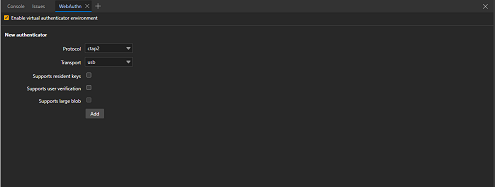
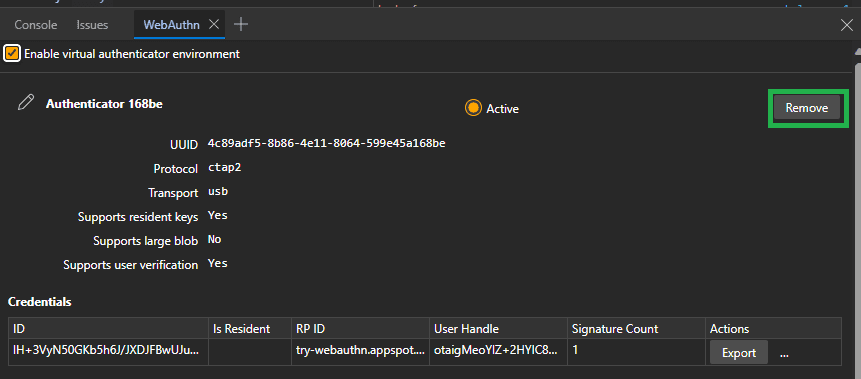
Step 4: Now open WebAuthn in the DevTool and check the Enable virtual authenticator environment checkbox.
Step 5: Here we can see there are some options that we can configure. For the protocol, keep it default, and for transport, use it accordingly and check the Supports resident keys and Supports user verification.
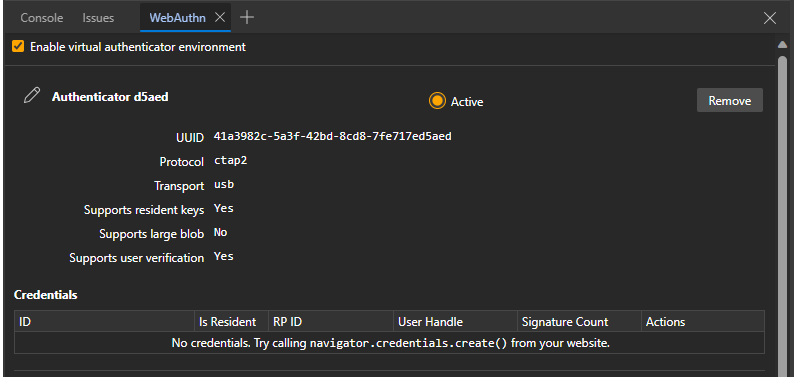
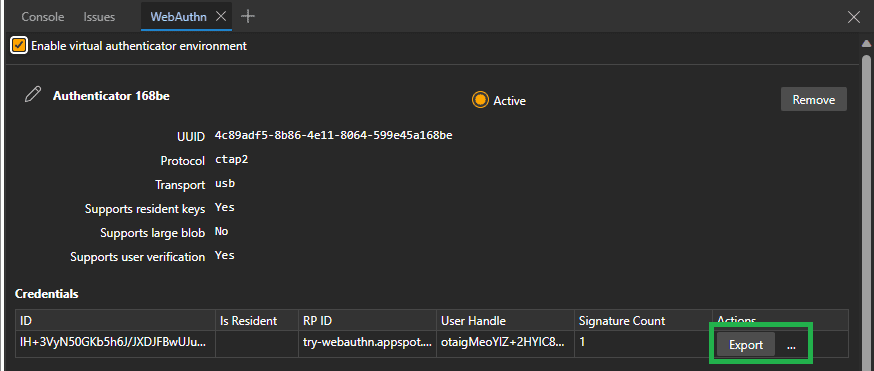
Step 6: Now we can click the add button, and a newly created authenticator will be displayed. Here it has a table named credentials, which is initially empty.
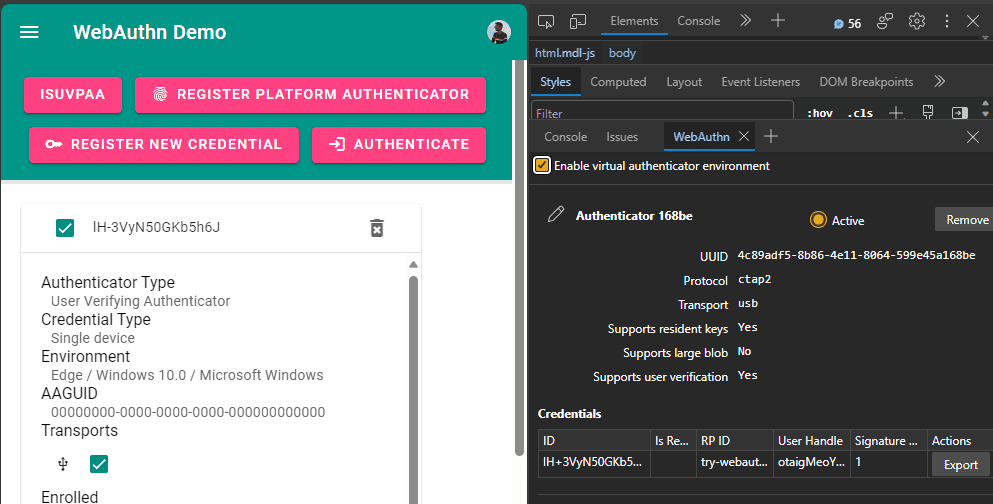
Step 7: Now we will Register a credential, Visit the demo site and click on the Register new credential.
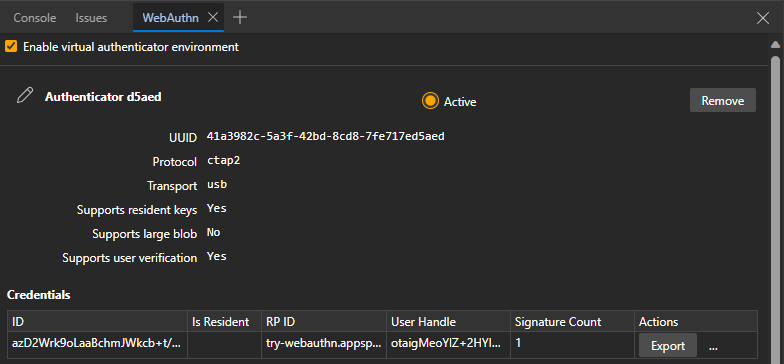
Step 8: Now a new Credential is added to the table in the WebAuthn tool.
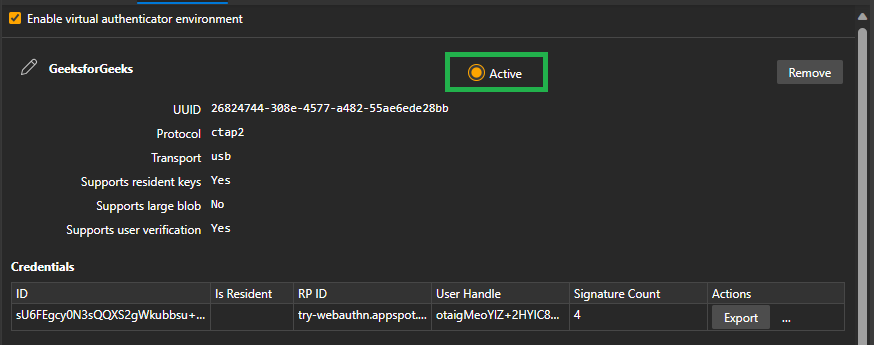
So we have now successfully setup the WebAuthn in the Edge browser. Now on the demo website if we click the authenticate button then the signature Count will increase.
Step 1: Click the Register new credential button on this demo website
Step 2: Inspect the page with Ctrl+Shit+I and go to the WebAuthn.
Step 3: As we can see that the new credential is now added to the Credential table.
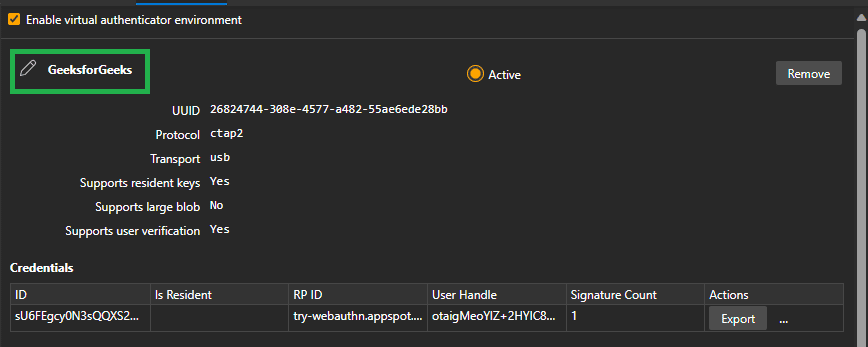
To rename any specific authenticator, click on the pencil icon beside the authenticator name, edit the name and press Enter to save it.
There are several benefits of the WebAuthn, some of them are :
WebAuth in the Edge browser shows what online login could be like in the future. It makes logging in online more secure. But it also makes it easier and more comfortable to use. As online dangers change, tools like WebAuth help make the online world safer. They show new ways to login that are secure and easy to use.