|
VOOZH | about |
|
VOOZH | about |
A couple of weeks ago at the Google I/O event, Google just flipped the switch on something big when they introduced the new way to gather information from the internet. If you attended that event, then you know what we are talking about. Yes, you guessed it right. We are talking about the new Google AI Mode. This isn’t just a new feature it’s a complete shift in how we use search. Instead of simply showing blue links, Google’s new AI Mode delivers direct answers, lets you ask follow-up questions, and even helps with tasks like booking tickets or summarizing emails. It's powered by Gemini 2.5, one of Google’s most advanced AI models, making your searches faster, smarter, and more helpful.
Well, the new features are still in the testing phase, but in many regions of the U.S., these features are available for the normal users. So, let's explore Google's new AI search features and find out, does this Google AI Mode beat the traditional way of internet search?
Google AI Mode is a revolutionary search tool that moves beyond traditional link-based results. Unlike AI Overviews, which provide summarized answers, AI Mode offers a chatbot-like experience, allowing users to ask complex, multi-part questions and follow-up queries. Powered by Gemini 2.5, it delivers in-depth responses with visual cards for local businesses, product specs, and real-time availability.
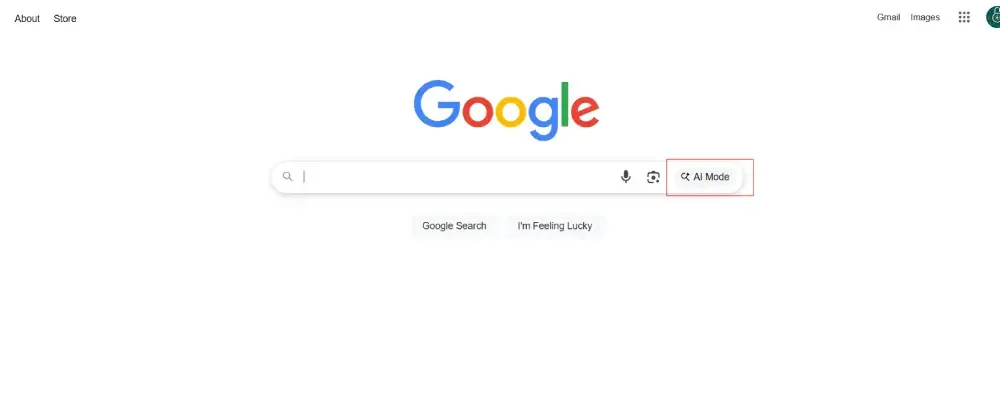
Users can access it via a new “AI Mode” tab in Google Search or the mobile app, making it ideal for nuanced queries like “compare the best laptops under $500” or “plan a weekend trip to New York.” It also integrates with Google apps like Gmail for personalized results, marking a shift toward a more conversational web.
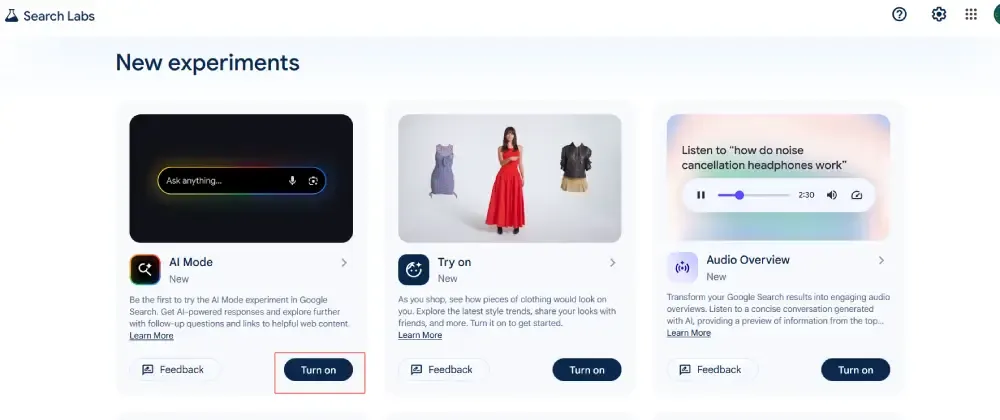
Google first tested AI Mode in March 2024 through its Labs program, letting a small group of users try it out and share feedback. This helped Google make it user-friendly and ready for everyone. During this phase, Google held virtual events and discussions, including webinars and Q&A sessions with developers and testers, to showcase AI Mode’s features and gather ideas for improvement. Now, starting May 20, 2025, AI Mode is rolling out across the U.S. with no need for sign-ups. It’s slowly showing up on desktops, Android, and iOS devices over the next few weeks, so if you don’t see it yet, it’s coming soon!
At the core of AI Mode is Gemini 2.5, Google’s most advanced AI model to date. Designed with a “reasoning-first” approach, Gemini 2.5 outperforms its predecessors, including Gemini 2.0 and the earlier AI Overviews. It excels at understanding complex questions, connecting relevant information, and delivering clear, accurate answers. This powerful engine makes AI Mode faster, smarter, and more intuitive, transforming search into a dynamic, assistant-like experience.
AI Mode introduces a suite of features that go far beyond traditional search, making it feel like a personal assistant. Here’s what users can expect:
These features make search more interactive and action-oriented, reducing the need to sift through endless links.
Note: The Google AI Mode AI is currently available in the U.S. only with the personal Gmail account. The Google AI Mode is not available for Workspace accounts.
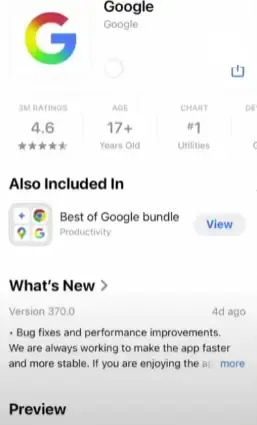
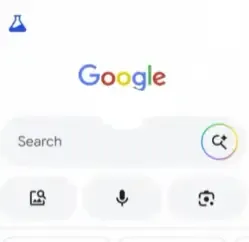
If you want to use this Google AI Mode on your portable device, then follow the below steps:
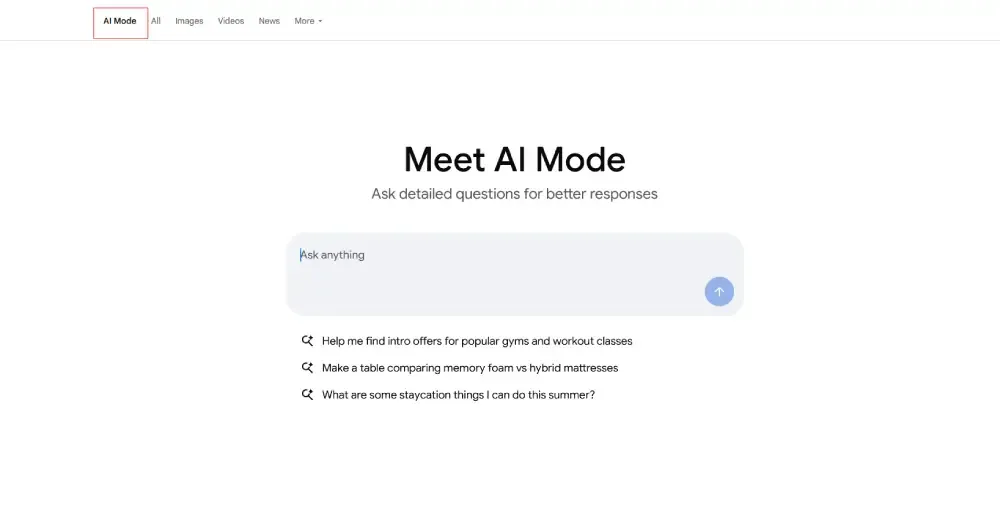
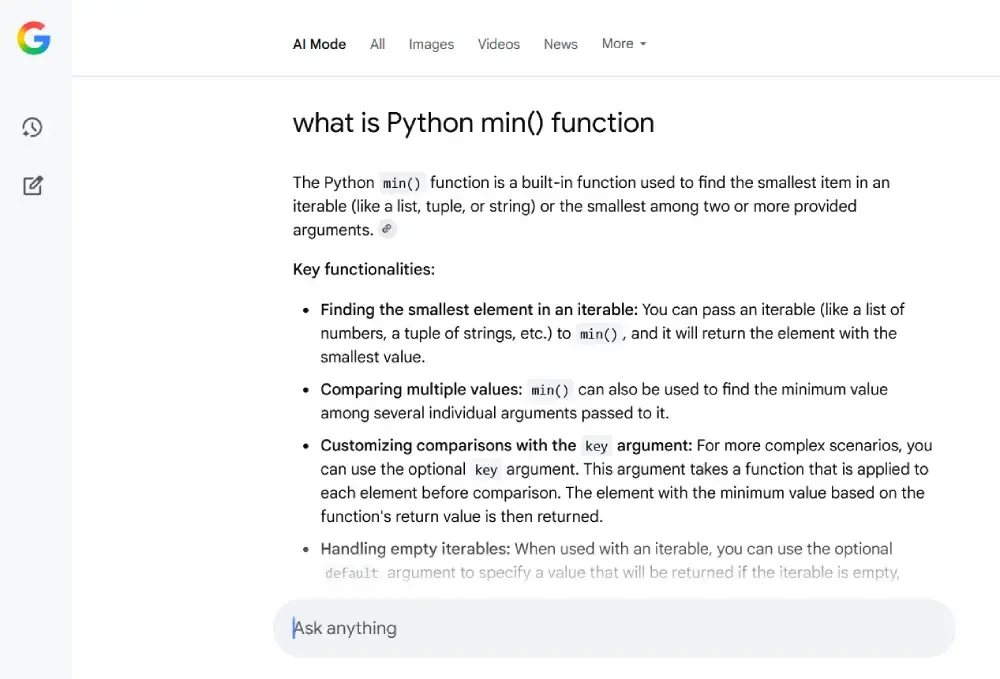
The Google AI Mode works the same as other LLM-based chatbots, like you ask questions and it pulls responses from the web. Also, you can follow up with questions to specify the search. If we talk more precisely, then it's like an AI assistant with search features. We have tested Google AI Mode during the research of this and asked the question, "What is Python min() function?"
As we said that, It works the same as any other AI chatbot, like "ChatGPT" or "Gemini"; it provides you a response along with the source that you can click into for more information about the topic. In addition, you can also interact with the Ask Anything bar if you think the response is generalised.
As we aware that previsouly Google has already launched it AI Overview features in Google search so why this new AI Mode? Let find out the what are the actual features difference between Google AI Overview and Google AI Mode.
Objective | Google AI Overview | Google AI Mode |
|---|---|---|
Purpose | Offers a quick snapshot of information, acting as an enhanced version of a featured snippet. | Facilitates in-depth exploration of topics, synthesizing information from multiple sources for detailed responses. |
Interaction | Delivers a one-time summary with no option for follow-up questions within the feature itself. | Supports a conversational interface where users can ask follow-up questions, with the AI maintaining context throughout the exchange. |
Complexity | Best suited for simple queries that can be answered briefly and directly. | Tailored for nuanced questions requiring reasoning, such as planning tasks or analyzing multifaceted topics. |
Presentation | Integrated into the standard search results page, appearing automatically when triggered by relevant queries. | Operates in a dedicated tab or interface within the Google app or Search, separate from traditional results, offering a full-page AI-driven response |
Availability | Widely accessible, used by over a billion people, and continually upgraded (e.g., with Gemini 2.0) to handle topics like coding or advanced math [web:0][web:2]. | Currently limited to a select audience via Google Labs, accessible through opt-in or a waitlist |
Capabilities | Only for users queries like text | Multimodal, accepting inputs like text, voice, and images, and uses a "query fan-out" technique to process multiple related searches concurrently |
Google's roll out of AI Mode is a significant move into an AI-centric future, combining AI technology with real world, user-friendly use cases. Powered by Gemini 2.5, AI Mode turns search into a dialogue and task based experience that is more human than ever. As Google continues to iterate and expand on AI Mode, it’s clear that the way we interact with the internet is changing forever.