 |
VOOZH | about |
|
VOOZH | about |
10 min
read
Compare the 7 best low-code mobile app builders of 2026. Find the right platform for fast, flexible app development with minimal coding
By
Jesus Vargas
Updated on
May 29, 2026
.
Reviewed by
Real-World Experience with No-Code Tools: With over 320 apps built, we know firsthand what works—and what doesn't—when using no-code platforms like Glide, Bubble, FlutterFlow and Webflow.
Expert Team with 40+ Years of Combined Experience: Our team has deep technical knowledge, with experts who use no-code tools to solve real-world problems for clients every day, ensuring our advice is actionable and reliable.
Detailed Guides Based on Actual Projects: We don’t just talk about no-code; we use it daily to solve real business problems for our clients, from MVPs to complex automations.
Take a deeper look at our editorial guidelines
A low-code mobile app builder is a platform that lets you create mobile applications with minimal hand-coding. Instead of starting from scratch, you use visual tools, drag-and-drop interfaces, and pre-built modules, while still having the option to add custom code when needed.
Low-code is different from no-code. No-code platforms are fully visual and designed for non-technical users who want to build apps without writing any code at all. Low-code, however, gives more flexibility by allowing developers to combine visual development with custom scripts for complex logic, integrations, or performance tuning.
This balance makes low-code especially appealing to developers and technical founders. They can move faster than with traditional coding while still maintaining the control needed to handle advanced features.
Low-code mobile app builders offer a balance between speed and flexibility, making them a strong choice for startups, enterprises, and technical teams. By combining visual interfaces with coding options, they allow faster delivery without losing control over how the app works.
By blending speed with technical depth, low-code development reduces costs, minimizes technical debt, and empowers teams to build reliable mobile apps that can evolve over time.
Read more | Low-code business process automation
Custom Business Apps
Own Your Internal Tools
We help you build tailor-made apps that streamline operations, boost efficiency, and grow with your business.
Not all low-code platforms are created equal. Some focus on rapid prototyping, while others are designed to deliver enterprise-grade applications. If you’re serious about building a mobile app that lasts, you need a platform with the right mix of speed, flexibility, and scalability.
Below are the key features to consider before choosing a low-code mobile app builder.
A strong low-code mobile app builder goes beyond rapid prototyping. It provides the foundation to create scalable, secure, and user-friendly applications ready for real-world deployment and long-term growth.
Read more | Can I Build a Mobile App with Bubble?
FlutterFlow combines Flutter's native performance with visual development, making it ideal for developers who want both speed and control. The platform offers real-time preview, custom code integration, and generates clean Flutter code you can export. Its drag-and-drop interface includes advanced animations, API integrations, and Firebase connectivity out of the box.
FlutterFlow App Development
Apps Built to Scale
We’re the leading Flutterflow agency behind some of the most scalable apps—let’s build yours next.
FlutterFlow excels for startups building MVPs and businesses needing native mobile apps with complex functionality. The platform supports both iOS and Android deployment with genuine native performance, not hybrid wrappers.
Read more | Cross-Platform Mobile App Development Guide
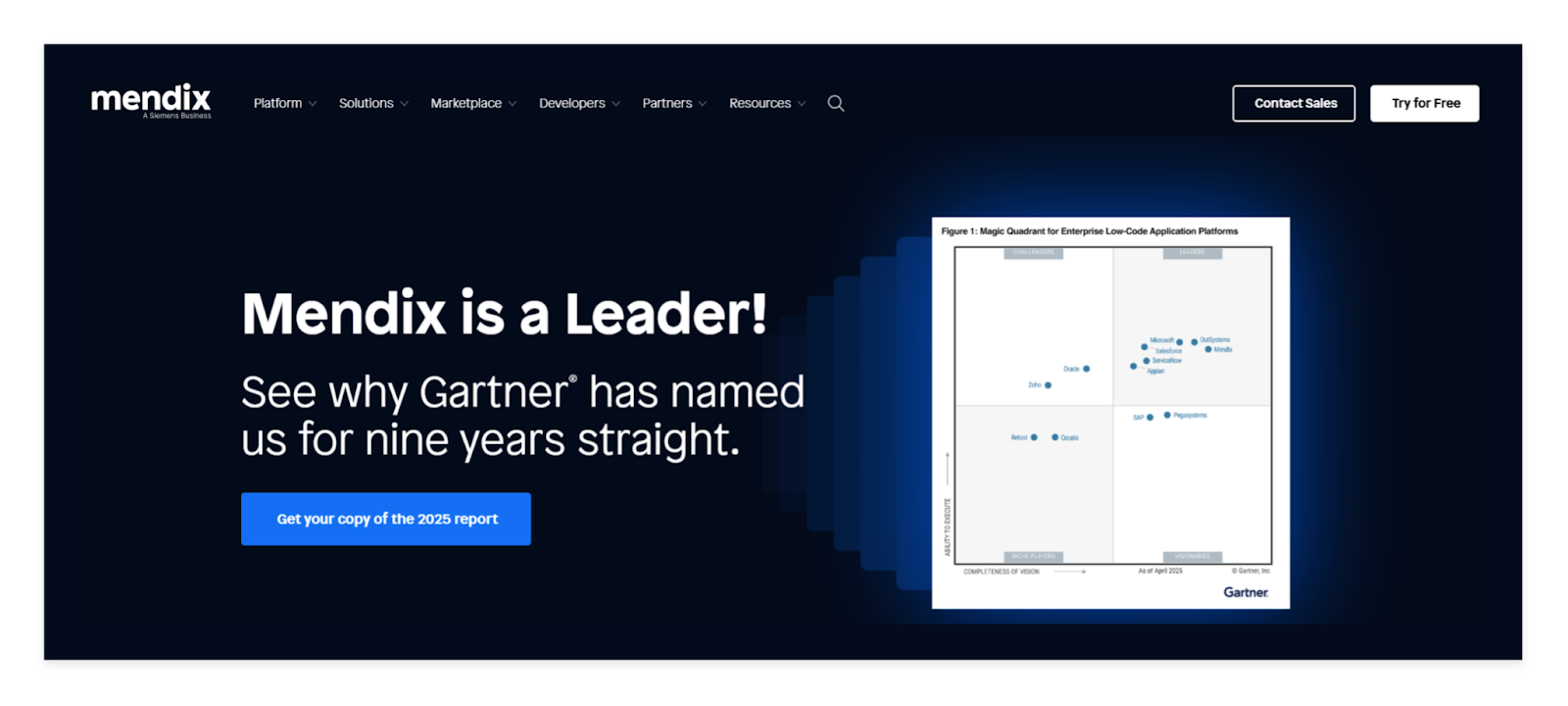
Mendix is an enterprise-focused platform that combines low-code development with robust governance and security features. It offers visual modeling, microservices architecture, and seamless integration with existing enterprise systems. The platform includes built-in DevOps capabilities, multi-cloud deployment, and comprehensive analytics for business applications.
Mendix is ideal for large organizations building complex business applications that need to integrate with legacy systems. Its strength lies in enterprise-grade scalability, compliance features, and the ability to handle mission-critical applications.
Read more | Business Mobile App Development Guide
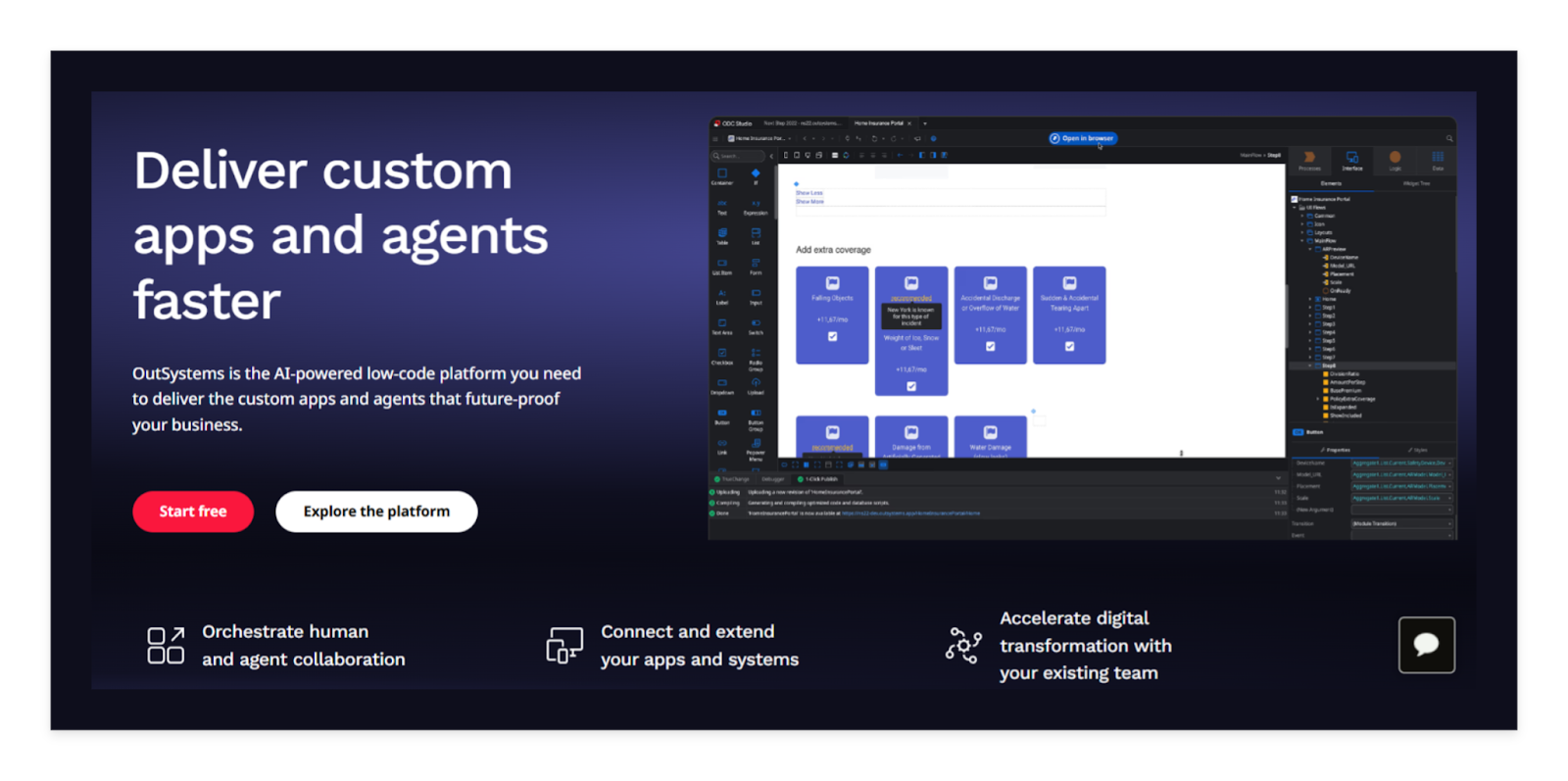
OutSystems delivers full-stack low-code development with strong mobile capabilities and enterprise-grade performance. The platform offers visual development, automatic code generation, and one-click deployment across multiple environments. It includes advanced features like AI-assisted development, comprehensive testing tools, and robust security frameworks.
OutSystems works best for enterprises building customer-facing applications and complex business processes. The platform excels in scenarios requiring rapid development cycles, legacy system modernization, and applications that need to scale to millions of users.
Read more | Ecommerce Mobile App Development Guide
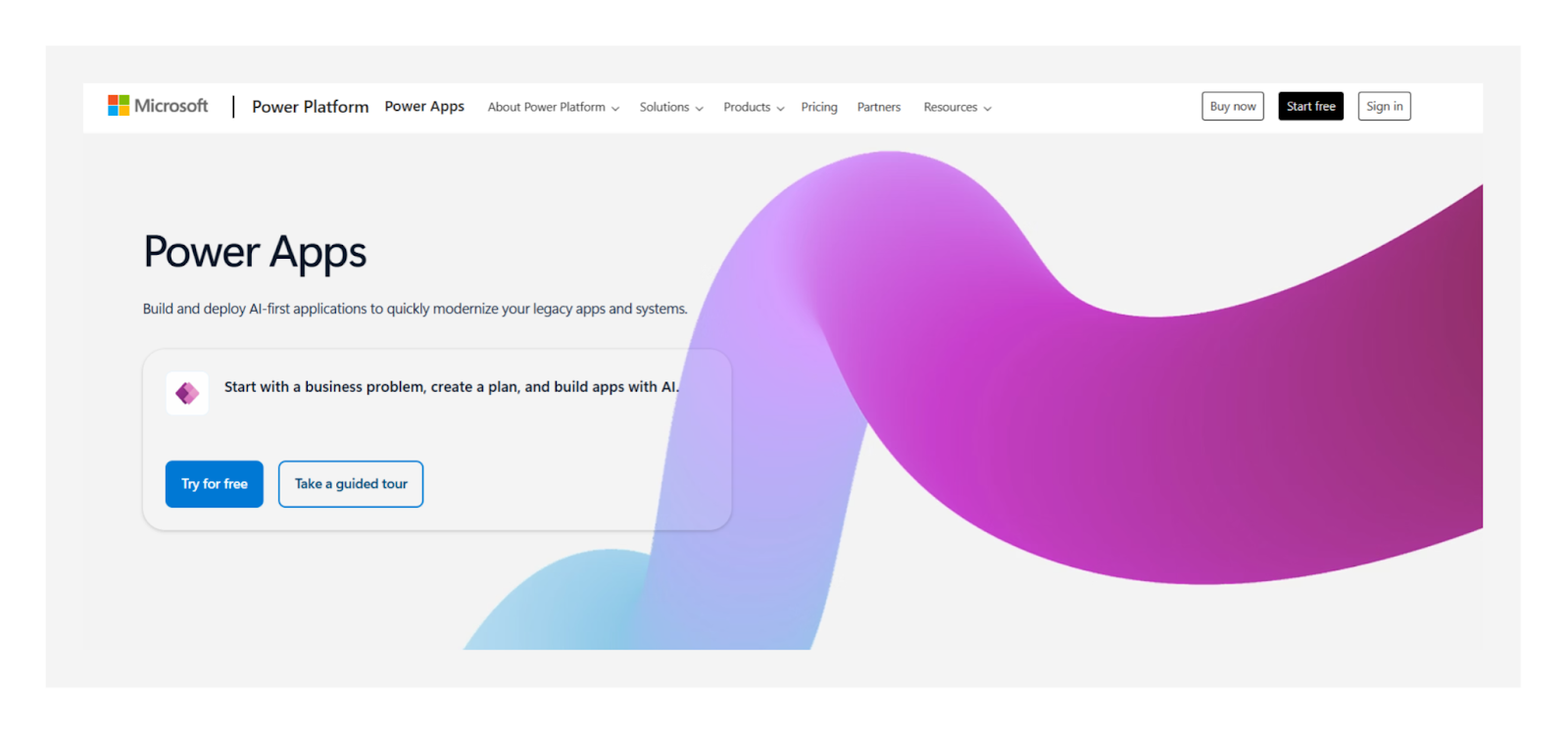
Microsoft Power Apps integrates seamlessly with the Microsoft ecosystem, making it perfect for organizations already using Office 365 and Azure. The platform offers canvas apps for custom interfaces and model-driven apps for data-centric applications. It includes native connectors to hundreds of Microsoft and third-party services, AI Builder for intelligent features, and comprehensive security controls.
Power Apps is ideal for businesses building internal tools, workflow automation, and applications that leverage existing Microsoft data sources like SharePoint and Dynamics 365.
Read more | How to hire mobile app developers
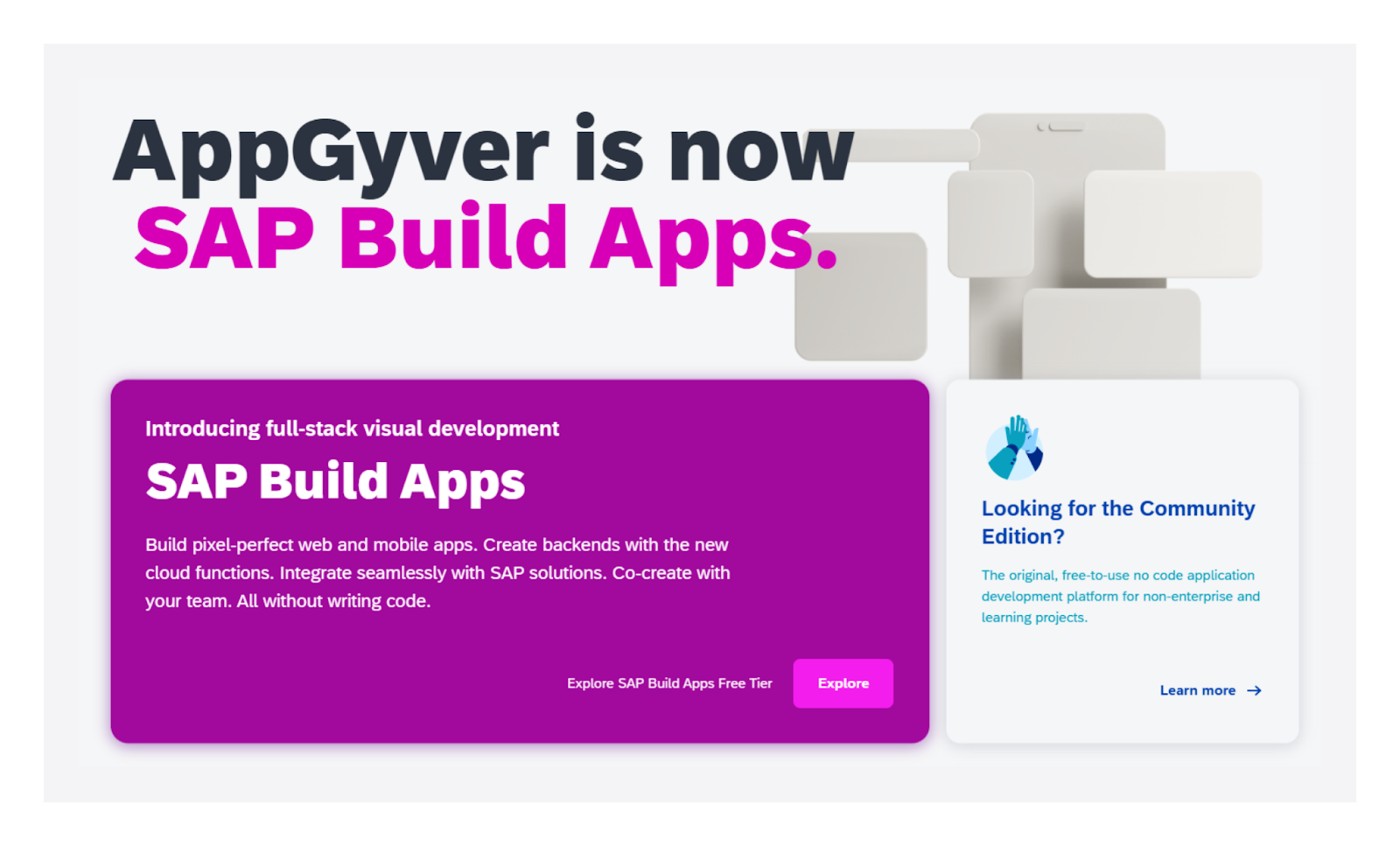
Appgyver provides a comprehensive no-code/low-code platform with strong mobile app development capabilities and extensive customization options. The platform offers visual logic programming, native device access, and robust data integration features. It includes marketplace components, advanced styling options, and the ability to create both web and mobile applications from the same project.
Appgyver works well for businesses building customer-facing apps and internal tools that require sophisticated user interfaces. The platform is particularly strong for applications needing complex workflows and custom business logic.
Read more | Mobile app MVP development guide
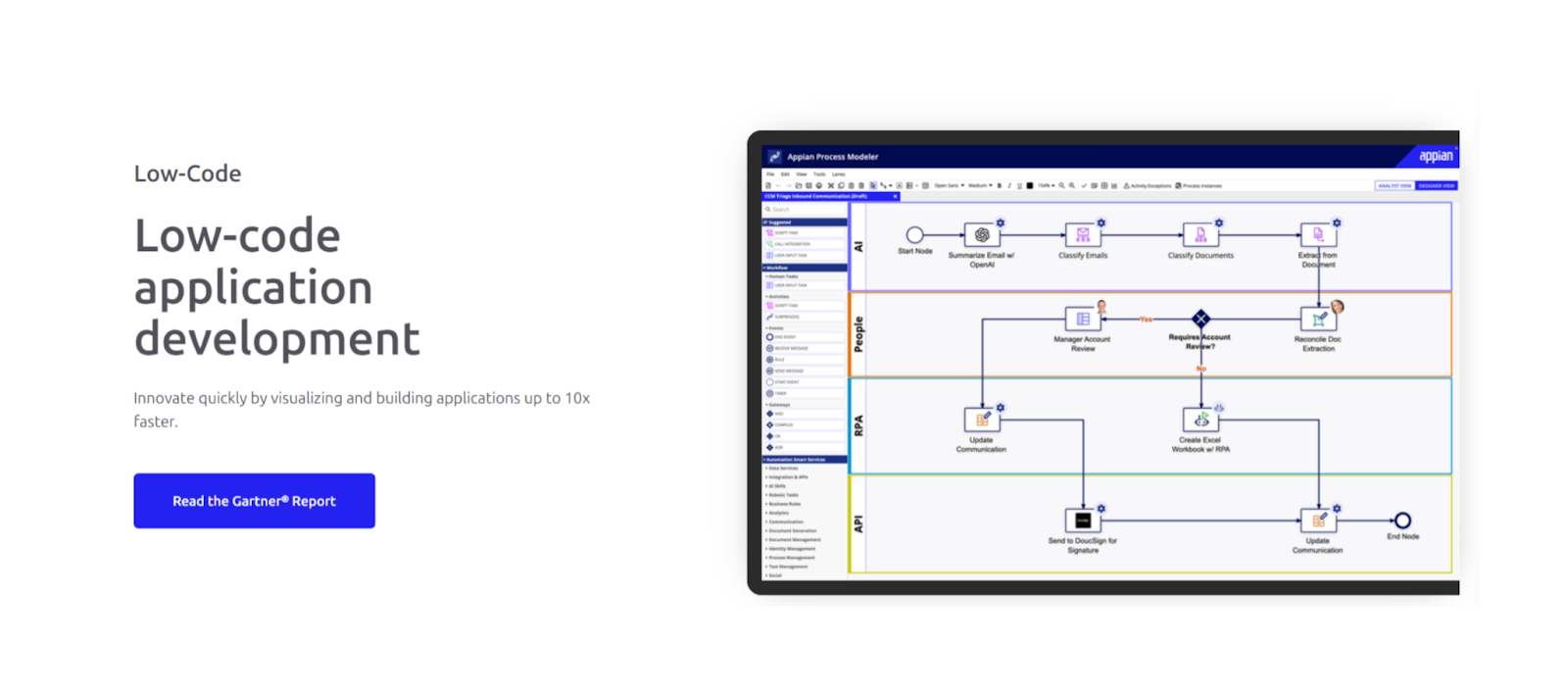
Appian focuses on business process automation combined with low-code app development, making it ideal for workflow-heavy applications. The platform offers process mining, robotic process automation, and intelligent document processing alongside mobile app development. It includes powerful workflow engines, case management capabilities, and comprehensive reporting tools.
Appian excels for organizations building applications that automate complex business processes and require extensive approval workflows. The platform is particularly valuable for industries like financial services, healthcare, and government that need compliance and audit capabilities.
Read more | No-code mobile app development guide
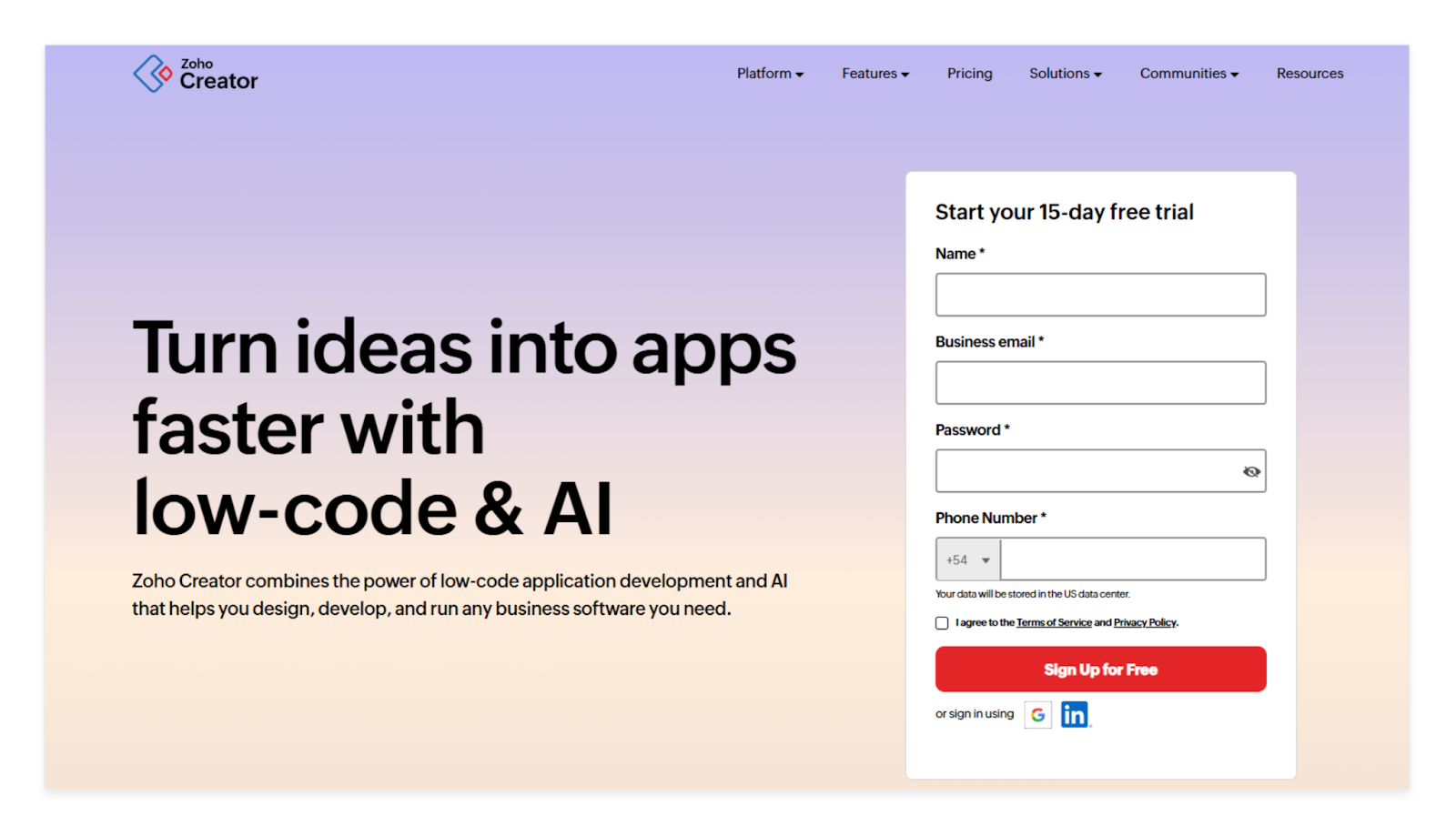
Zoho Creator provides an affordable low-code platform with strong database capabilities and extensive third-party integrations. The platform offers drag-and-drop app building, custom workflows, and comprehensive reporting features. It includes mobile app generation, role-based access controls, and seamless integration with other Zoho products.
Zoho Creator is ideal for small to medium businesses building custom database applications and workflow automation tools. The platform works particularly well for businesses already using Zoho's suite of business applications and needing cost-effective custom solutions.
Read more | Rapid mobile app development guide
While no-code platforms are perfect for simple apps and quick MVPs, there are times when low-code is the smarter choice. Low-code combines the speed of visual development with the flexibility of custom coding, making it ideal for more complex or growth-oriented projects.
Here are key situations where low-code outshines no-code:
Low-code strikes the balance between speed, flexibility, and sustainability, making it the right path for serious mobile app development.
Read more | Insurance Mobile App Development Guide
Low-code platforms give you the speed to build apps quickly, but like any technology, they come with trade-offs. Many founders and even developers make mistakes that can slow down projects or cause long-term issues. Avoiding these pitfalls will save time, money, and frustration.
By planning ahead and avoiding these mistakes, you ensure your low-code mobile app remains reliable, scalable, and cost-effective.
Read more | Best Mobile App Development Agencies
Strategic Technology Partner
We Help You Win Long-Term
We don’t just deliver software—we help you build a business that lasts.
Low-code platforms can transform how you build mobile apps, but success depends on making smart choices early. The best approach is to match the platform with both your team’s technical ability and the complexity of your app. A small internal tool may thrive on simpler features, while a customer-facing product may require advanced integrations and scalability.
Ready to transform your mobile app idea into reality? At LowCode Agency, we've built over 330 apps using platforms like FlutterFlow, helping businesses launch faster without sacrificing quality or scalability.
Book a free discovery call to discuss your project and discover which low-code platform will best serve your specific needs and long-term goals.
Last updated on
May 29, 2026
.
Jesus Vargas
-
Founder
Jesus is a visionary entrepreneur and tech expert. After nearly a decade working in web development, he founded LowCode Agency to help businesses optimize their operations through custom software solutions.
Custom Automation Solutions
Save Hours Every Week
We automate your daily operations, save you 100+ hours a month, and position your business to scale effortlessly.
Our AI — trained on 300+ shipped products — tells you what to build, what to skip, and what it'll actually cost. No fluff.
Assess My Idea"Working with LowCode Agency was the best decision I made in 2025"
Franklin Frith
CEO at HRM
Low-code platforms allow developers to add custom code alongside visual development tools, offering flexibility for complex functionality and integrations. No-code platforms rely entirely on visual interfaces without coding options, making them accessible to non-technical users but limiting customization. Low-code bridges the gap between rapid development and technical control, while no-code prioritizes simplicity over flexibility.
Yes, most reputable low-code platforms support publishing to both major app stores. Platforms like FlutterFlow generate native code that meets Apple and Google requirements for performance and functionality. The publishing process typically includes automated code signing, build optimization, and submission workflows that handle the technical requirements for store approval.
Well-built low-code apps can be both secure and scalable when developed on enterprise-grade platforms. Look for features like encrypted data transmission, secure authentication, and compliance with regulations like GDPR. Scalability depends on the platform architecture and your app's design, but leading platforms handle millions of users effectively.
FlutterFlow excels at real-time features through its native Flutter foundation and seamless Firebase integration. The platform handles real-time data synchronization, live chat, collaborative features, and instant updates without complex setup. Its combination of visual development tools and custom code capabilities makes it ideal for apps requiring immediate data updates and user interactions.
Yes, true low-code platforms allow custom code integration for specialized functionality that visual tools can not handle. You can typically add JavaScript, CSS, or platform-specific code for unique business logic, custom integrations, or advanced features. This flexibility ensures you are not limited by pre-built components while maintaining rapid development benefits.
Most low-code platforms offer extensive integration capabilities with REST APIs, SQL databases, Firebase, and popular services like Stripe and Salesforce. Many include pre-built connectors and visual integration tools that simplify connecting external systems. Advanced platforms also support custom API development and complex data synchronization for enterprise requirements.
No-code/Low-code
Top no-code web app builders for 2026
Discover the ultimate curated list of top no-code web app builders, empowering you to build web apps without coding.
No-code/Low-code
The Process of Working With a No-code Agency
Learn the key stages of collaborating with a no-code agency, from selection to post-launch, for streamlined app development and ongoing support
No-code/Low-code
What Is Low-code Development? [Full Guide for Beginners]
Discover what low-code development means, how it works, and why companies use it to build software faster with less coding. Simple, clear, and practical.
No-code/Low-code
No-code Use Cases (Real Examples You Can Build in 2026)
Explore real no-code use cases you can build in 2026. See practical examples, tools, and ideas to launch apps, automate workflows, and solve business problems fast.
No-code/Low-code
How to Build a Marketplace Platform (Step-by-Step Guide)
Learn how to build a marketplace platform step by step. Explore tools, features, and models to launch your own online marketplace fast
No-code/Low-code
Best 11 No-code Agencies [2026] | Hire the Best one
Looking for the best no-code agency in 2026? Explore the top 11 no-code teams for SaaS, mobile apps, automation, and MVPs. Find the perfect partner today.







![👁 What Is Low-code Development? [Full Guide for Beginners]](https://cdn.prod.website-files.com/61cbe22a00483909d327afc6/69de878d902970291a8e4104_69b2c9454c32739b255f6bbf_what-is-low-code-development.avif)

![👁 Best 11 No-code Agencies [2026] | Hire the Best one](https://cdn.prod.website-files.com/61cbe22a00483909d327afc6/6a19ce4f7d0b56b04ef8a18d_69318e14a79b823e45f0b8e8_Best%2520No-code%2520Agencies%2520(1).avif)


