|
VOOZH | about |
|
VOOZH | about |
In Spring Boot, Hibernate SessionFactory is the core interface used to create and manage database sessions. While Spring Boot commonly uses JPA (EntityManager), direct access to SessionFactory is useful for advanced Hibernate features and fine-grained control over database operations.
SessionFactory is a thread-safe object in Hibernate responsible for creating Session instances, which are used to interact with the database.
Although Spring Boot prefers JPA, using SessionFactory can be beneficial when:
By the following these steps, developers can effectively can manage the Hibernate SessionFactory in the Spring Boot applications and it can ensure the optimal database interaction and the streamlined the performance.
Now, we will demonstrate how to the handle to Hibernate SessionFactory in the Spring application.
Create a project using Spring STS/Initializer with the following dependencies:
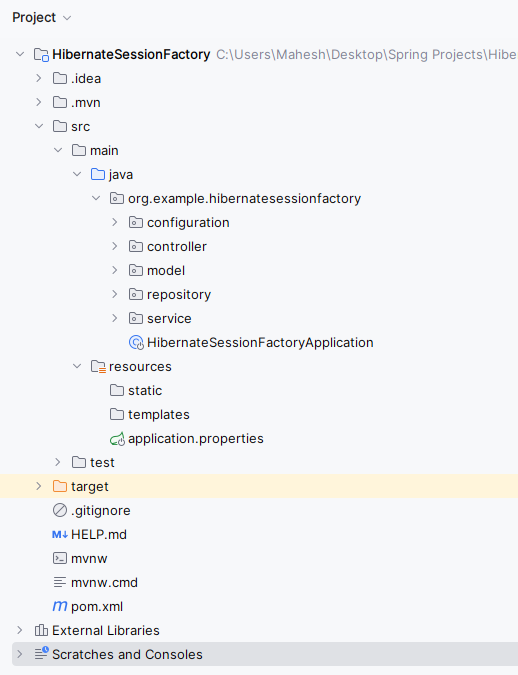
Once complete the creation of the spring project then the spring project file structure look like the below image.
👁 File StructureOpen application.properties file, and write the below code for the server port and mongodb database configuration to the project.
spring.application.name=HibernateSessionFactory
server.port=8082

# Database Configuration
spring.datasource.url=jdbc:mysql://localhost:3306/example
spring.datasource.username=root
spring.datasource.password=

# Hibernate Configuration
spring.jpa.properties.hibernate.dialect=org.hibernate.dialect.MySQL5Dialect
spring.jpa.hibernate.ddl-auto=update
Create the new package and it named as the model in that package create the new Java class and it named as Product.
Go to src > org.example.hibernatesessionfacotry > model > Product and put the below code.
Create a new package and named it as the repository. In that package, create the new Java interface and named it as ProductRepository.
Go to src > org.example.hibernatesessionfacotry > repository > ProductRepository and put the below code.
Create the new package and it named as the configuration in that package create the new Java class and it named as HibernateConfig.
Go to src > org.example.hibernatesessionfacotry > configuration > HibernateConfig and put the below code.
Create the new package and it named as the service in that package create the new Java class and it named as ProductService.
Go to src > org.example.hibernatesessionfacotry > service > ProductService and put the below code.
Create a new package named as the controller, in that package, create the new Java class and it named as ProductController.
Go to src > org.example.hibernatesessionfacotry > controller > ProductController and put the below code.
Open the main class and write the below code.
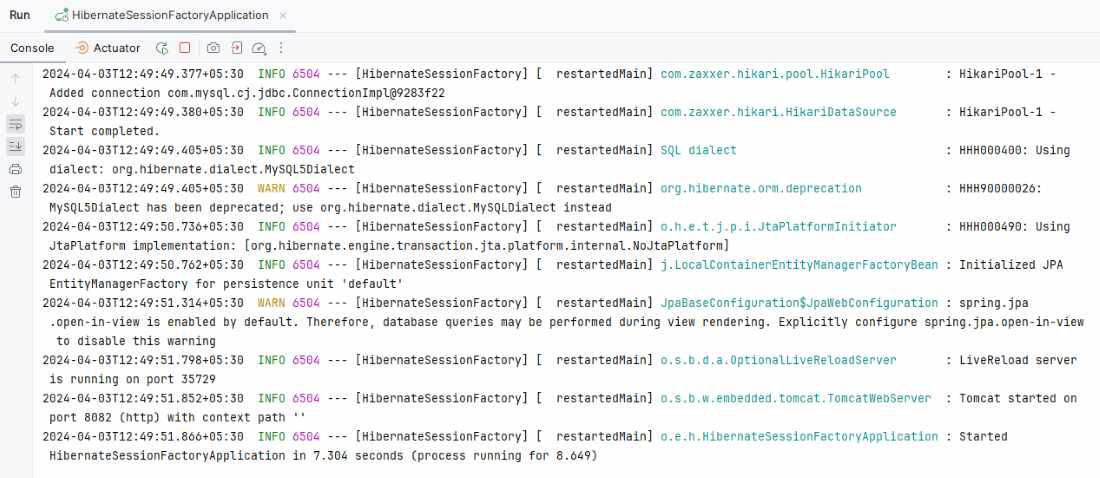
After completing the project, it will run as spring application and once it runs successfully, then it starts at port 8082.
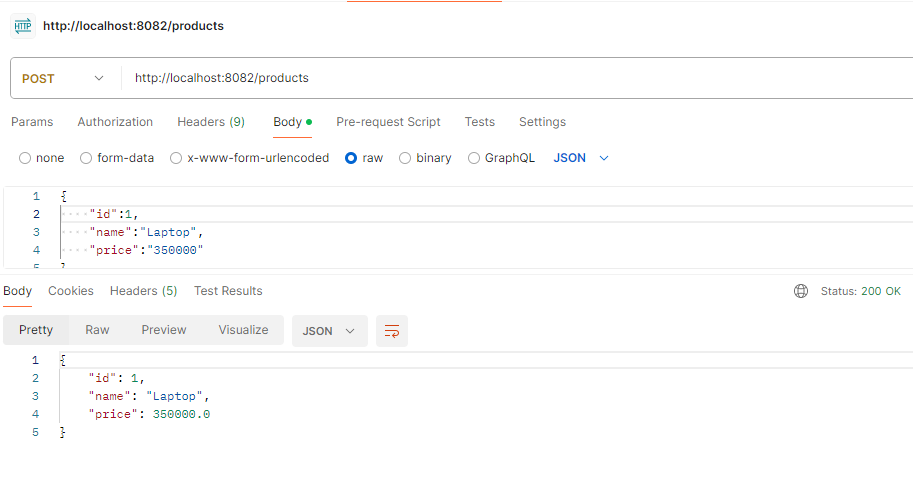
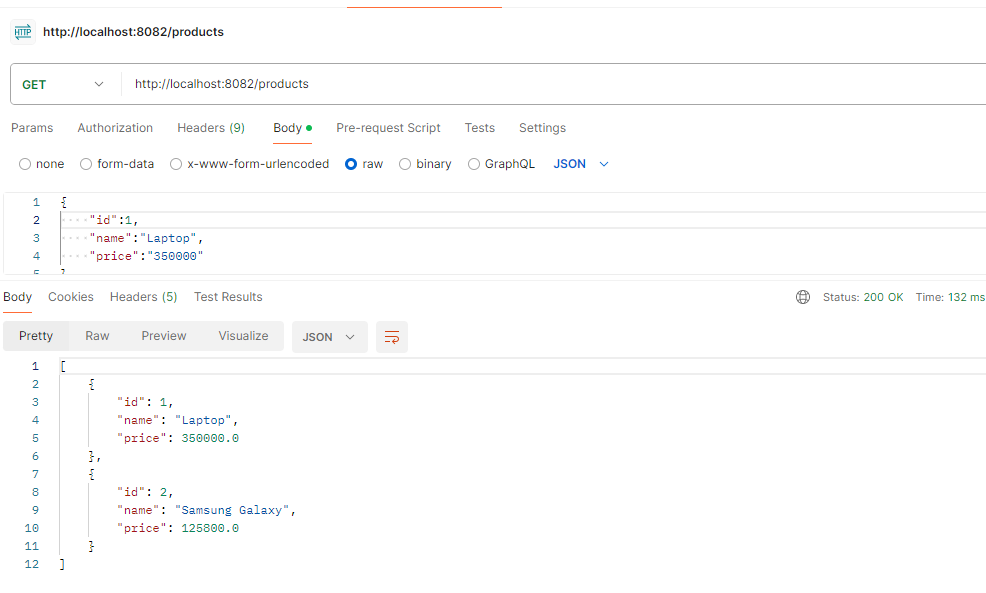
👁 log outputPOST http://localhost:8082/productsGET the Products Endpoint:
GET http://localhost:8082/productsIf we follow the above steps, then we can demonstrate how to the handle to the Hibernate SessionFactory of the Spring application.