|
VOOZH | about |
|
VOOZH | about |
Spring MVC with JSP View is a web framework based on the Model–View–Controller (MVC) architecture, where Spring handles request routing and business logic while JSP is used to generate dynamic views.
Below are the basic steps to implement Spring MVC with JSP, starting from project setup to rendering JSP views using controllers.
Add below dependencies in pom.xml file:
This file tells the servlet container how to load the Spring DispatcherServlet and which file has Spring configurations.
web.xml
This file initializes Spring MVC, scans your Java classes and sets up view resolution (JSP mapping) WebApplicationContext. And this contains the MVC-specific configurations including view-resolvers, datasource, messagesource, multipart-resolver (file-upload), etc.
mvc-dispatcher-servlet.xml
Create a controller class to handle requests, process data, and add it to the model.
Place this file inside: src/main/webapp/greet.jsp
greet.jsp
Step 7: Run the Application
http://localhost:8080/SpringMVCApp/
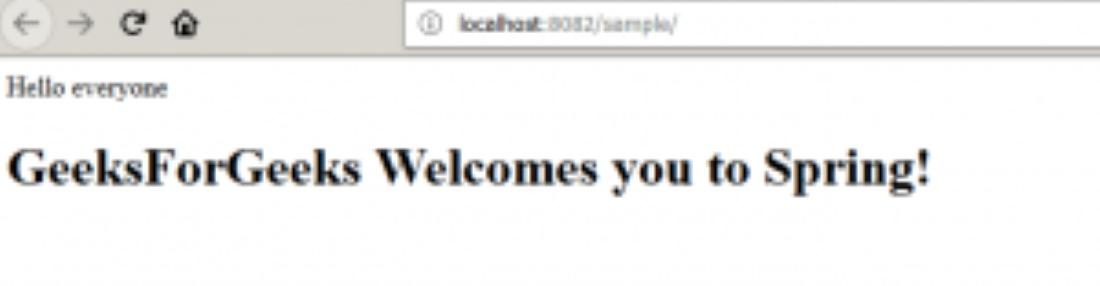
Output: