|
VOOZH | about |
|
VOOZH | about |
Cross-Origin Resource Sharing (CORS) is a browser security mechanism that allows or restricts web applications from accessing resources hosted on a different domain, protocol, or port. In Spring Security, CORS configuration helps define which external origins can communicate with the application while maintaining security. It is commonly used when a frontend application and backend API are hosted on different servers.
CORS can be configured at two levels in a Spring Boot application:
Global configuration applies the same CORS rules to all endpoints in the application.
Controller-level configuration applies CORS settings only to a specific controller or endpoint.
- Java Development Kit installed in your local system.
- Maven for building dependency management
- Basic understanding of the Spring Boot and Spring Security.
Create a new spring boot project using spring initializr and add the below dependencies to it.
Dependencies:
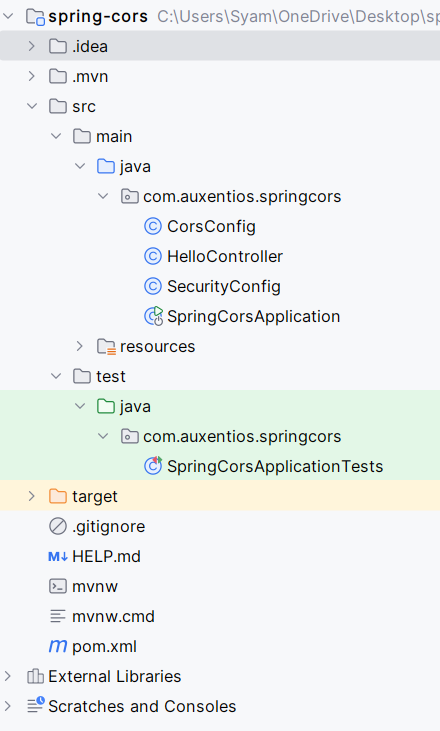
After creating the project, the folder structure in the IDE will look like the below image:
Open the application.properties file and add the server port configuration of the project.
server.port=8080
Create a SecurityConfig class to configure Spring Security and enable CORS support.
Explanation:
SecurityConfig class configures security settings.securityFilterChain() method sets up CSRF disablement, CORS configuration, and HTTP Basic authentication.userDetailsService() method provides an in-memory user for testing purposes.Create a configuration class to define allowed origins, methods, and headers.
Explanation:
Create a simple REST controller to test CORS functionality.
Explanation:
No changes are required in the main class. It remains standard for a Spring Boot application.
Create test cases to validate both security and CORS configurations.
Explanation:
pom.xml file:
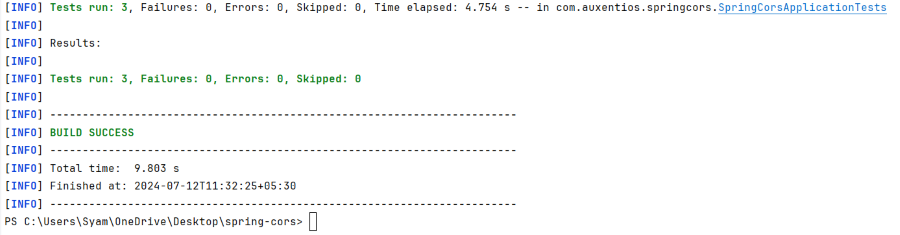
Execute tests using Maven (./mvnw test) to validate CORS and security configurations.
./mvnw test
Test Logs:
Test Results:
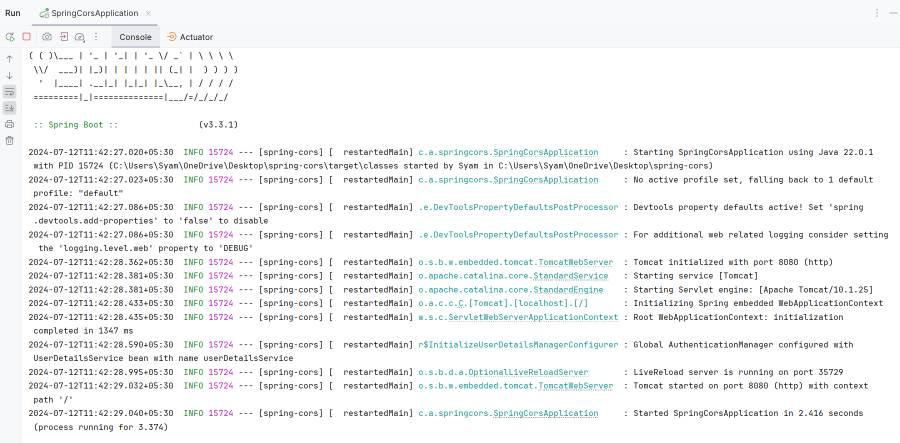
Starts the Spring Boot application on port 8080.
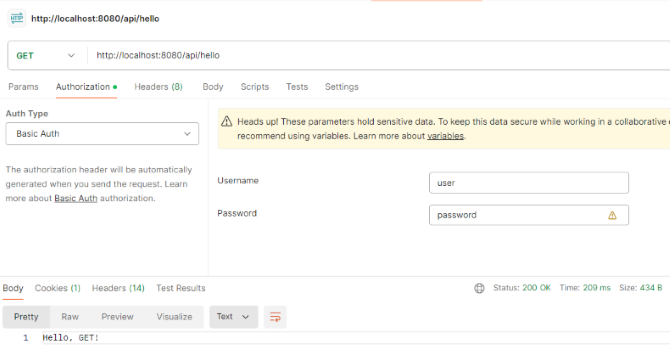
Send a GET request:
GET http://localhost/8080/api/hello
By following the above steps, we can setup the global CORS configuration that allows specific origins, headers and methods of the application. It ensures that the application communicate with the frontend applications running on the different domain securely.