|
VOOZH | about |
|
VOOZH | about |
Pug supports JavaScript natively, hence using JavaScript expressions, we can format HTML code. This approach allows us to reuse static web pages which have dynamic data. Angular brackets are not used while specifying the tags.
Conditional statements allow you to execute specific blocks of code based on conditions. If the condition meets then a particular block of statements will be executed otherwise it will execute another block of statement that satisfies that particular condition.
Several methods used to perform Conditional Statements in Pug are:
if condition
 // pug code
else
 // pug code
if condition
 // pug code
else if condition
 //pug code
else
 //pug code
Step 1: Create a NodeJS Application using the following command:
npm init -yStep 2: Install the required dependencies using the following command:
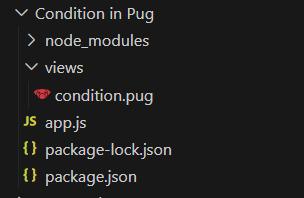
npm i pug expressStep 3: Create a views folder that contains the pug file.
The updated dependencies in package.json file will look like:
"dependencies": {
 "express": "^4.18.2",
 "pug": "^3.0.2"
}
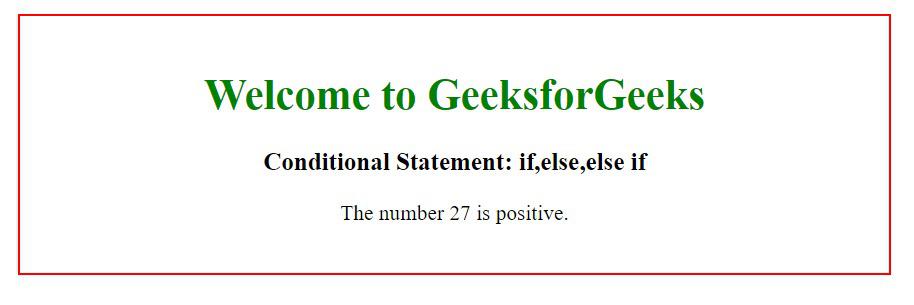
Example 1: Conditional Statement in Pug
Output:
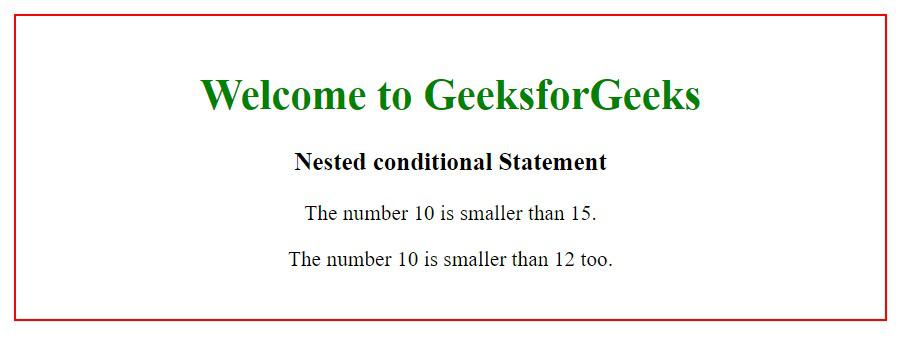
Example 2: Nested Conditional Statement in Pug
Output: