|
VOOZH | about |
|
VOOZH | about |
The req.method property contains a string corresponding to the HTTP method of the request which can be either GET, POST, PUT, DELETE, etc.
Syntax:
req.methodParameter: No parameters.
Return Value: String
Installation of the express module:
You can visit the link to Install the express module. You can install this package by using this command.
npm install expressAfter installing the express module, you can check your express version in the command prompt using the command.
npm version expressAfter that, you can just create a folder and add a file, for example, index.js. To run this file you need to run the following command.
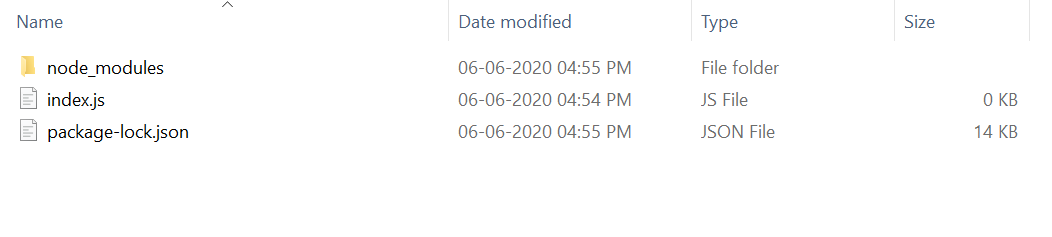
node index.jsProject Structure:
👁 ImageExample 1:Filename: index.js
Steps to run the program:
Make sure you have installed the express module using the following command:
npm install expressRun the index.js file using the below command:
node index.jsOutput:
Console Output:
Server listening on PORT 3000Now open your browser and go to http://localhost:3000/, now you can see the following output on your console:
Server listening on PORT 3000
GET
Example 2:Filename: index.js
Steps to run the program:
Run the index.js file using the below command:
node index.jsOutput: Now open your browser and make a POST request to http://localhost:3000/user, now you can see the following output on your console:
Server listening on PORT 3000
POST