|
VOOZH | about |
|
VOOZH | about |
This article guides developers through the process of creating a RESTful API using Node.js, Express.js, and MongoDB. It covers setting up the environment, defining routes, implementing CRUD operations, and integrating with MongoDB for data storage, providing a comprehensive introduction to building scalable and efficient APIs.
Table of Content
REST, short for Representational State Transfer, defines an architectural style for constructing web services that utilize HTTP requests to interact with and manipulate data. It serves as a standardized method enabling disparate computer systems to communicate seamlessly over the internet.
To illustrate this concept, consider a scenario at a café where you're placing an order for food. Here's how the analogy aligns with the components of a RESTful API:
We have discussed different CRUD operations API:
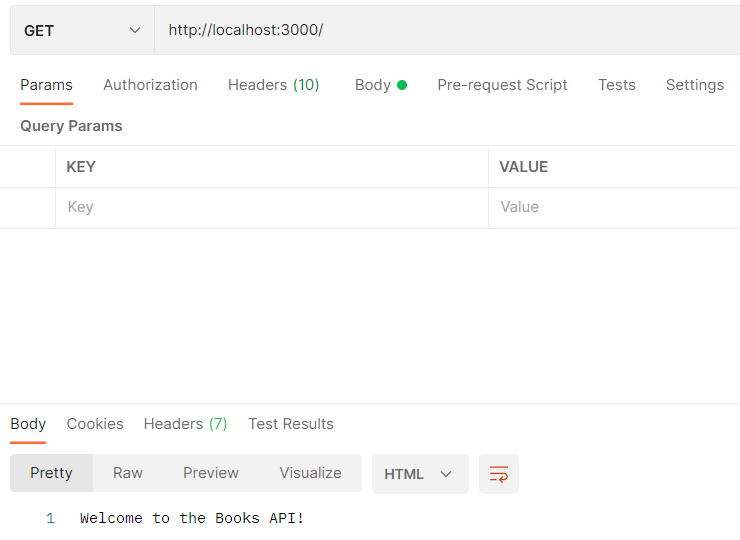
We've implemented five methods aligned with REST principles: Post, Get, Put and Delete. These methods are associated with specific HTTP request types, each catering to different operations on our book collection. The "app" instance handles these methods by taking the route as its primary parameter and a callback function as the second parameter.
👁 Screenshot-2024-02-10-030414
We have created a Mongoose schema for books, consisting of the title and author fields both of which are required. Now, import this model into the index.js file.
const Book = require('./models/book');
Let's create book using the Book model (POST)
We've implemented try-catch blocks to handle success and error messages. The use of async-await syntax ensures a structured and readable code style, allowing us to seamlessly wait for promises and enhancing error handling. This approach contributes to a cleaner and maintainable codebase for our Books API.
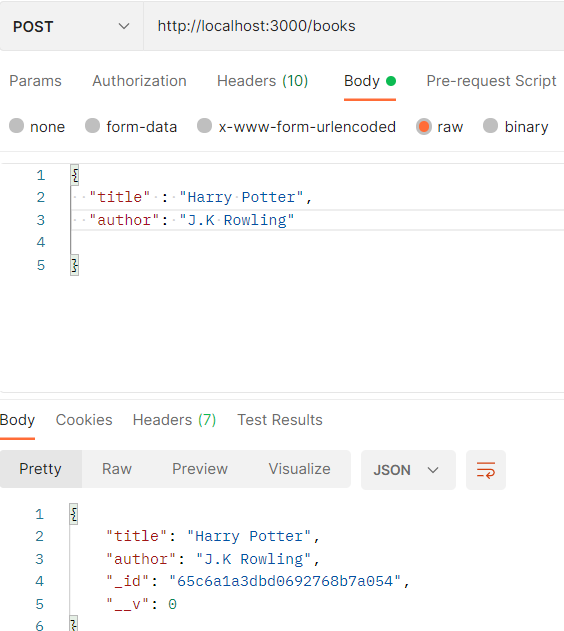
Now add data to the body in postman and send a POST request.
👁 Screenshot-2024-02-10-033548
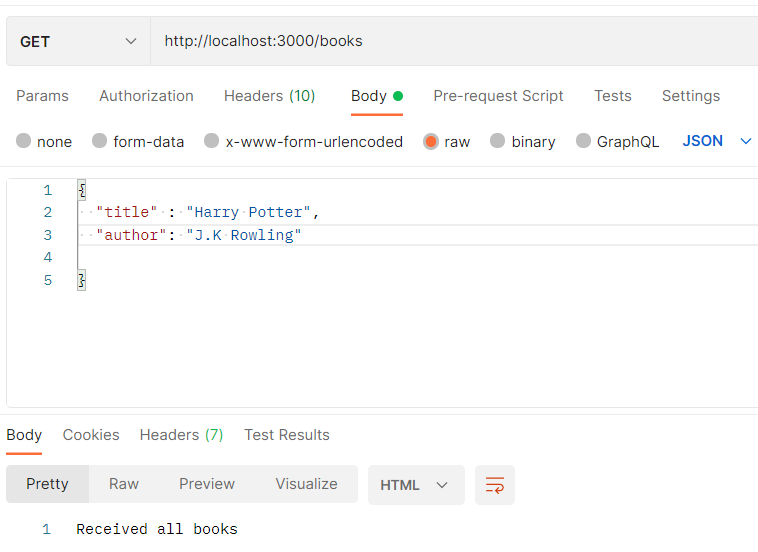
Now lets receive the book we just created.
Send a GET request via postman. You can change the body data if you want.
👁 Screenshot-2024-02-10-034100
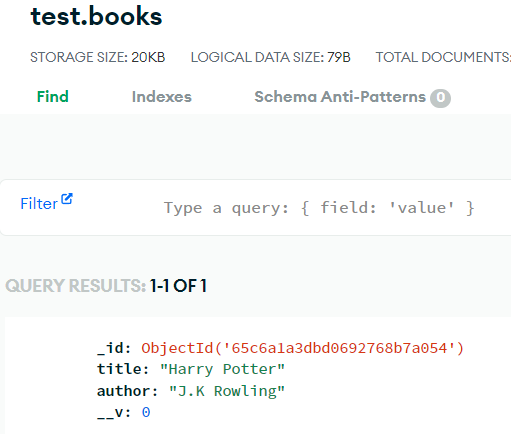
Head over to MongoDB website and you will see all the data being stored in our database.
👁 Screenshot-2024-02-10-034711
When you want to update a specific book, you provide the book's unique ID along with the new data in the request. The API then locates the book with the given ID in the database and replaces its existing information with the new data.
To delete a specific book, you send a request to the API with the book's unique ID. The API then identifies the book with that ID in the database and removes it.
Example: Below is the Complete Example of MongoDB CRUD operations we have discussed above:
Here, you have the comprehensive code for implementing a fully functional RESTful API. This code covers all aspects of CRUD operations, allowing you to effortlessly manage your book data. Feel free to modify and build upon it!
Output: