|
VOOZH | about |
|
VOOZH | about |
NodeJS and NPM (Node Package Manager) are essential tools for modern web development. NodeJS is the runtime environment for JavaScript that allows you to run JavaScript outside the browser, while NPM is the package manager that helps manage libraries and code packages in your projects.
To run a Node.js project on your system, you first need to install Node.js and NPM. Once installed, you can use the Node.js runtime to execute JavaScript code and NPM to manage project dependencies and packages.
Note: We do not need to download NodeJS and NPM separately. When we install NodeJS, NPM (Node Package Manager) is installed automatically along with it.
Follow the below given steps below to download and install NodeJS and npm on your system:
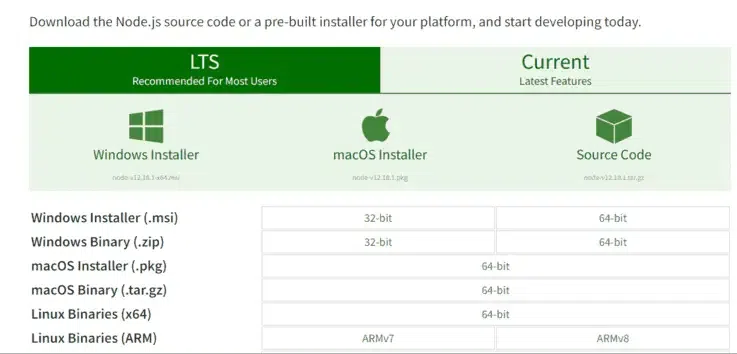
Go to the official NodeJS website.
You will see two main download options:
Installing NodeJS is the first step towards building scalable web applications.
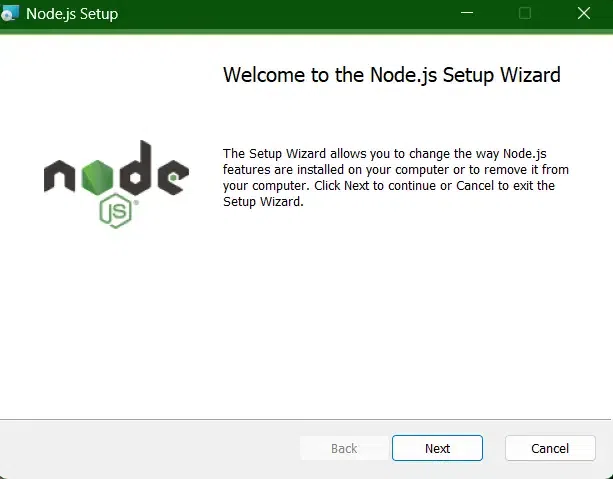
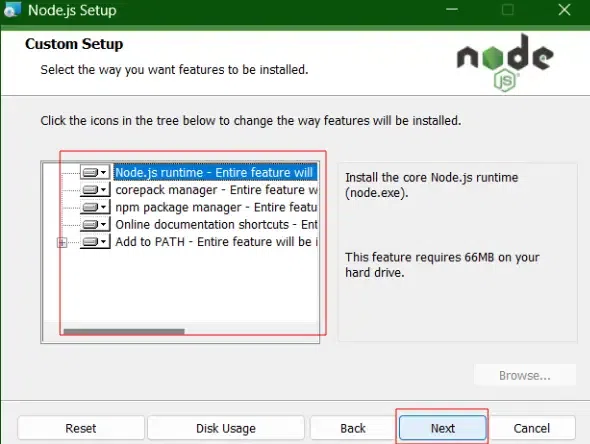
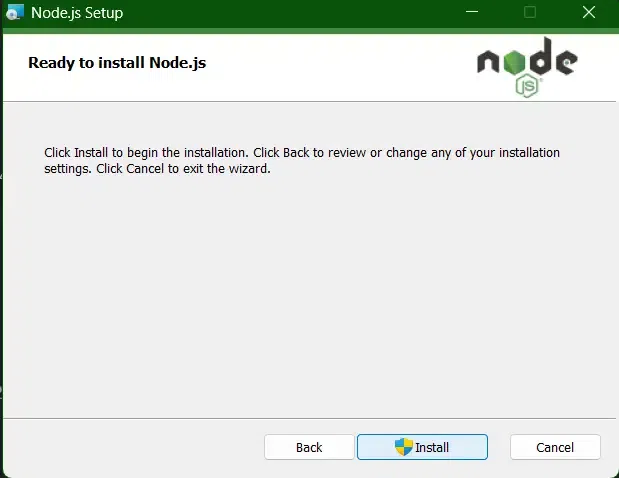
Now you need to install the NodeJS installer on your system. You need to follow the following steps for NodeJS to be installed.
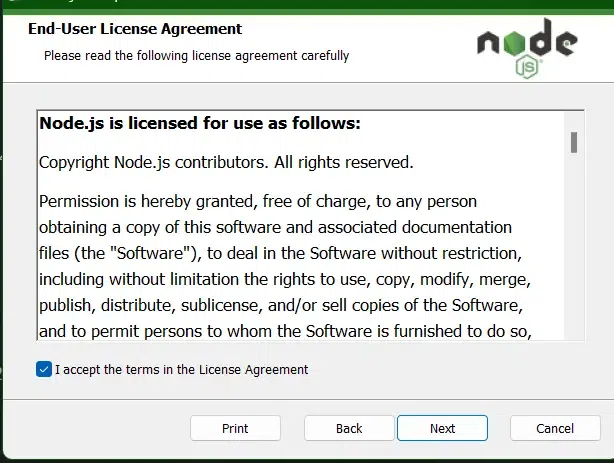
Go through the terms and license carefully before finishing up the setup.
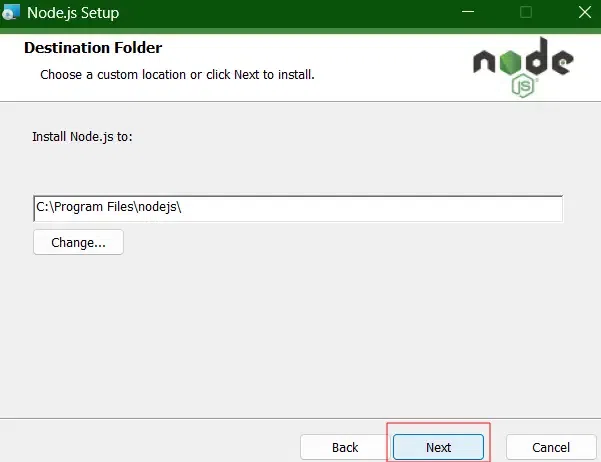
At last, it will ask for a "Destination Folder" where all the files and their utility will be saved, provide the path where you want to install NodeJS and then click on NEXT.
The installer may prompt you to “install tools for native modules”.
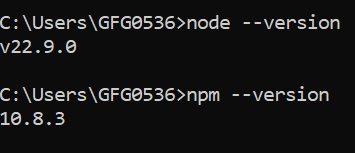
Once the installation is complete, you can verify that both NodeJS and NPM are installed correctly by running the following commands in your terminal or command prompt:
node -vThis command will display the installed version of NodeJS.
npm -vThis command will display the installed version of NPM.
If both commands return the version numbers, it means that NodeJS and NPM are successfully installed on your system.
Start creating your NodeJS application.
That’s it! You've successfully installed NodeJS and NPM on your system, and you're ready to start building and managing NodeJS projects. With NPM, you can easily install third-party libraries, manage dependencies, and work on large-scale JavaScript projects.

.png)