|
VOOZH | about |
|
VOOZH | about |
MongoDB, the most popular NoSQL database, is an open-source document-oriented database. The term ‘NoSQL’ means ‘non-relational’. It means that MongoDB isn’t based on the table-like relational database structure but provides an altogether different mechanism for storage and retrieval of data. This format of storage is called BSON( similar to JSON format).
MongoDB Module: This module of Node.js is used for connecting the MongoDB database as well as used for manipulating the collections and databases in MongoDB. The mongodb.connect() method is used for connecting the MongoDB database which is running on a particular server on your machine. (Refer to this article).
Installing Module:
npm install mongodb
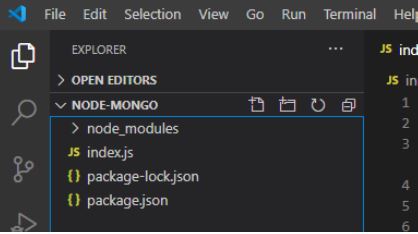
Project Structure:
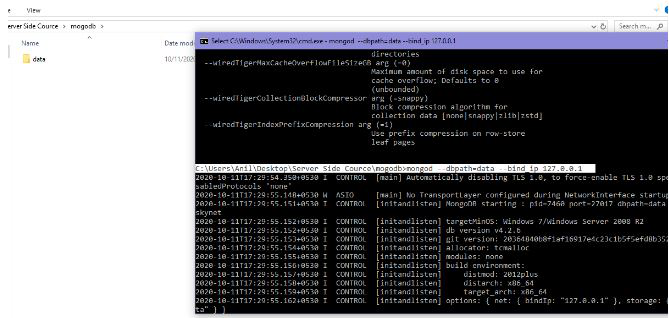
👁 ImageRunning Server on Local IP: Data is the directory where MongoDB server is present.
mongod --dbpath=data --bind_ip 127.0.0.1👁 Image
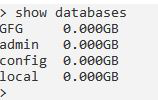
MongoDB Databases:
👁 ImageFilename: index.js
Run index.js file using the following command:
node index.js
Output:
Note: Default databases cannot de dropped due to internal restrictions.