|
VOOZH | about |
|
VOOZH | about |
Route parameters in Express.js are dynamic URL segments defined with a colon (:) and accessed via req.params, enabling efficient handling of variable data such as IDs in RESTful routes.
Syntax:
app.get('/users/:id', (req, res) => {
 const userId = req.params.id;
 res.send(`User ID is: ${userId}`);
});
In the above syntax:
Here are the different ways to handle route parameters in Express.js include basic, optional, and multiple parameters.
Basic route parameters capture dynamic values directly from the URL. They are defined with a colon (:) in the route path and accessed via req.params inside the route handler.
Now let's understand this with the help of example:
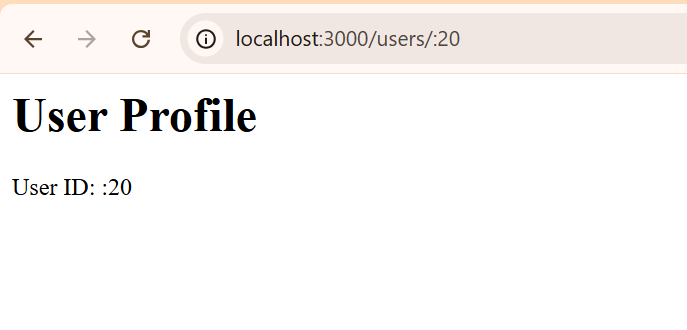
Output: Accessing http://localhost:3000/users/123 will display
In this example:
Optional route parameters allow a URL segment to be omitted without breaking the route. They are defined by adding a question mark (?) after the parameter name. If the parameter is not provided, a default value can be used.
Now let's understand this with the help of example:
Output: Accessing http://localhost:3000/products/123 will display
In this example:
Accessing http://localhost:3000/products/ will display
Product Page
Product ID: default
Express allows you to define multiple route parameters in a single route. You can capture several dynamic values from the URL by adding multiple colon-prefixed parameters.
Now let's understand this with the help of example:
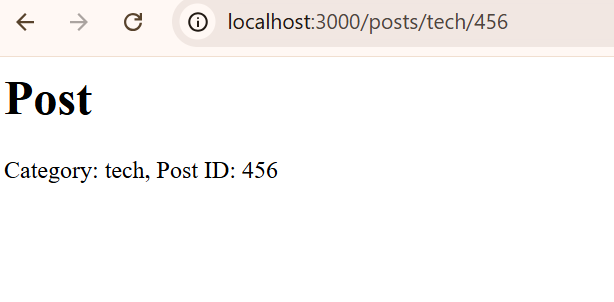
Output Accessing http://localhost:3000/posts/tech/456 will display
In this example: