|
VOOZH | about |
|
VOOZH | about |
Axios is a popular JavaScript library for making HTTP requests in web applications. It simplifies the process of sending asynchronous requests and handling responses. It is commonly used with Node.js and in browser-based projects and can be installed via NPM (Node Package Manager).
In this article, we will explore the step-by-step process of installing and using Axios with practical examples.
Step 1: Open the VSCode IDE and launch the terminal by using the "Ctrl + `" shortcut.
Step 2: Now, we will create the new folder by using the below command in the VScode terminal.
mkdir axios-use
cd axios-use
Step 3: After creating the folder, initialize the NPM using the below command. Using this the package.json file will be created.
npm init -y
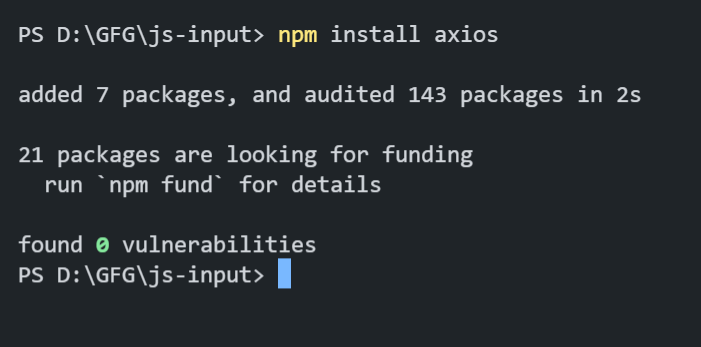
Step 4: Now, we will install the Axios package for our project using the below command.
npm install axios
Step 5: To verify the installation, we can check the updated dependencies in package.json file:
"dependencies": {
 "axios": "^1.6.7",
}
Example: Write the following code in the app.js created as shown in folder structure.
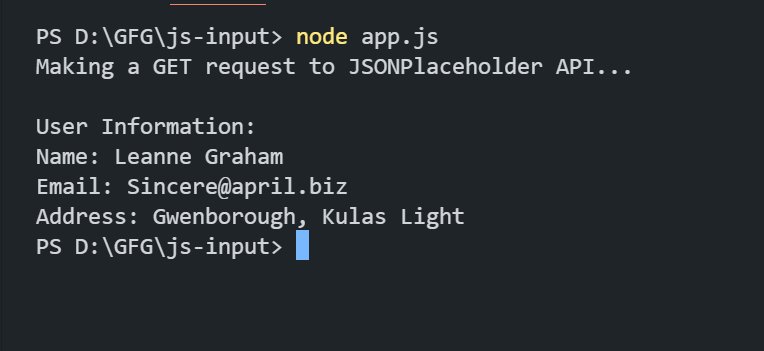
To run the application, we need to start the server by using the below command.
node app.js
Output: