|
VOOZH | about |
|
VOOZH | about |
Node.js is a JavaScript runtime that lets you run JavaScript outside the browser. npm (Node Package Manager) comes bundled with Node.js and lets you install and manage reusable code packages. Each Node.js release ships with a specific default npm version, so the two are always linked.
package.json. Some packages require a minimum Node version to install or run correctly.Note: npm is commonly referred to as “Node Package Manager” but it is not officially an acronym.
Follow these steps to install a specific Node.js version in windows as well as linux:
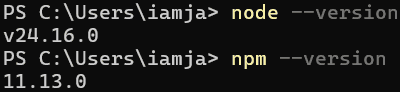
Step 1: Check the installed version of Node and NPM on the computer use the following command respectively
node --version
npm --version
Step 2: For installing the previous version of Node use the following command:
# Windows
npm install -g node@version

# Linux
sudo apt-get install nodejs=version-1chl1~precise1
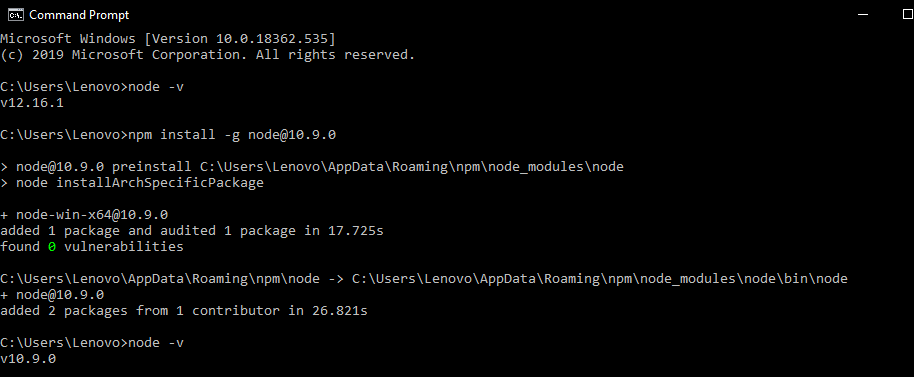
Example:
npm install -g node@10.9.0👁 Image
sudo apt-get install nodejs=10.9.0-1chl1~precise1
Step 3: To install previous version of NPM use the following command:
# Windows
npm install -g npm@version

# Linux
sudo apt-get install npm=version-1chl1~precise1
Example:
npm install -g npm@4.0.0👁 Image
sudo apt-get install npm=4.0.0-1chl1~precise1