|
VOOZH | about |
|
VOOZH | about |
EJS (Embedded JavaScript) is a templating language that allows dynamic content generation in NodeJS applications. It allows us to embed JavaScript code directly into Our HTML code, and with the help of that we can generate the dynamic content on the server side. So with the help of ejs, we can perform SSR(Server-Side-Rendering).
In this tutorial, we'll learn about the following approaches to render JSON in EJS and Express.
Table of Content
Step 1: Create a new server using the following command.
npm init -yStep 2: Install the necessary package in your application using the following command.
npm i express ejsStep 3: Define the JSON data in the carsData.json file.
{
 "cars": [
 {
 "name": "Audi",
 "model": "A4",
 "price": 50000
 },
 {
 "name": "BMW",
 "model": "X5",
 "price": 60000
 },
 {
 "name": "Mercedes",
 "model": "C-Class",
 "price": 55000
 },
 {
 "name": "Toyota",
 "model": "Camry",
 "price": 35000
 }
 ]
}
The updated dependencies in package.json file will look like:
"dependencies": {
 "ejs": "^3.1.9",
 "express": "^4.18.3"
}
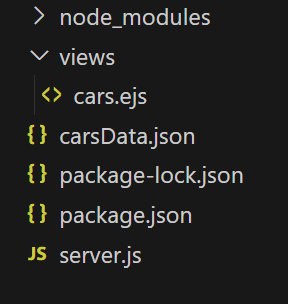
Example: Write the following code in the files created as shown in folder structure
To run the code wite i the following command in command prompt
node server.jsAnd open a new tab of your browser and type the following command to show the output
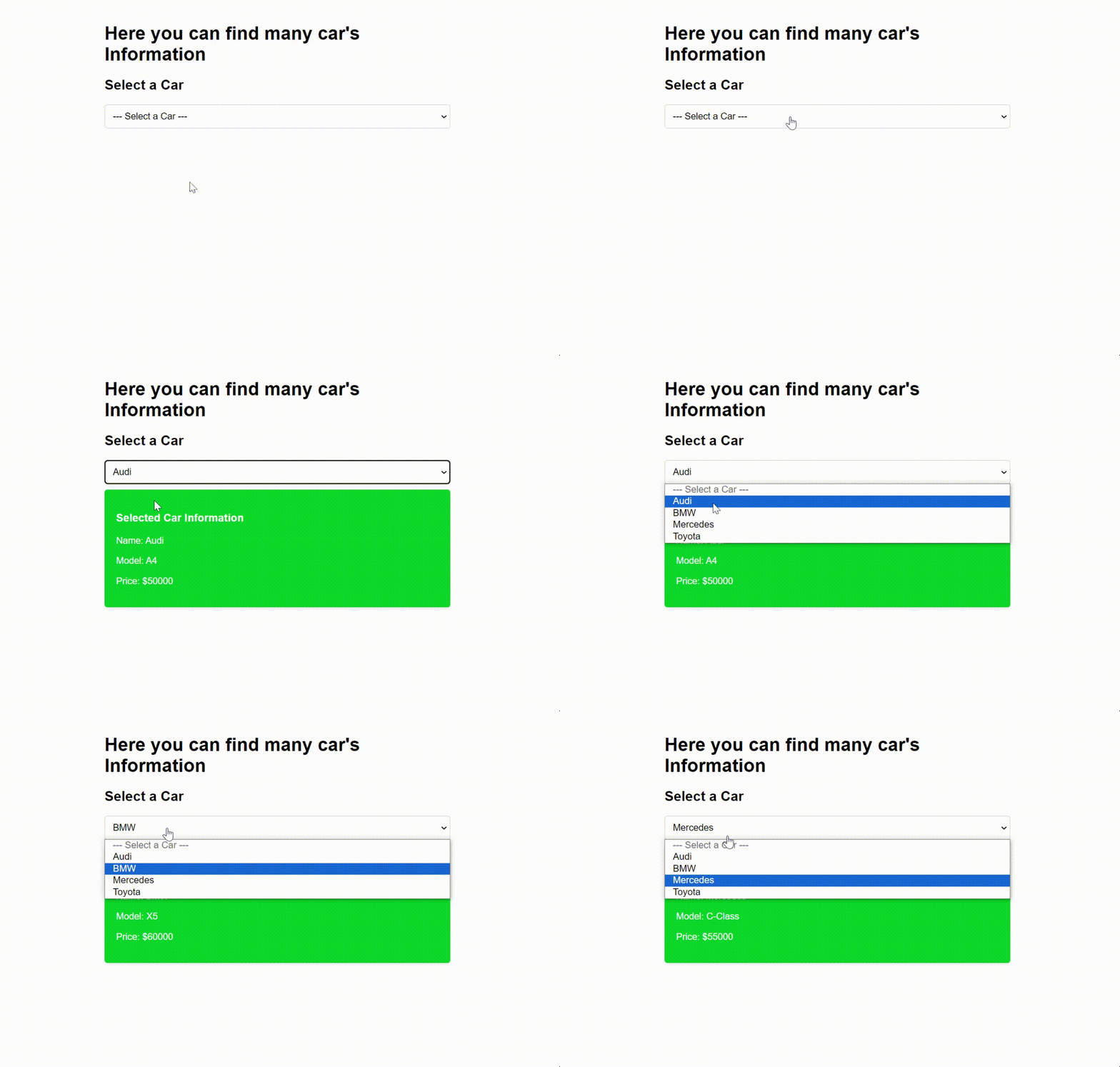
http://localhost:3000/Output:
Example:The example below illustrates the implementation torender json in EJS and express through above approach.
To run the code wite in the command prompt
node server.js
And open a new tab of your browser and type the following command to show the output
http://localhost:3000/