|
VOOZH | about |
|
VOOZH | about |
Working with TCP servers involves creating low-level network applications that enable reliable, ordered, and continuous data exchange between clients and servers using Node.js.
Node.js offers the net module for creating TCP servers. This module helps build server-client connections, allowing data to be transferred between them.
Import the net module:
const net = require('net');Create the TCP server: Use net.createServer() to create a server that listens for incoming connections.
Run the server:
node tcpServer.jsSince TCP doesn't use a graphical interface like a web browser, you can connect to the server using a command-line tool like Telnet:
Open a command prompt (CMD or PowerShell) and enter:
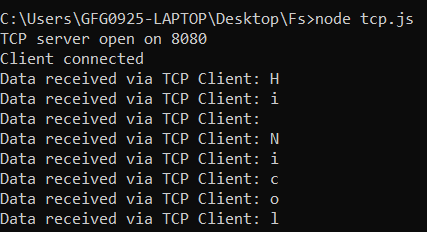
telnet localhost 8080After connecting, type messages (e.g., "Hi Nicol"), which the server will receive and log.
The server will display the data as received from the client, confirming the transmission order is maintained (TCP ensures data is received correctly).
Reliability: If any data packet fails to be received, TCP will automatically retry sending the packet to ensure reliable data transfer
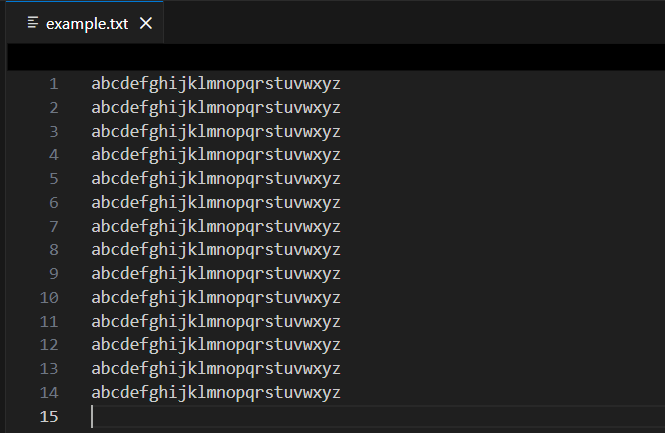
File transfer using TCP in Node.js leverages streams to send file data reliably from a server to a client, ensuring ordered and complete delivery of the file.
Create a TCP server that reads a file and sends it to the client:
Run command:
node tcpFileServer.jsA client can connect to this server using Telnet or a custom TCP client, and the file data will be received as a stream.
The client-side TCP implementation focuses on connecting to a TCP server, receiving streamed data, and saving it locally using Node.js.
On the client side, you can set up a TCP client that connects to the server and writes the received data to a file:
Run command:
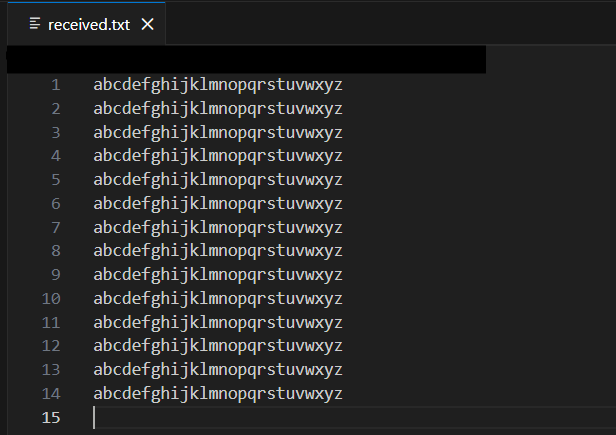
node tcpclient.jsWhen this client connects to the server, the file content sent over TCP will be written to received.txt.