|
VOOZH | about |
|
VOOZH | about |
It is used to check whether a date is between a range in Moment.js using the isBetween() function that checks if a moment is between two other moments, optionally looking at unit scale (minutes, hours, days, etc).
Syntax:
moment().isBetween(moment-like, moment-like);
moment().isBetween(moment-like, moment-like, String);
moment().isBetween(moment-like, moment-like, String, String);
Parameter: It can hold Moment|String|Number|Date|Array.
Returns: True or False
Installation of moment module:
You can visit the link to Install moment module. You can install this package by using this command.
npm install moment
After installing the moment module, you can check your moment version in the command prompt using the command.
npm version moment
After that, you can just create a folder and add a file, for example, index.js. To run this file you need to run the following command.
node index.js
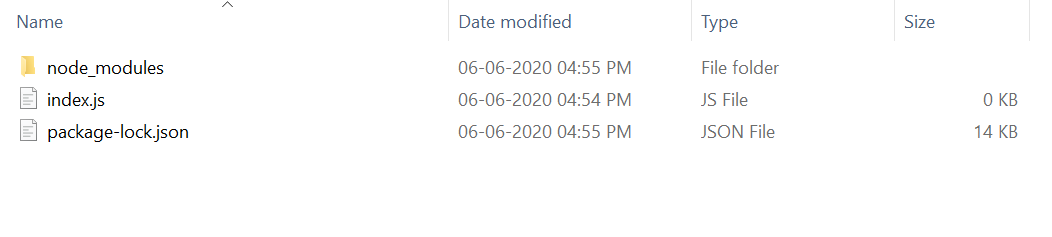
Project Structure:
👁 ImageExample 1: Filename: index.js
Steps to run the program:
Make sure you have installed the moment module using the following command:
npm install moment
Run the index.js file using the below command:
node index.js
Output:
true
false
Example 2: Filename: index.js
Steps to run the program:
Run the index.js file using the below command:
node index.js
Output:
false