|
VOOZH | about |
|
VOOZH | about |
The moment().format() function is used to format the date according to the user's need. The format can be provided in string form which is passed as a parameter to this function.
Syntax:
moment().format(String);
Parameters: This function accepts a single parameter of string type, which defines the format.
Return Value: This function returns the date.
Installation of moment module:
You can visit the link to the Install moment module. You can install this package by using this command.
npm install moment
After installing the moment module, you can check your moment version in the command prompt using the command.
npm version moment
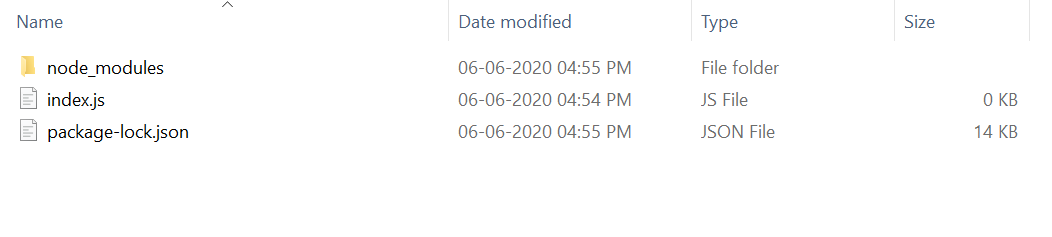
Project Structure:
👁 ImageAfter that, you can just create a folder and add a file, for example, index.js as shown below.
Example 1: Filename: index.js
Steps to run the program:
Run the index.js file using the below command:
node index.js
Output:
Friday, July 17th 2020, 4:28:30 pm
Example 2: Filename: index.js
Steps to run the program:
Run the index.js file using the below command:
node index.js
Output:
Result: Friday, July 17th 2020