|
VOOZH | about |
|
VOOZH | about |
The assert module provides a set of assertion functions for verifying invariants. The assert.deepStrictEqual() function tests for deep equality between the actual and expected parameters. If the condition is true it will not produce an output else an assertion error is raised.
Syntax:
assert.deepStrictEqual(actual, expected[, message])
Parameters: This function accepts the following parameters as mentioned above and described below:
Return Value: This function returns assertion error of object type.
Installation of assert module:
npm install assert
2. Note: Installation is an optional step as it is inbuilt Node.js module.
3. After installing the assert module, you can check your assert version in command prompt using the command.
npm version assert
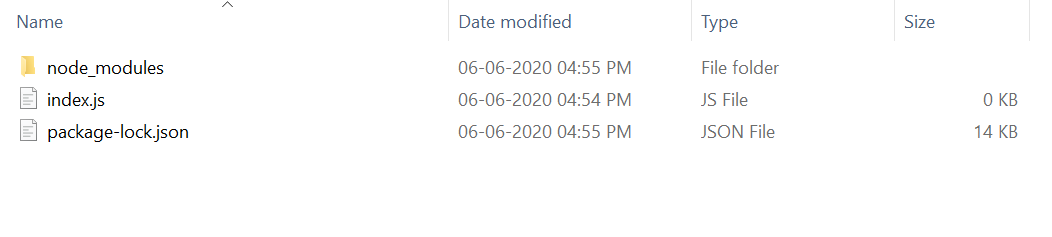
4. After that, you can just create a folder and add a file for example, index.js as shown below.
node index.js
3. Output:
Error: AssertionError [ERR_ASSERTION]: Expected values to be strictly deep-equal: + actual - expected { + a: 1 - a: '1' } at Object. (C:\Users\Lenovo\Downloads\index.js:14:12) at Module._compile (internal/modules/cjs/loader.js:1138:30) at Object.Module._extensions..js (internal/modules/cjs/loader.js:1158:10) at Module.load (internal/modules/cjs/loader.js:986:32) at Function.Module._load (internal/modules/cjs/loader.js:879:14) at Function.executeUserEntryPoint [as runMain] (internal/modules/run_main.js:71:12) at internal/main/run_main_module.js:17:47 { generatedMessage: true, code: 'ERR_ASSERTION', actual: [Object], expected: [Object], operator: 'deepStrictEqual' }
node index.js
3. Output:
No Error Occurred
Reference: https://nodejs.org/dist/latest-v12.x/docs/api/assert.html#assert_assert_deepstrictequal_actual_expected_message