The assert module provides a set of assertion functions for verifying invariants. The
assert.fail() function throws an AssertionError with the provided the error message or with a default error message.
Syntax:
assert.fail([message])
Parameters: This function accepts following parameters as mentioned above and described below:
- message This parameter holds the error message of string or error type. It is an optional parameter.
Return Value: This function returns assertion error of object type.
Installation of assert module:
- You can visit the link to Install assert module. You can install this package by using this command.
npm install assert
Note: Installation is an optional step as it is inbuilt Node.js module.
- After installing the assert module, you can check your assert version in command prompt using the command.
npm version assert
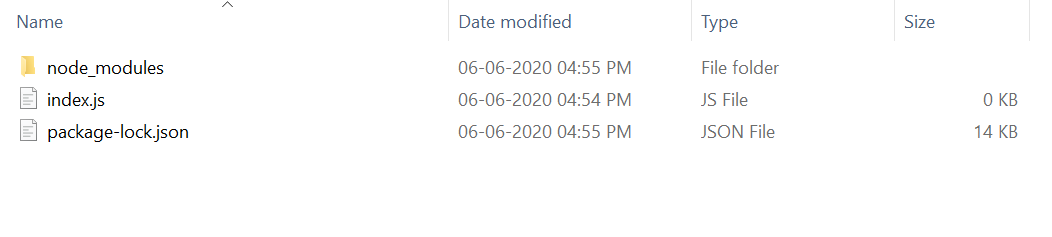
- After that, you can just create a folder and add a file for example, index.js as shown below.
Example 1: Filename: index.js
Steps to run the program:
- The project structure will look like this:
👁 Image
- Run index.js file using below command:
node index.js
Output:
Error: AssertionError [ERR_ASSERTION]: Failed
at Object.
https://nodejs.org/dist/latest-v12.x/docs/api/assert.html#assert_assert_fail_message