|
VOOZH | about |
|
VOOZH | about |
The assert module provides a set of assertion functions for verifying invariants. The assert.notEqual() function tests strict inequality between the actual and the expected parameters. If the condition is true it will not produce an output else an assertion error is raised.
Syntax:
assert.notEqual(actual, expected[, message])
Parameters: This function accepts the following parameters as mentioned above and described below:
Return Value: This function returns an assertion error of object type.
Installation of assert module:
npm install assert
Note: Installation is an optional step as it is an inbuilt Node.js module.
npm version assert
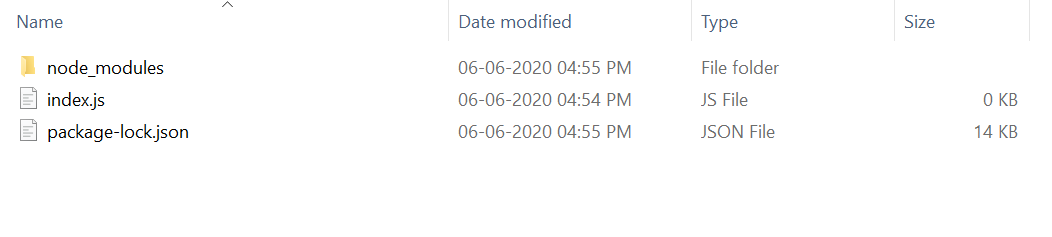
Project Structure:
Example 1: In this example, we will see the use of assert.notEqual() Function.
Filename: index.js
Steps to run the program:
node index.js
Output:
No Error Occurred
Example 2: In this example, we will see the use of assert.notEqual() Function.
Filename: index.js
Steps to run the program:
node index.js
Output:
No Error Occurred Error: AssertionError [ERR_ASSERTION]: Expected “actual” to be strictly unequal to: 4 at Object. (C:\Users\Lenovo\Downloads\index.js:20:12) at Module._compile (internal/modules/cjs/loader.js:1138:30) at Object.Module._extensions..js (internal/modules/cjs/loader.js:1158:10) at Module.load (internal/modules/cjs/loader.js:986:32) at Function.Module._load (internal/modules/cjs/loader.js:879:14) at Function.executeUserEntryPoint [as runMain] (internal/modules/run_main.js:71:12) at internal/main/run_main_module.js:17:47 { generatedMessage: true, code: ‘ERR_ASSERTION’, actual: 4, expected: 4, operator: ‘notStrictEqual’ }