Node.js is single-threaded but uses the child_process module to create separate processes for executing external commands or heavy tasks without blocking the main event loop.
Executes external scripts such as Python, Bash, or other Node.js files.
Enables parallel execution by creating multiple child processes.
The child_process module provides four methods to create child processes:
spawn: Starts a new process and streams data between parent and child.
exec: Executes a command in a shell and buffers the output.
execFile: Runs an executable file directly without using a shell.
fork: Creates a Node.js child process with built-in message communication.
Methods to Create Child Processes
The child_process module provides multiple methods to create and manage child processes for executing external commands and parallel tasks in Node.js.
1. spawn() method
The spawn() method launches a new process with a specified command and arguments, providing streams for input/output. It's ideal for handling large outputs or long-running processes.
spawn('ls', ['-lh', '/usr']): Executes the ls command with -lh and /usr as arguments.
child.stdout.on('data', ...): Listens for data from the standard output.
child.stderr.on('data', ...): Listens for data from the standard error.
child.on('close', ...): Listens for the close event, indicating the process has finished.
2. fork() method
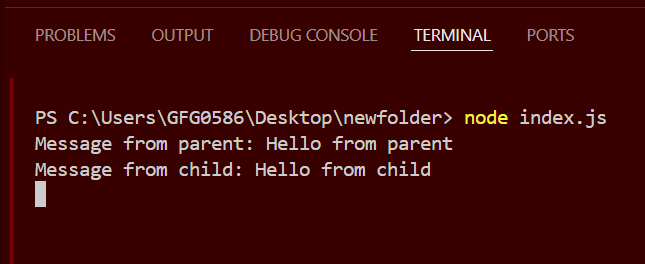
The fork() method is a special case of spawn() used specifically for spawning new Node.js processes. It establishes an IPC (Inter-Process Communication) channel between the parent and child processes, allowing them to communicate via message passing.
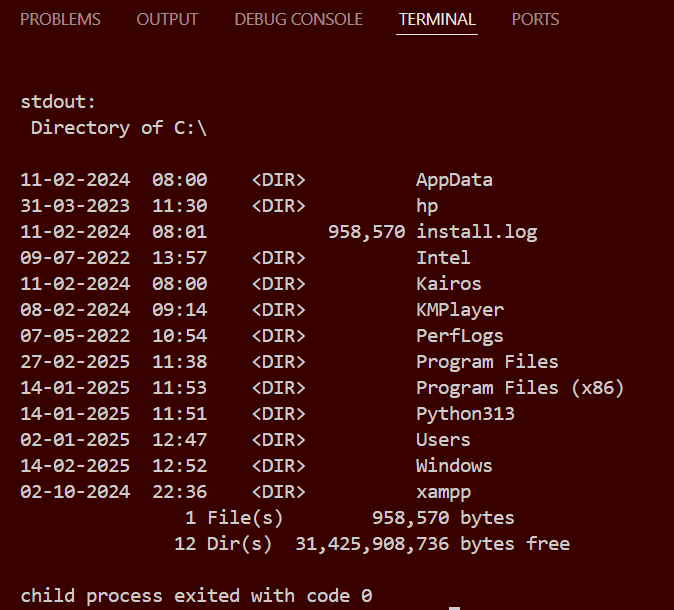
exec('ls -lh /usr', ...): Executes the ls command with -lh and /usr as arguments.
The callback receives error, stdout, and stderr as parameters.
Logs the standard output and error to the console.
4. execFile() method
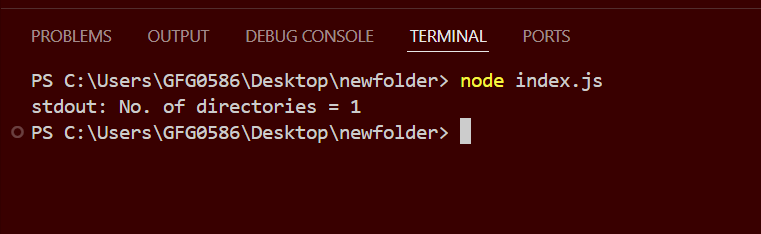
The execFile() method runs an executable file directly without spawning a shell, making it more efficient than exec() for running binaries and scripts directly.
execFile('node', ['--version'], ...): Executes the Node.js binary with the --version flag.
The callback receives error, stdout, and stderr as parameters.
Logs the standard output and error to the console.
Comparison of exec, execFile, spawn, and fork
exec()
execFile()
spawn()
fork()
Uses shell and buffers output
Runs file directly without shell and buffers output
Uses shell and streams output
Creates Node.js process with message communication
No streaming
No streaming
Supports streaming
Supports IPC (message passing)
Best for small shell commands
Best for running binary files
Best for large outputs
Best for Node.js child processes
Best Practices for Using Child Processes
Use exec() for simple shell commands (when output size is small).
Use execFile() for executing binary files (faster & safer).
Use spawn() for handling large data or real-time output streaming.
Use fork() for multi-processing and parallel execution in Node.js.
Always handle errors properly (use stderr and error events).
Use asynchronous methods whenever possible to avoid blocking the event loop.