|
VOOZH | about |
|
VOOZH | about |
EJS stands for Embedded JavaScript. It is a templating language used to generate dynamic HTML pages with data from the server by embedding JavaScript code.
This article provides a detailed explanation of the process of passing objects from a Node.js/Express server to clients using the EJS templating engine. It guides us through setting up a basic Express application with EJS, demonstrating how to efficiently transmit data objects for dynamic content rendering on the client side. With practical examples and best practices, we can enhance our Node.js applications by delivering personalized content easily.
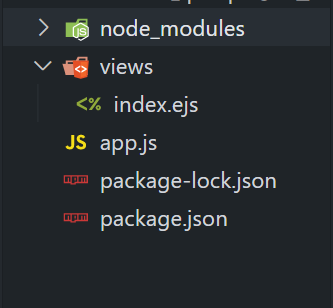
Step 1: Firstly, we will make the folder named root by using the below command in the VScode Terminal. After creation use the cd command to navigate to the newly created folder.
mkdir root
cd root
Step 2: Once the folder is been created, we will initialize NPM using the below command, this will give us the package.json file.
npm init -yStep 3: Once the project is been initialized, we need to install Express and EJS dependencies in our project by using the below installation command of NPM.
npm i express ejsThe updated depedencies in package.json file will look like:
"dependencies": {
 "express": "^4.17.1",
 "ejs": "^3.1.6"
}
Step 3 : Add the following code in the entry point file (here app.js) of node/express project .
Start your server using the following command:
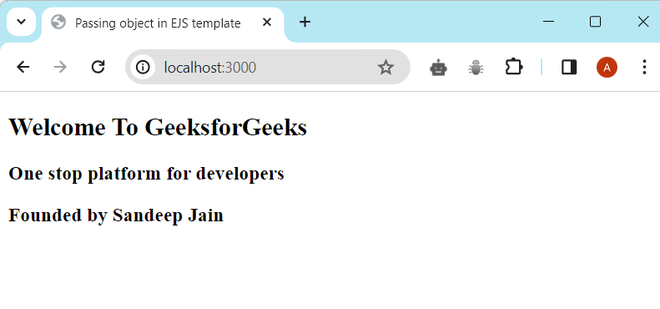
node app.jsOutput: