|
VOOZH | about |
|
VOOZH | about |
Plain text in Pug can be retrieved via a variety of methods, each with its own syntax and advantages. This article will go over many strategies for achieving plain text output in Pug, outlining each approach step by step. We'll also include examples, installation instructions for required modules, package.json dependency updates, and resources for further learning.
We will discuss the following approaches to implement Plain Text in Pug View Engine:
This method requires typing the | character followed by the required plain text. For example:
p
 | This is plain text in Pug.
Interpolation allows you to integrate dynamic content or variables within your text. For plain text, it can be used as follows:
p
 |#{'This is another way to include plain text in Pug.'}
The `.` followed by text content is another way to add plain text:
p.
 This is yet another method to add plain text.
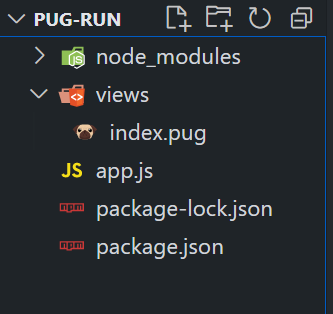
Step 1: Create a NodeJS application using the following command:
npm init -yStep 2: Install required Dependencies using the following command.
npm i pug expressThe updated dependencies in package.json file will look like:
"dependencies": {
 "express": "^4.18.2",
 "pug": "^3.0.2"
}
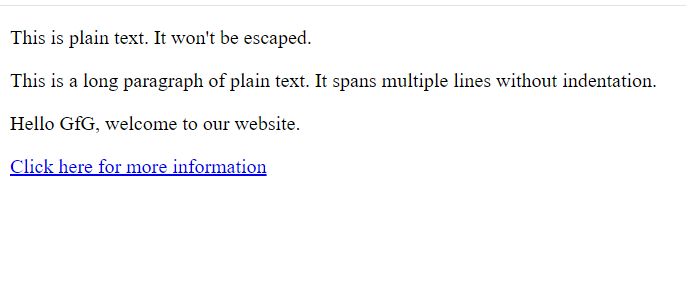
Example: This example implements plain text in Pug View Engine
Output: