|
VOOZH | about |
|
VOOZH | about |
This tutorial can help you build a foundational understanding of the backend development. NodeJS and ExpressJS are used to build the backend infrastructure of the website and ReactJS is used for the front end of the project. With this project, you can learn essential concepts and best practices for building modern web applications.
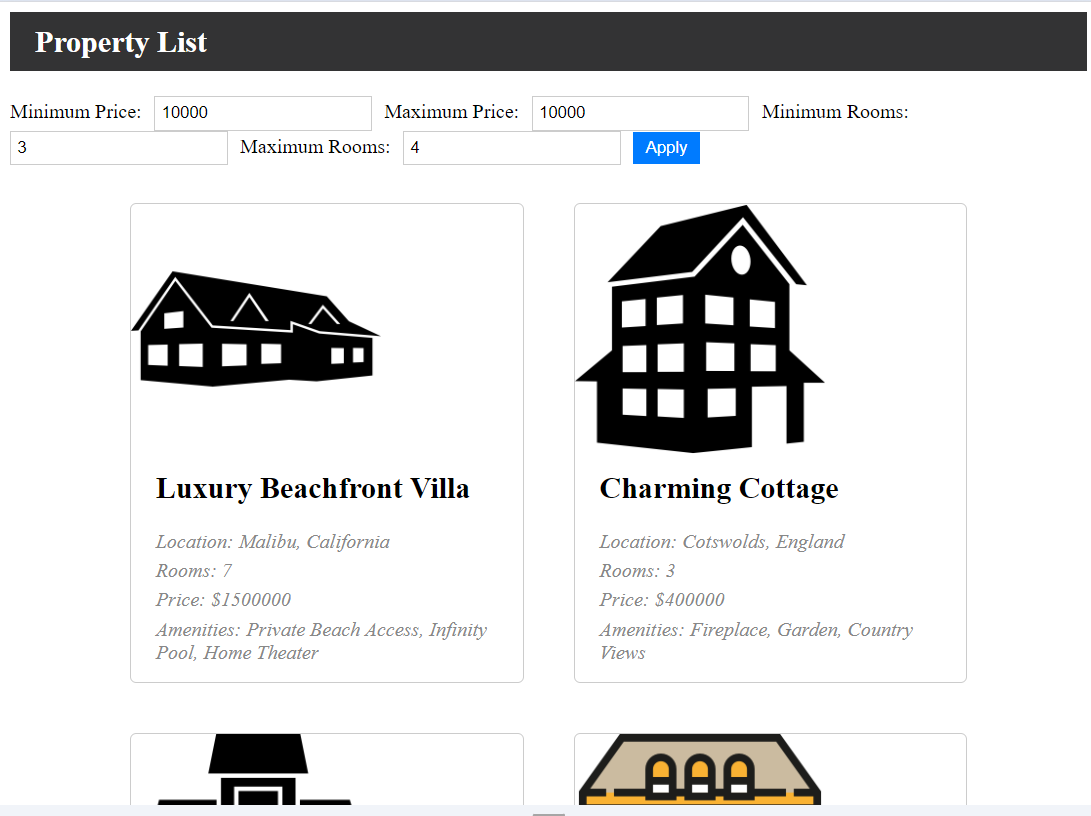
Output Preview: Let us have a look at how the final output will look like.
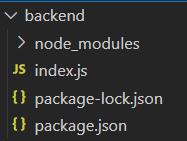
Step 1: Create a new directory named backend.
mkdir backend
cd backend
Step 2: Create a server using the following command.
npm init -yStep 3: Install necessary dependencies using the following command:
npm install express corsThe updated dependencies in package.json file of backend will look like:
"dependencies": {
 "cors": "^2.8.5",
 "express": "^4.18.2"
}
Example: Below is an example of creating a server of property listing platform.
Start the server with the following command.
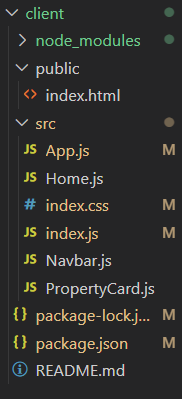
node index.jsStep 1: Create the frontend repository named client in the main repository.
mkdir client
cd client
Step 2: Create React project using following command.
npx create-react-app .Example: Create the files according to the project structure and write the following code.
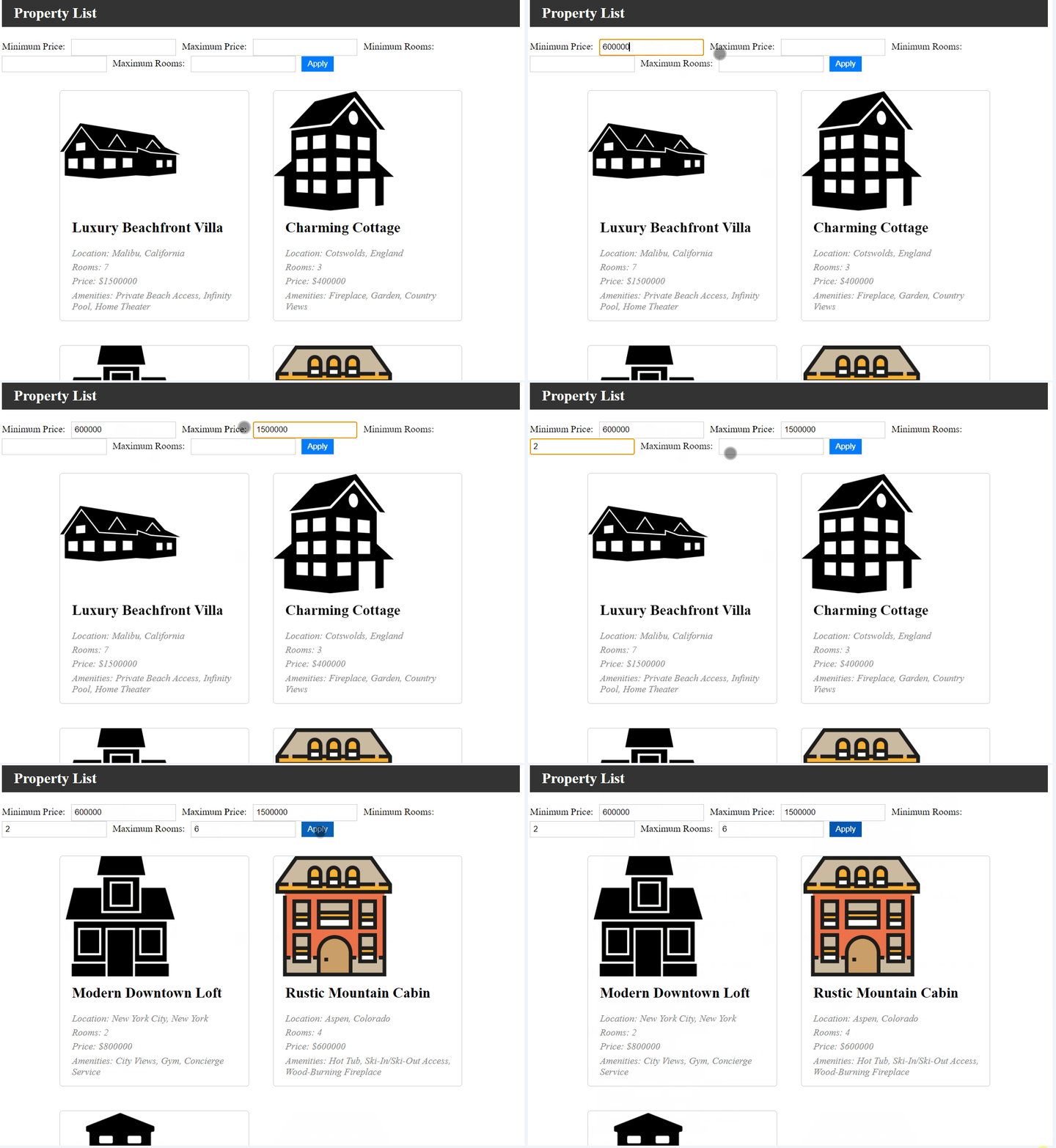
Start the project using the given command.
npm startOutput: