VOOZH about

URL: https://www.geeksforgeeks.org/node-js/restful-blogging-api-with-node-and-express-js/

⇱ RESTful Blogging API with Node and Express.js - GeeksforGeeks


  • Courses
  • Tutorials
  • Interview Prep

RESTful Blogging API with Node and Express.js

Last Updated : 23 Jul, 2025

Blogs Websites have become very popular nowadays for sharing your thoughts among the users over internet. In this article, you will be guided through creating a Restful API for the Blogging website with the help of Node, Express, and MongoDB.

Prerequisites:

Approach to Creating Restful Blogging App:

  • To create a Restful Blog API, first, we will have to define how much field is required for the blog and then create the blog schema according to that.
  • Create a collection in the MongoDB to store the blogs.
  • Connect the application with MongoDB and create routes of creating, editing, deleting, and viewing the blogs, and to save it in the database.
  • The application must do CRUD operation so that the content of the blogs can easily be manipulated and managed.

Steps to Create the Project:

Step 1: First check if the node and npm is installed in your system.

node -v 
npm -v

Step 2: Create the folder for your application.

mkdir BLOG-API
cd BLOG-API

Step 3: To initialize the node project run the following command.

npm init -y

It will initialize your project and create a package.json file containing your project details.

Step 4: Install the required dependencies for the project.

npm i express mongoose nodemon

Dependencies: You can verify the all required dependencies are installed in package.json

"dependencies": {
"express": "^4.18.2",
"mongoose": "^8.2.0",
"nodemon": "^3.1.0"
}

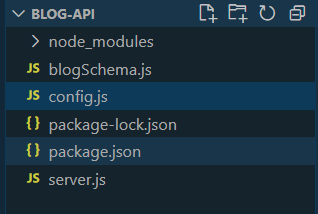
Folder Structure:

πŸ‘ fgd

Step 5: Create a server.js file and start the server with the following command.

nodemon server.js

Step 6: Create a Database:

So we will use MongoDB Compass to create our blog_api database on our laptop/pc.

  • Installed and opened the MongoDB Compass
  • Click on the connect button to connect [localhost](http://localhost/) Database
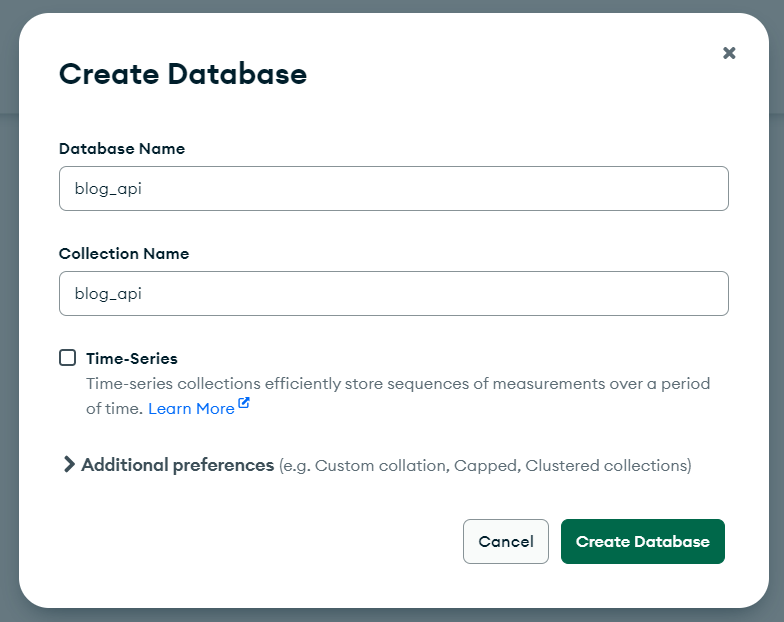
  • Now it is time to create a blog_api database
πŸ‘ 4
create-db
  • Click on connect to create database
πŸ‘ 3
db_create

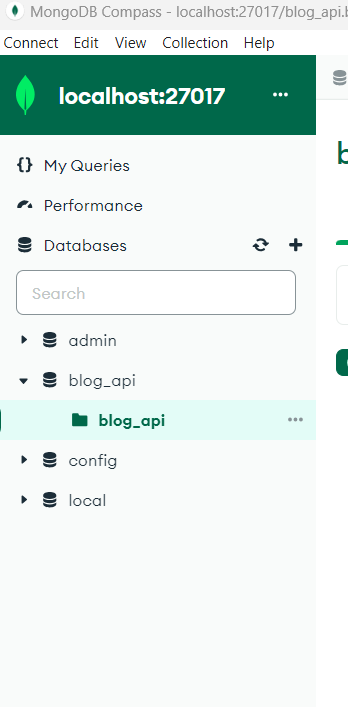
Database is created successfully.

πŸ‘ 5
database

Step 7: Connecting MongoDB to the Application

  • For this, we will create a new file β€˜config.js’  in the same folder and write the implementation code there after that, we will connect this file to our server.js file.
  • Connect the application to MongoDB using Mongoose by adding the below code to the server.js file
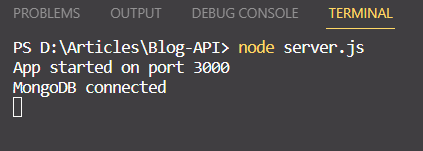
  • Now run the server.js file to check Database is Connected or not ?
πŸ‘ 6
connect_db

Step 8: Define the Blog schema using Mongoose.

  • blog schema includes title, content & author field


Step 9: Implement CRUD operations:

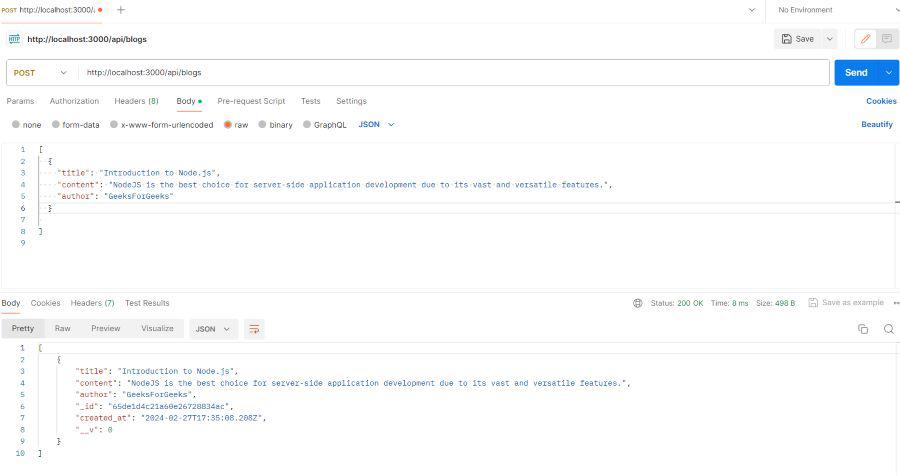
1. Create a Blog:

  • This route handler for creating a new blog post.
πŸ‘ add
create_post

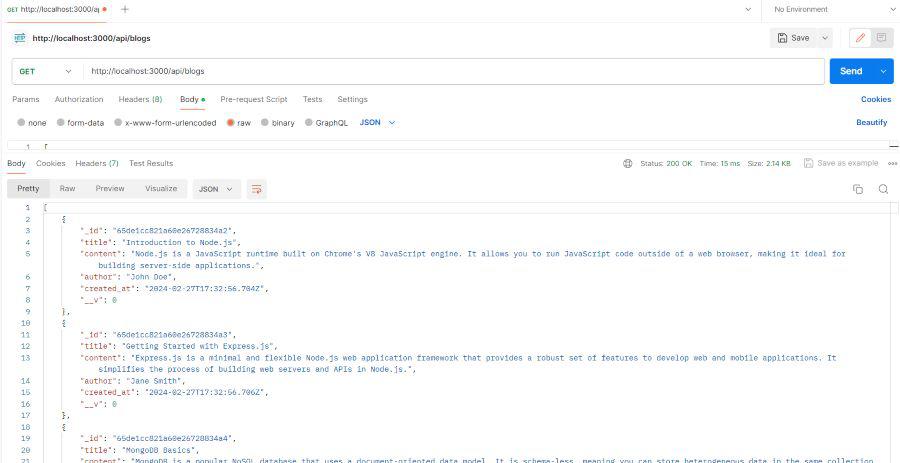
2. Get All Blog:

  • This route handler for fetching all blog posts.
πŸ‘ getall
get_all

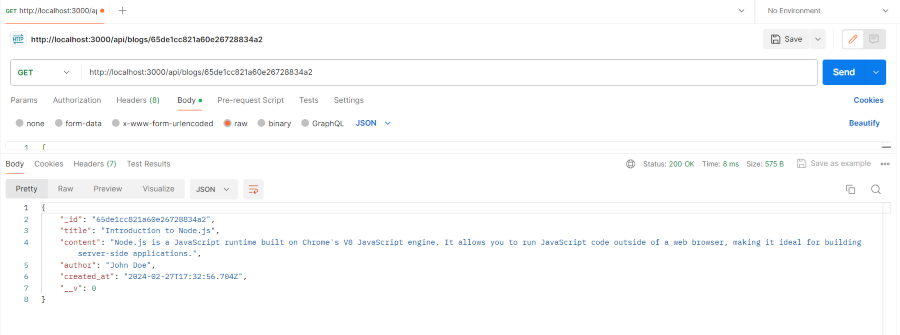
3. Get Blog by Id:

  • This route handler for fetching a single blog post by its id from the database.
πŸ‘ getbyid
get_by_id

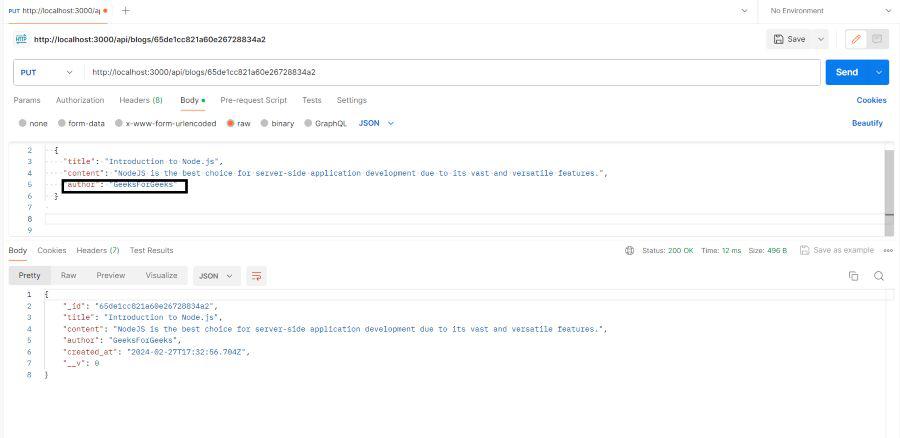
4. Edit Blog:

  • This route handler allows updating a blog post by its id.
πŸ‘ edit
edit

5. Delete All Blog:

  • This route handler deletes all blog posts.
πŸ‘ daa
delete-all

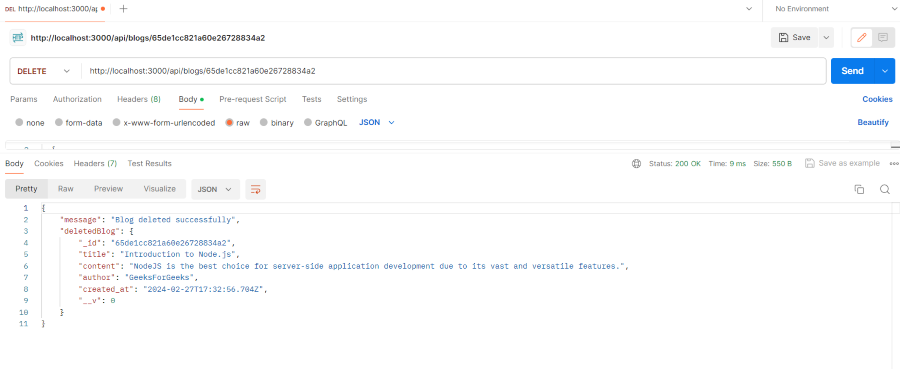
6. Delete Blog by Id:

  • This is a route handler for deleting a blog post by id using Mongoose in a Node.js/Express application.
πŸ‘ dbyid
deletebyid

Final Code:

Output:

Conclusion:

Creating a RESTful API for a blogging website using Node.js, Express, and MongoDB involves setting up a Node project with necessary dependencies, connecting to MongoDB for data storage, defining a Mongoose schema for blogs, and implementing CRUD operations. This approach allows for efficient management of blog posts through endpoints for creating, reading, updating, and deleting content, ensuring a scalable and robust backend solution for a blogging application.

Comment

Explore