|
VOOZH | about |
|
VOOZH | about |
Server-side rendering involves generating HTML on the server and sending it to the client, as opposed to generating it on the client side using JavaScript. This improves initial load time, and SEO, and enables dynamic content generation. Express is a popular web application framework for NodeJS, and EJS is a simple templating language that lets you generate HTML with plain JavaScript.
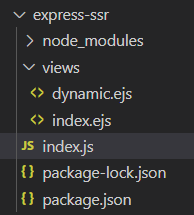
Step 1: Create a new directory for your project:
mkdir express-ssr
Step 2: Navigate into the project directory:
cd express-ssr
Step 3: Initialize npm (Node Package Manager) to create a package.json file:
npm init -y
Step 4: Install required modules (Express and EJS) using npm:
npm install express ejs
👁 Screenshot-2024-03-14-002530
The updated dependencies in package.json file will look like:
"dependencies": {
 "ejs": "^3.1.9",
 "express": "^4.18.3"
}
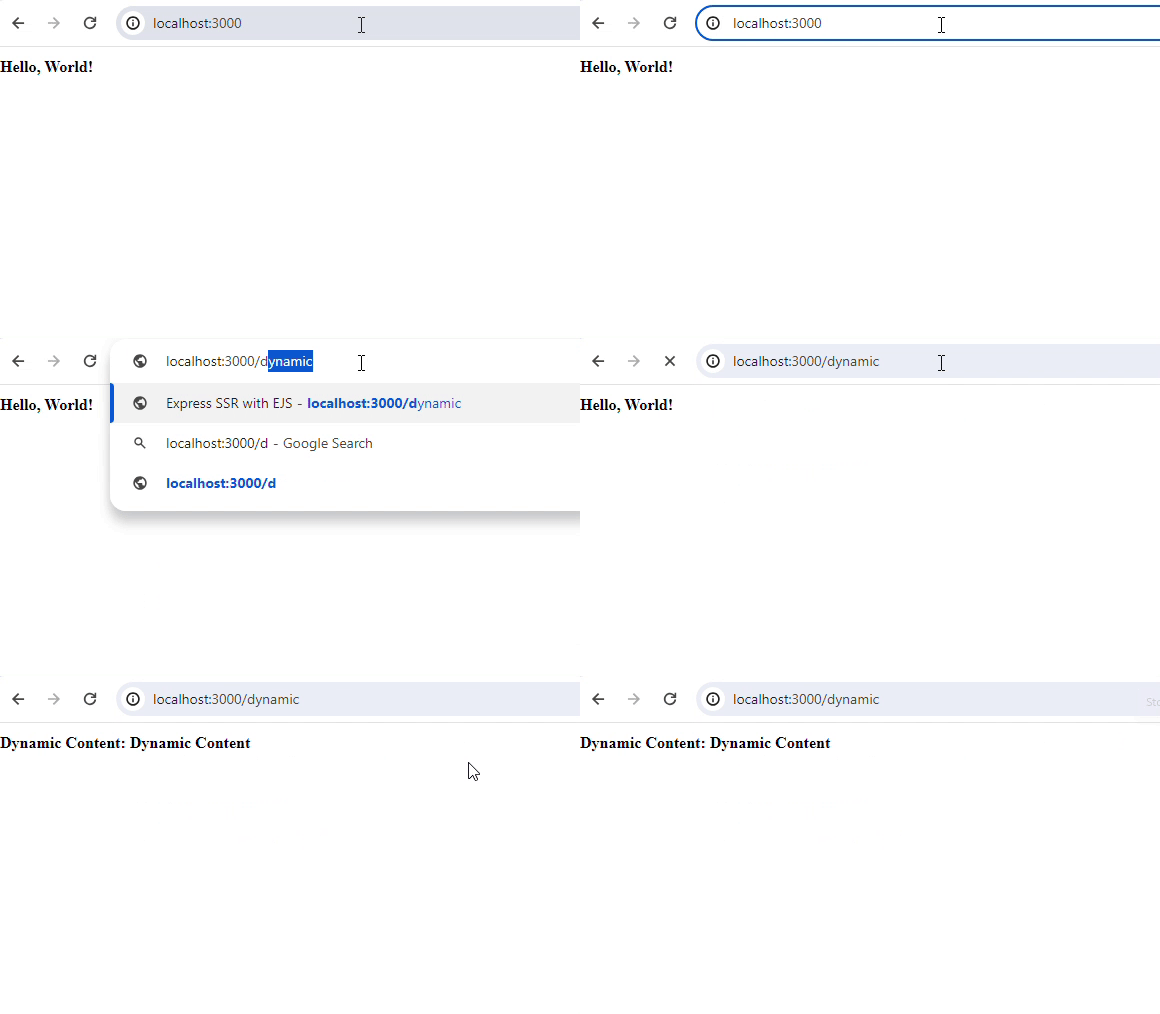
Example: Below is an example of ServerSide Rendering With Express and EJS Templates.
Start your server using the following command.
node index.js