|
VOOZH | about |
|
VOOZH | about |
In this article, we’ll walk through the step-by-step process of creating a Subscription Management System with NodeJS and ExpressJS. This application will provide users with the ability to subscribe to various plans, manage their subscriptions, and include features like user authentication and authorization using JWT (JSON Web Tokens). We'll use MongoDB as our database to store user information and subscription plans.
Step 1: Create a NodeJS project using the following command.
npm init -yStep 2: Install Express.js and other necessary dependencies.
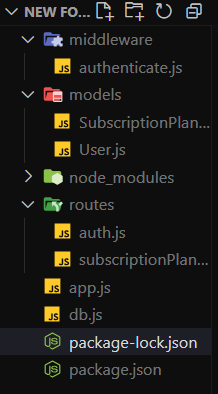
npm install express mongoose jsonwebtoken bcryptjs dotenv Step 3: Create folders for different parts of the application such as models, routes, and middleware. Inside each folder, create corresponding files for different components of the application.
Step 4: Set up a MongoDB database either locally or using a cloud-based service like MongoDB Atlas. Define Mongoose models for the data entities such as User, SubscriptionPlan.
The updated dependencies in package.json file will look like:
"dependencies": {
 "bcryptjs": "^2.4.3",
 "dotenv": "^16.4.5",
 "express": "^4.19.2",
 "jsonwebtoken": "^9.0.2",
 "mongoose": "^8.3.0"
 }
Example: Below is an example of Travel Planning App with NodeJS and ExpressJS.
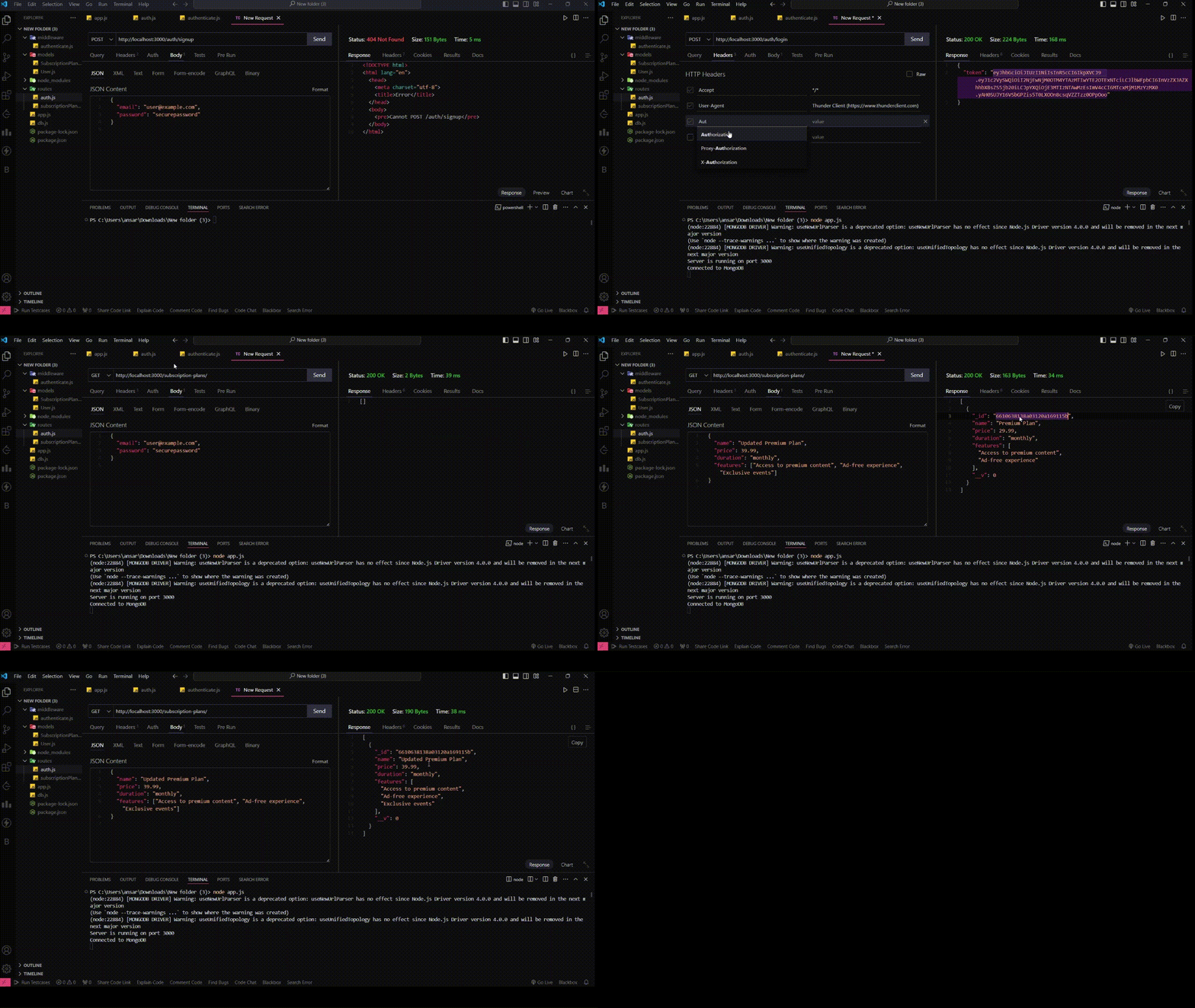
Start your server using the following command:
node app.jsOutput: