|
VOOZH | about |
|
VOOZH | about |
Learn to set up a URL Monitoring Service with NodeJS and ExpressJS. It tracks URL statuses and notifies of any changes. This course emphasizes simplicity for beginners while guiding on scalable and clean code practices. The system conducts health checks on multiple URLs to ensure availability over time.
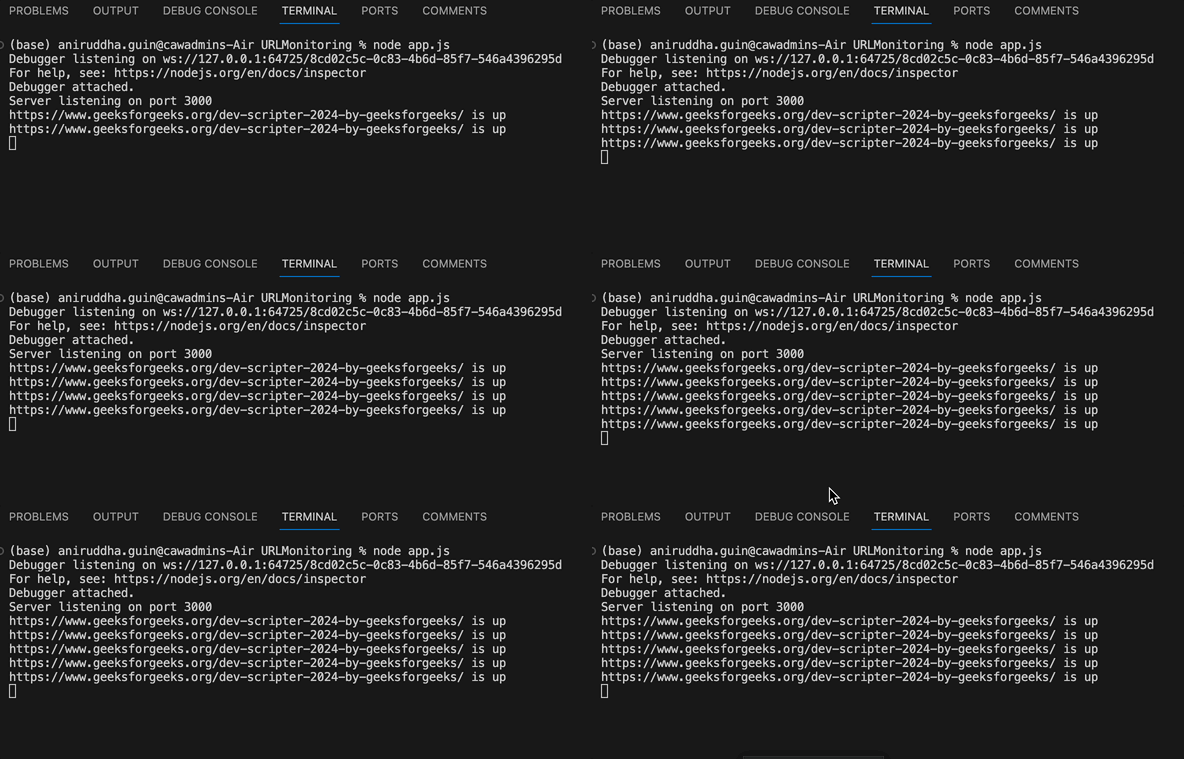
Output Preview: Let us have a look at how the final output will look like.
Step 1: Create a project directory:
mkdir url-monitoring
cd url-monitoring-app
Step 2: Initialize Node.js project:
npm init -yStep 3: Install dependencies:
npm install express axios body-parser cors requestThe updated dependencies in package.json file will lo:
"dependencies": {
 "axios": "^1.6.7",
 "cors": "^2.8.5",
 "express": "^4.18.2",
 "request": "^2.88.2"
}
Example: Below is the code example of the URL Monitoring Service:
Steps to Run the App:
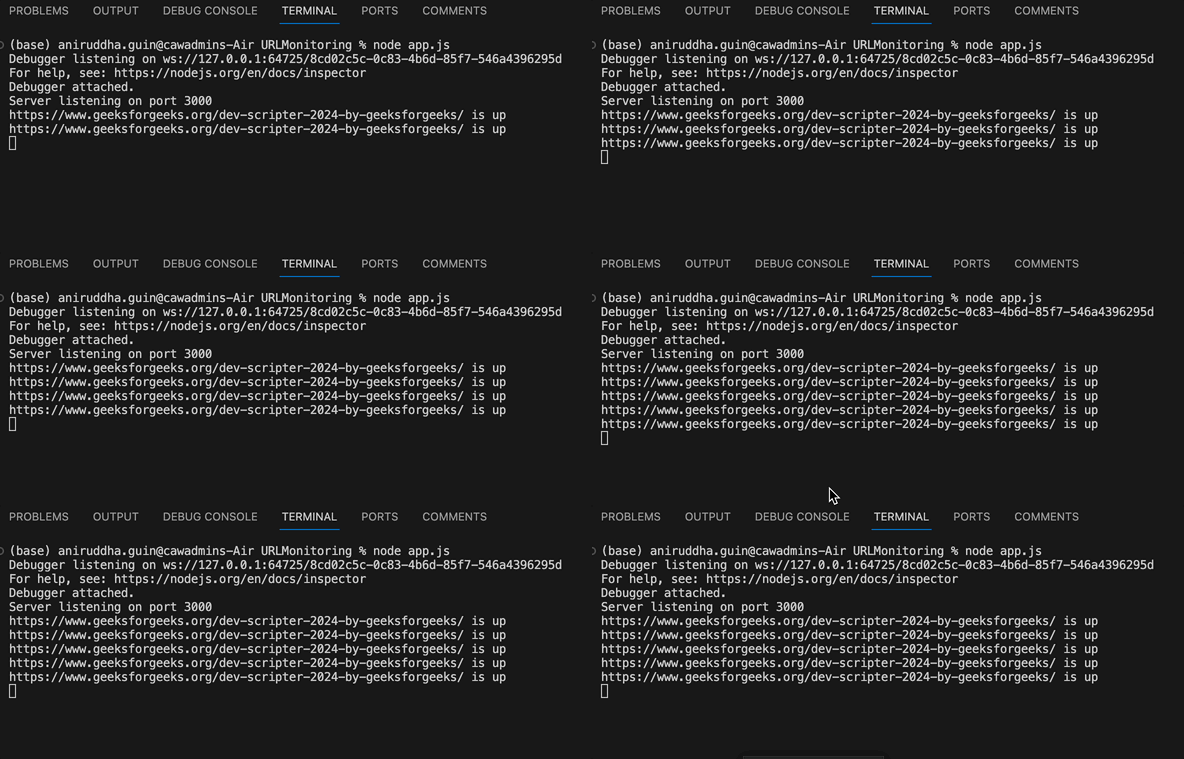
node index.jsOutput:
👁 GIFRecording