|
VOOZH | about |
|
VOOZH | about |
This article revolves around how can you change your default Django SQLite-server to PostgreSQL. PostgreSQL and SQLite are the most widely used RDBMS relational database management systems. They are both open-source and free. There are some major differences that you should be consider when you are choosing a database for your applications.
Also checkout - Difference between SQLite and PostgreSQL
First create a virtual env so to do that first install virtualenv using this command
pip install virtualenv
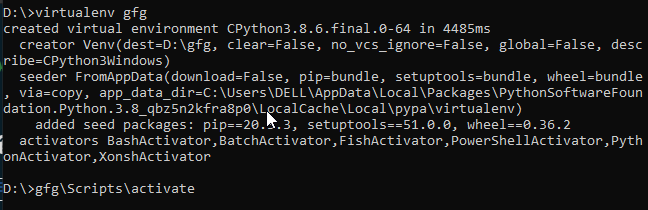
then we will create a virtualenv named gfg using
virtualenv gfg
to enter in the virtual environment create use
now we will install Django here so I am using Django 2.2
pip install django==2.2.*
To get Python working with Postgres, you will need to install the “psycopg2” module.
pip install psycopg2
now lets create a django project named geeks
django-admin startproject geeks
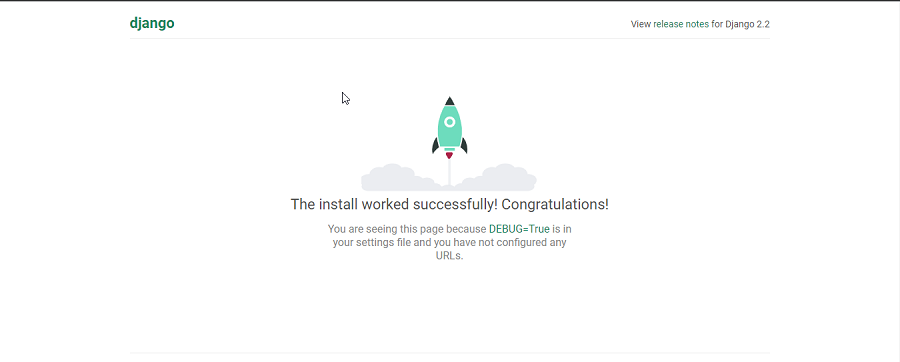
to check your django is running smoothly
python manage.py runserver
Now, go to the below link and download and set up PostgreSQL. create a database name gfg in your Postgres server. Now its time to switch from SQLite to PostgreSQL.
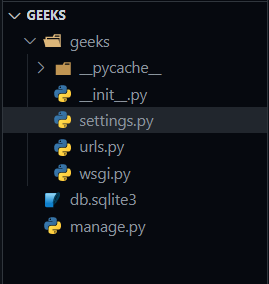
Folder structure -
open the settings.py file
now change database settings with this template code
DATABASES = {
 'default': {
 'ENGINE': 'django.db.backends.postgresql',
 'NAME': ‘<database_name>’,
 'USER': '<database_username>',
 'PASSWORD': '<password>',
 'HOST': '<database_hostname_or_ip>',
 'PORT': '<database_port>',
 }
}
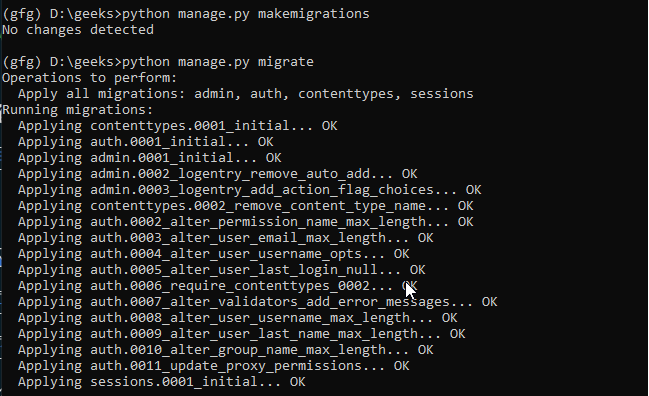
Run these commands
python manage.py makemigrations
python manage.py migrate
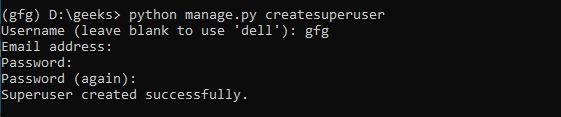
now lets create the default superuser:
python manage.py createsuperuser
now again run your server with
python manage.py runserver
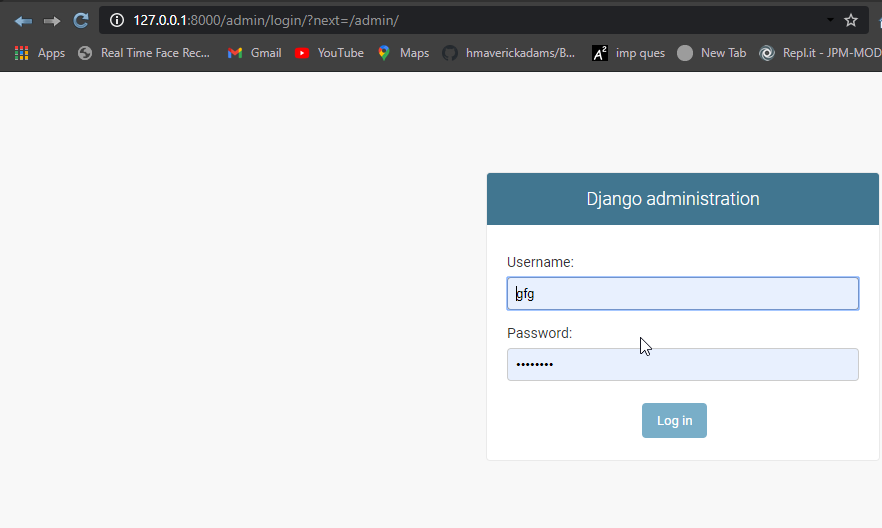
go to this route and add the credential you did while creating superuser
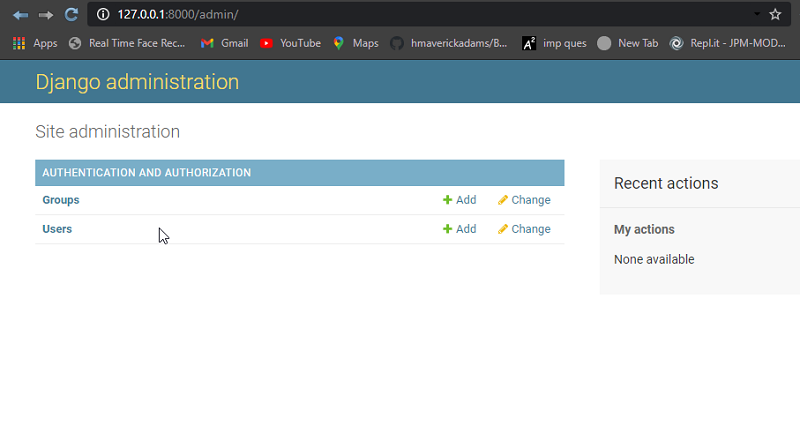
http://127.0.0.1:8000/admin/
and if you are successfully able to log in, you have successfully switched to PostgreSQL